



How to Remove Small Pixel Areas From Mask?
To be honest, I asked the same question before here, but it seems it was completely misunderstood. So I ask it again, more technical in the hope I get some useful answers.
I do macro photography with focus stacking and sometimes after a foto shoot have a huge amount of photos to process (sometimes 150, sometimes 500 and more). All these photos are shoot on a coloured background, but all are slightly different. The photos have something in common: On every photo, the object I would like to select using a mask has the largest continuous area on the image.
Using a color range selection I already have a very good base for the selection. The following image is the mask after a simple color range selection. It is obvious, the main object fills the largest area in this mask.
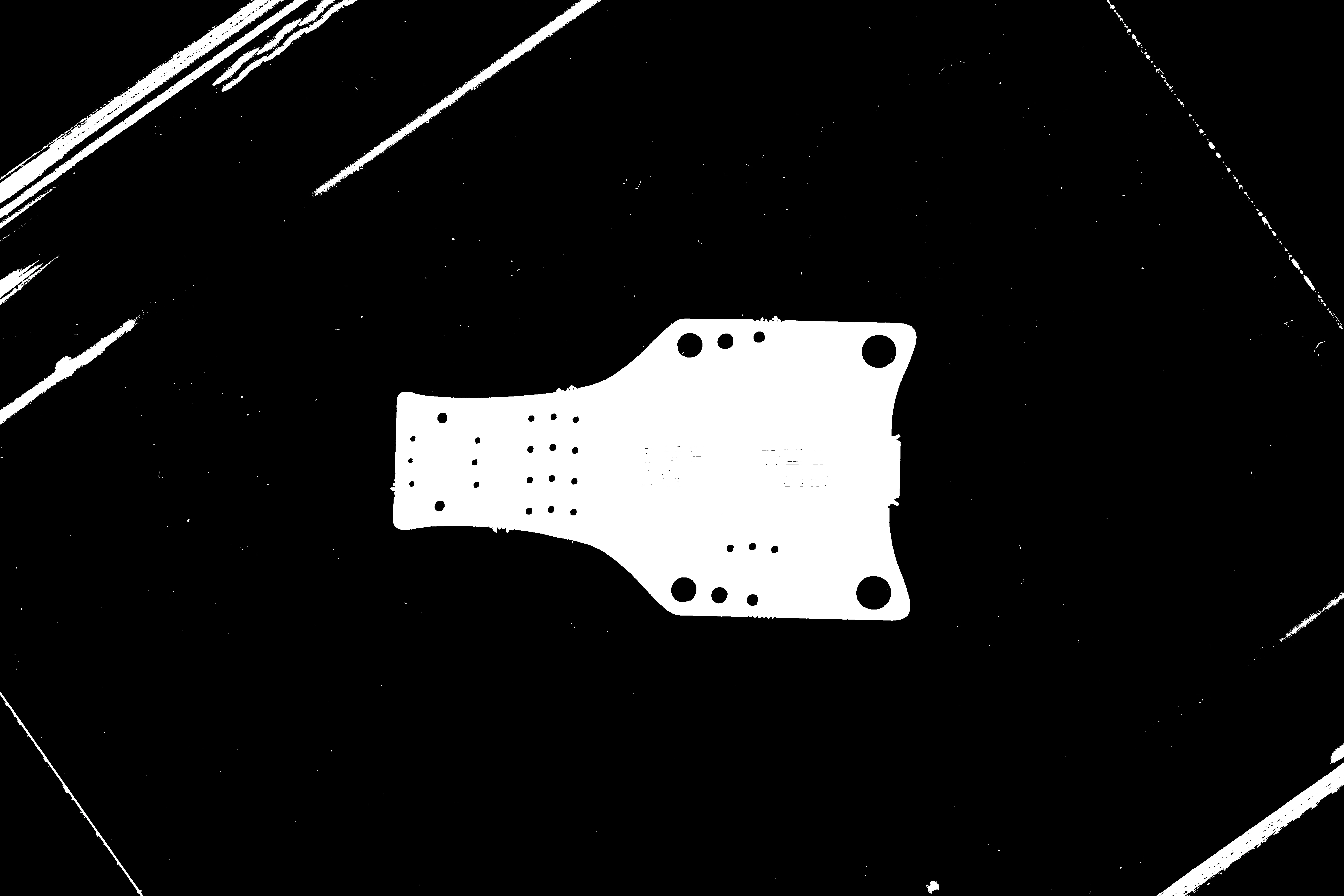
The mask contains very small specks, from dust and reflections which are not part of the object. See the following image for a close up detail of the same mask from above:
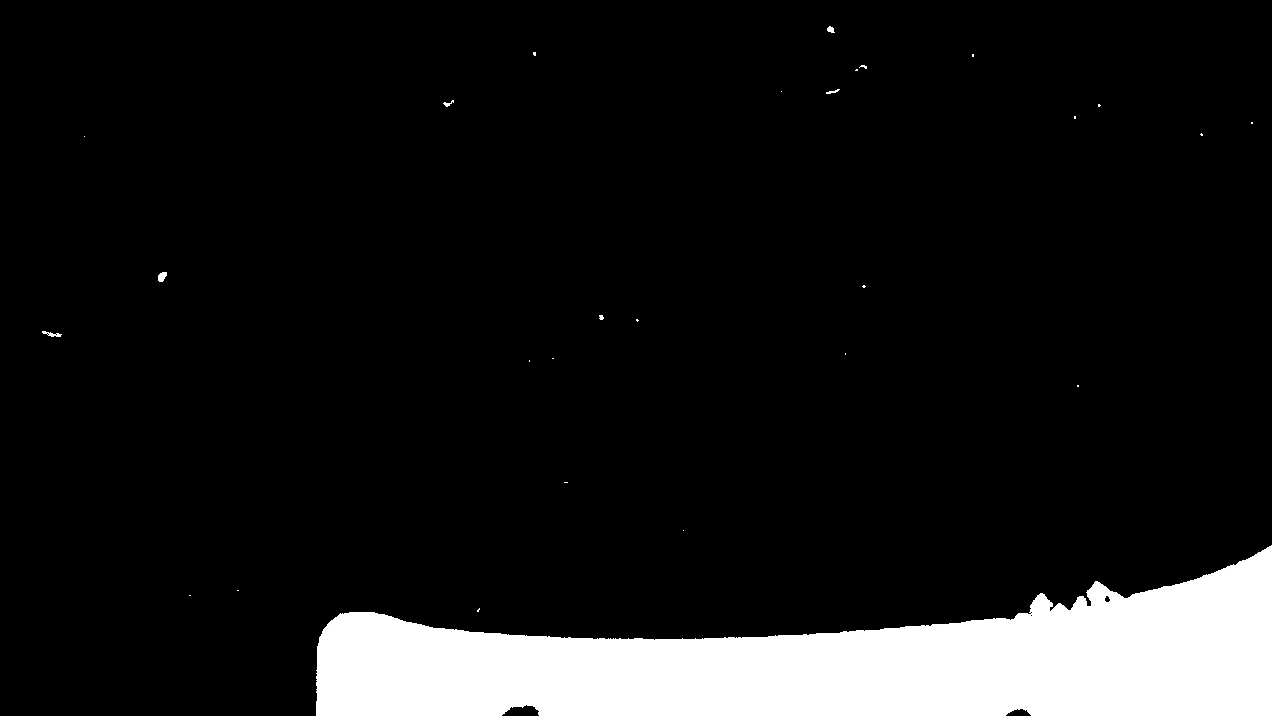
My Question is:
Is there an automated way for batch processing, using a filter, plug-in, script etc. to just select the largest area in the mask?
Or is there a way just to remove small specks/areas/blobs in the mask.
Using a brush, or do a manual selection is out of question. It should work fully automatic with no manual input required.
 AdChoices