


How to see reference images off of artboard in Photoshop CC?
Hi,
I have been using Photoshop and Illustrator for awhile. I really like how I can have as much stuff (photos, vector art, text, etc) outside of the artboards in Illustrator. I have long wished I could do this in Photoshop.
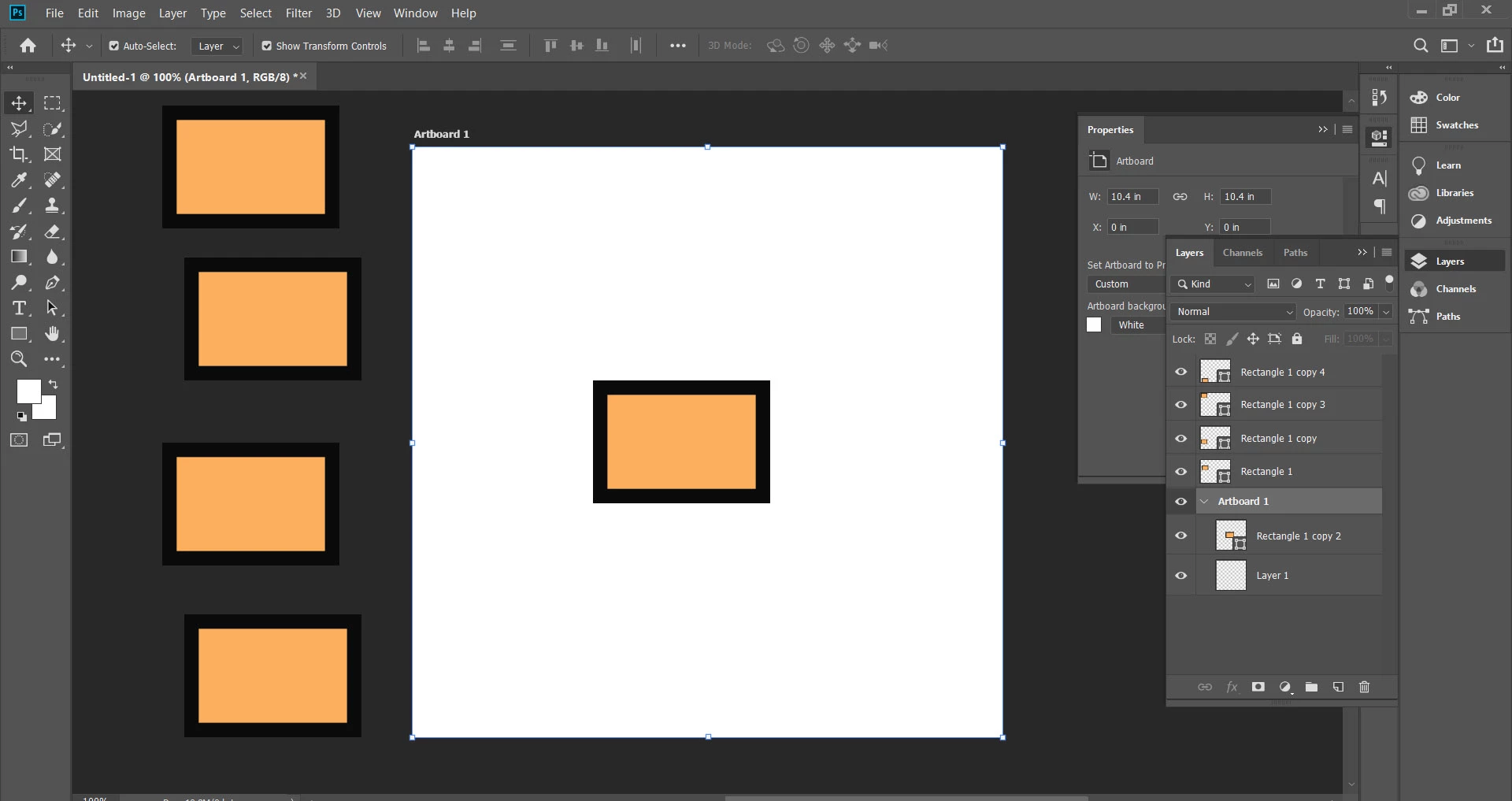
Recently, I was watching a tutorial for Photoshop painting on Lynda and the author dragged a bunch of references files off of his artboard and onto the dark gray nether space (the non artboard area) and you could still see them! Mind blown. But this does not work for me.
When I place a file into my Photoshop -most recently, a photo of a wing for reference) - I cannot drag it off of the artboard and still see it. It disappears. This is annoying. I would like to use my entire artboard space for drawing and have the reference just off to the side. How do I duplicate my Lynda friend's method of having visible layers (references) in the off-artboard nether space? (He does not say how in the video) :{
Help appreciated!
 AdChoices