

Answered
How turn on recent file display?
Hi, I have a problem with the PS startup screen. I don't see thumbnails of recently edited files. I reseted PS settings, reinstalled PS and unfortunately can't turn on preview.
Anyone have any idea?
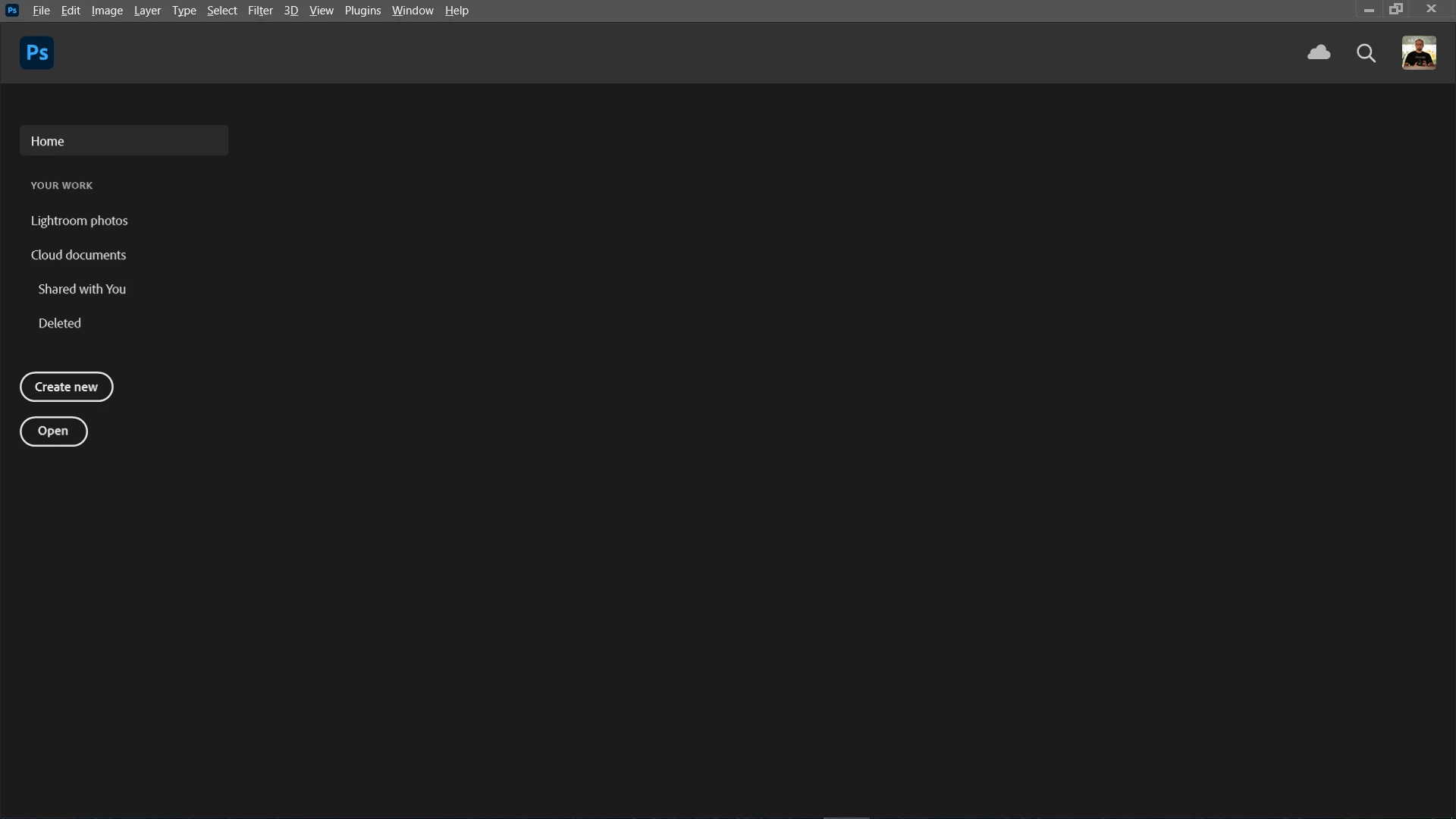
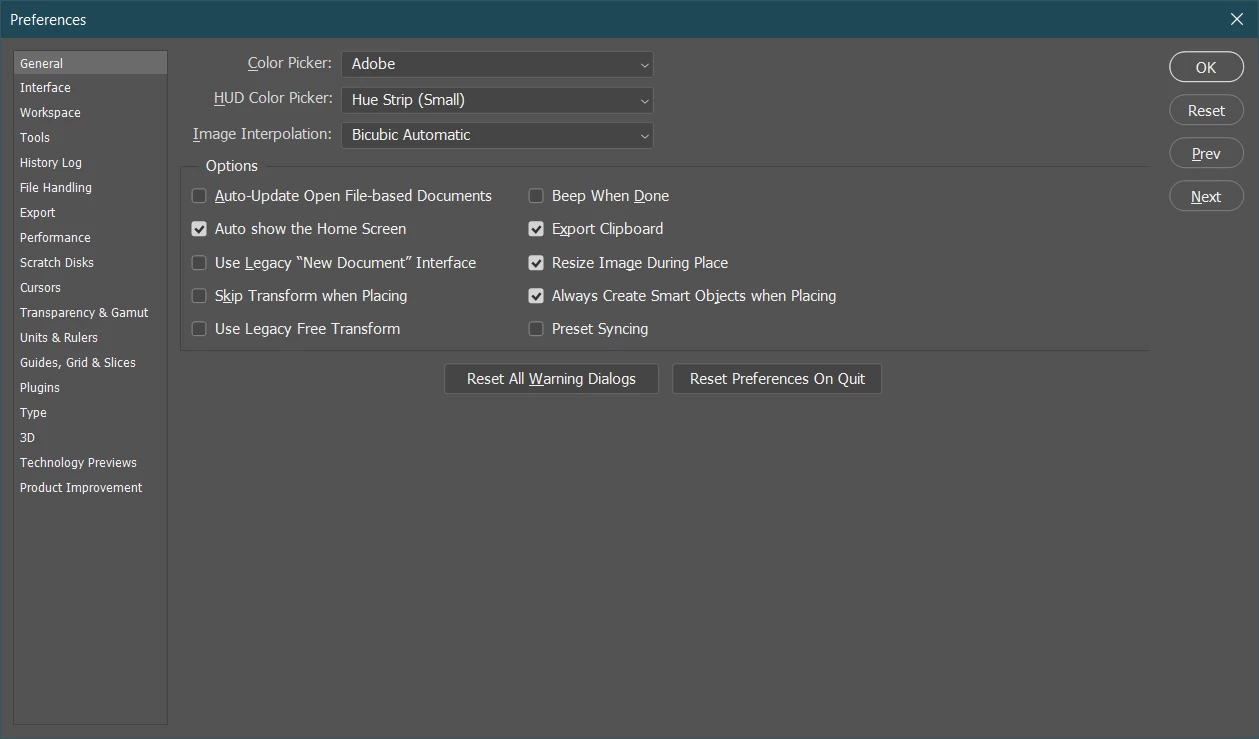

Hi, I have a problem with the PS startup screen. I don't see thumbnails of recently edited files. I reseted PS settings, reinstalled PS and unfortunately can't turn on preview.
Anyone have any idea?
Yes, the files appear under recent files (File > Open Recent). I reset and even deleted manually. The system is Windows 10. But ... it turned out the problem is in version 22.3 as I went back to 22.2 everything is ok. Thumbnails are visible.
Already have an account? Login
Enter your E-mail address. We'll send you an e-mail with instructions to reset your password.
 AdChoices