


Answered
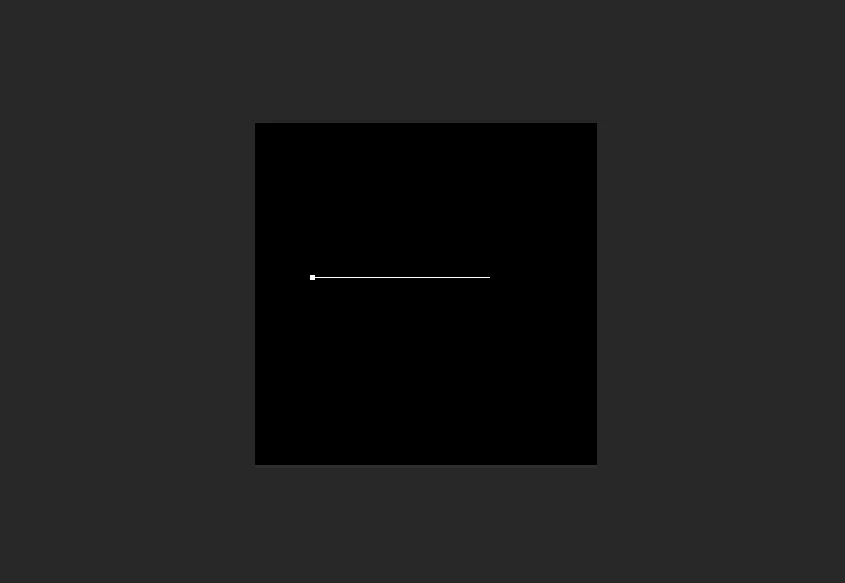
I am getting a straight line when I am typing in Photoshop.
I am a beginner. How can I change this in order to see the text?

I am a beginner. How can I change this in order to see the text?
You text color is black. That's why you can't see it.
Photoshop has two text modes. If you click the Type tool and type text, you get a line with the text on it. If you click and drag the Type tool, it makes a resizable box for your text. Either is fine, although the text box is a little more flexible.
This is explained in the Photoshop Help.
Already have an account? Login
Enter your E-mail address. We'll send you an e-mail with instructions to reset your password.
 AdChoices