Photoshop 7 is getting on for almost 20 years old – you may have problems running it under a modern operating system.
Maybe time to consider upgrading to the Photography Plan. It includes Photoshop, and upgrades as they become available, plus Lightroom and some cloud storage for around $10 a month. Try the free trial to test it that you have the resources on your system to run it successfully (16GB RAM and lots of spare hard disk capacity).
We're sorry about the trouble with Photoshop. Would you mind telling us the version of Photoshop and the operating system you're uisng? Since when you have been seeing this issue?
Please try the below mentioned steps and check if that helps:-
First, make sure that Photoshop is completely closed – Check from the Task Manager to confirm that Photoshop or Creative Cloud is not running in the background.
Next, right-click on the Photoshop executable (the one that you use to launch the program) and click onRun as Administrator. If you’re prompted by theUAC (User Account Control)window, clickYesto grant admin access.
Once Photoshop is opened, use it normally and see if the issue is still occurring. If it isn’t, continue with the steps below to make the changes permanent.
Close Photoshop completely once again.
Right-click on the Photoshop executable once again and choosePropertiesfrom the context menu.
When you’re inside thePropertiesscreen of Photoshop, select the compatibility tab, go to theSettingssection and check the box associated withRun this program as an administrator.
Click onApplyand then open Photoshop again to see if the fix was effective.
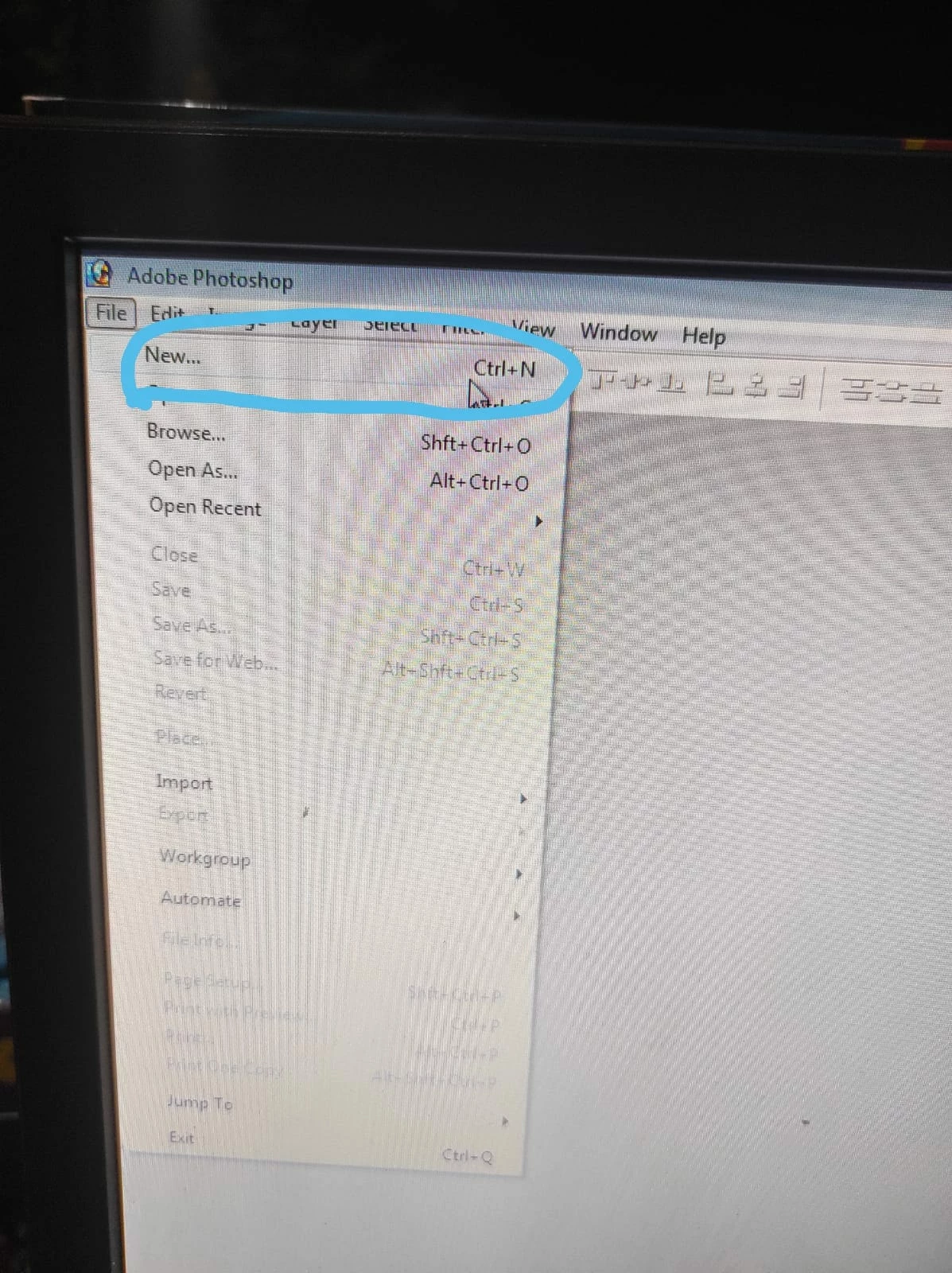
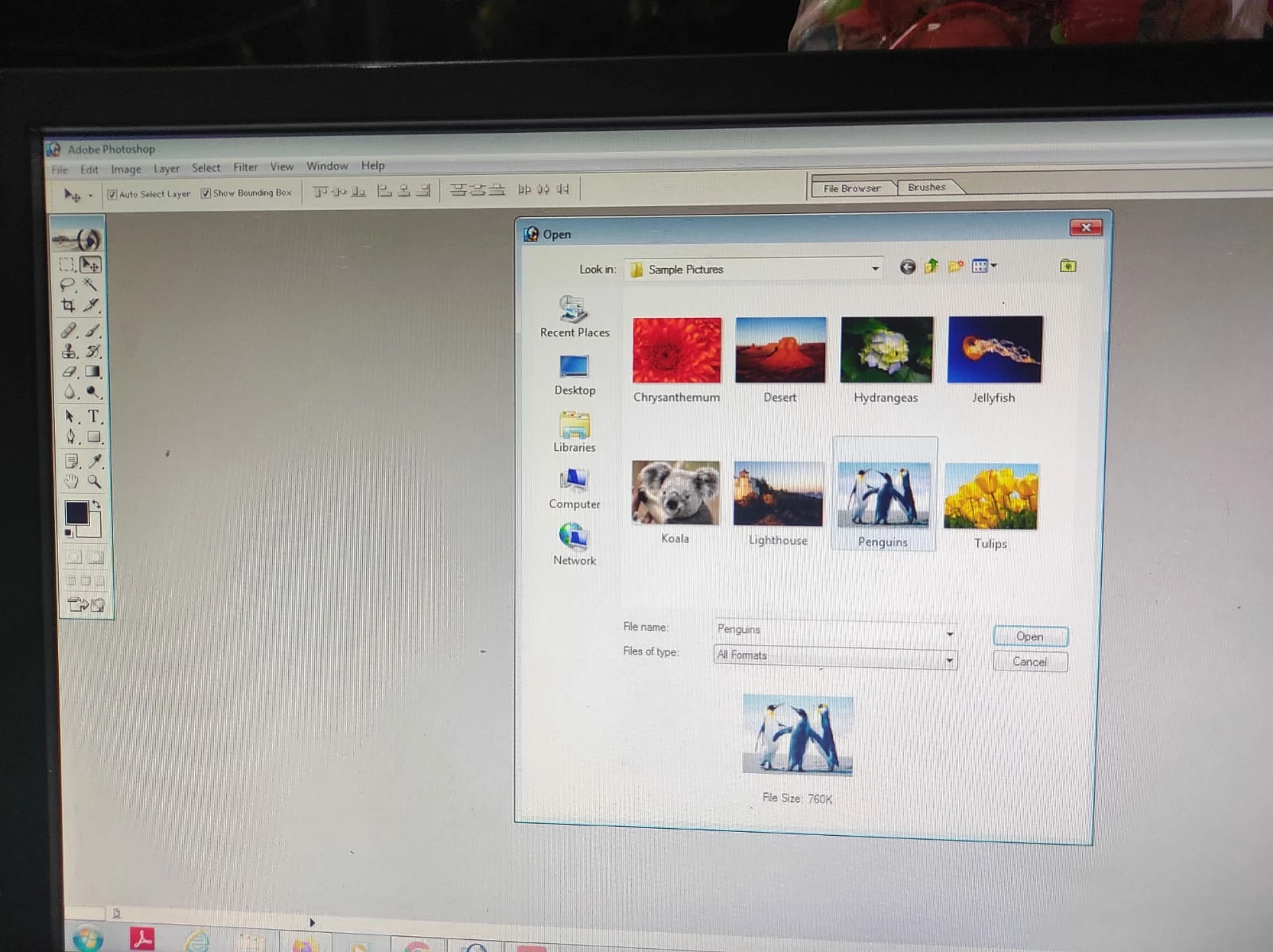
What are the exact versions of your Windows and Photoshop? What exactly is happening when you click new?
please check if there are any pending updates. You may try resetting Photoshop preferences back to defaults and check if that helps. Here's the article for the steps: https://adobe.ly/3ceal5t Also, back up the existing Photoshop preferences if you have any custom brushes, action, and workspace: https://adobe.ly/2vNz6FG



 AdChoices