


Question
I screwed up the functions, how do I reset?
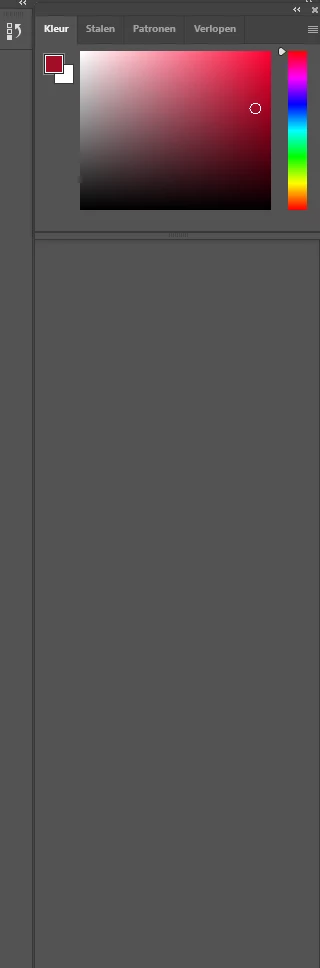
I accidentally deleted the color wheel while working and trying to get that back, I've lost... everything else. In the massive grey area there's supposed to be font size (text layer selected) and all the other layers are supposed to be listed below. But it's all gone. Please help. I accidentally did something similar at work and Photoshop became pretty much unusable to me because nothing is where I'm used to it being.
If I delete Photoshop and reinstall, will it return to the default settings that I am used to?
 AdChoices