


Participant
July 6, 2021
Question

Image can't convert to Bitmap if layer mask is selected

  • July 6, 2021
  • 2 replies
  • 1597 views

[bug report]

When converting an image to Bitmap via Actions, if a layer's mask is selected, Photoshop displays the error "The command “Convert Mode” is not currently available."
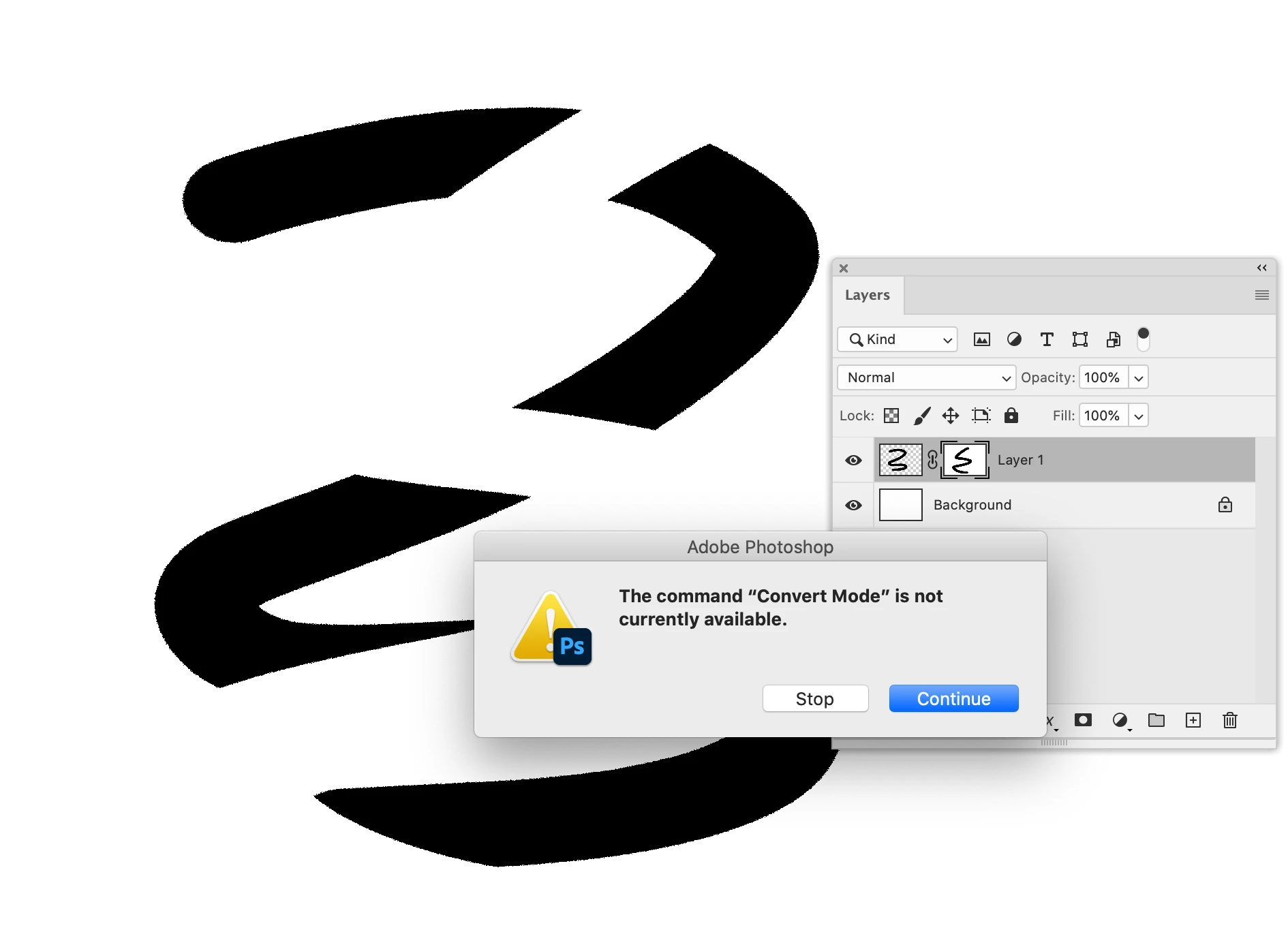
(When performing this operation without Actions, `Image > Mode > Bitmap` is simply unavailable)


The only way to enable conversion to Bitmap is to select either the layer itself or another layer.


It makes no sense for conversion to Bitmap to be disabled if a mask is selected. This is a bug that impacts my day to day work.

This topic has been closed for replies.

2 replies

c.pfaffenbichler
Community Expert
Community Expert
July 6, 2021

I disagree with your claim but feel free to post a Bug Report over on 

Photoshop Family

Maybe others agree with you and add their votes.

You might even get feedback from an Adobe employee; but don’t expect too much in that regard. 

c.pfaffenbichler
Community Expert
Community Expert
July 6, 2021

First off: I do not immediately see how this would be a bug.

Has any Adobe employee ever stated that it should be otherwise? 


Secondly: If it impacts your work you obviously need to work around it, in the Action inserting a selection of the black Channel (or flattening …) should suffice. 

rob day
Community Expert
Community Expert
July 6, 2021

There’s also Command-3, which selects the Gray channel