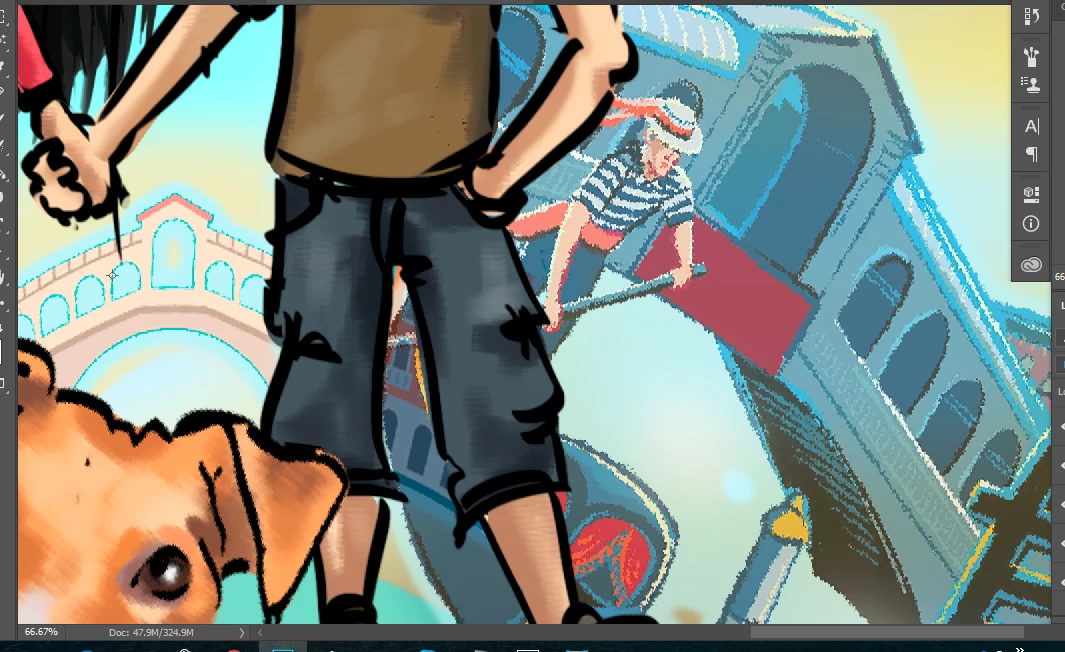
Inspiring
February 1, 2018
Answered

Image gets distorted after resizing & rotation.

  • February 1, 2018
  • 4 replies
  • 5690 views

This started to happen couple of days ago. I do not know why? Never have this problem before. It just started.

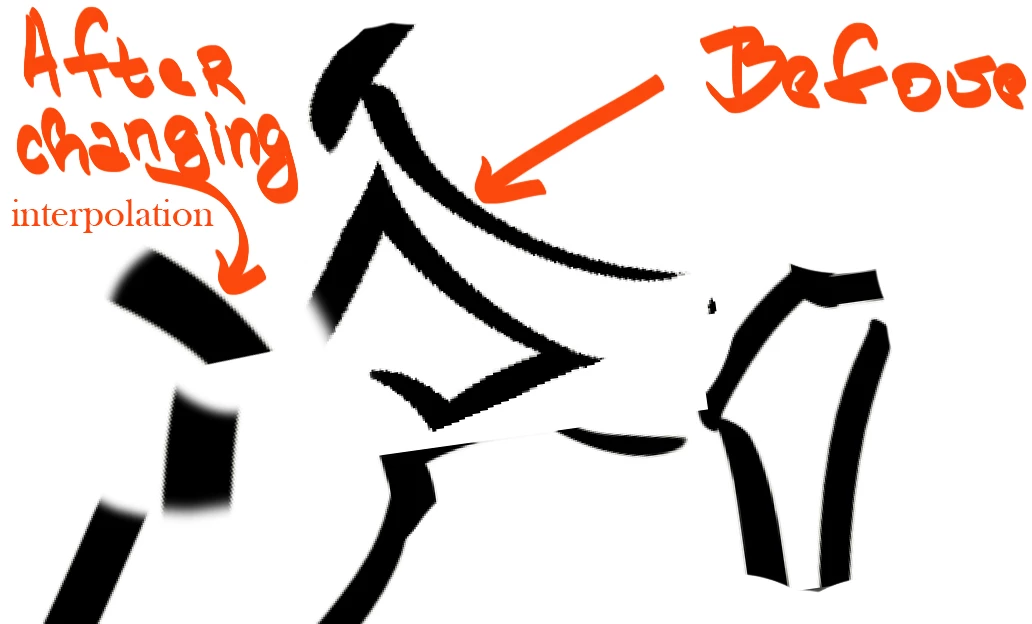
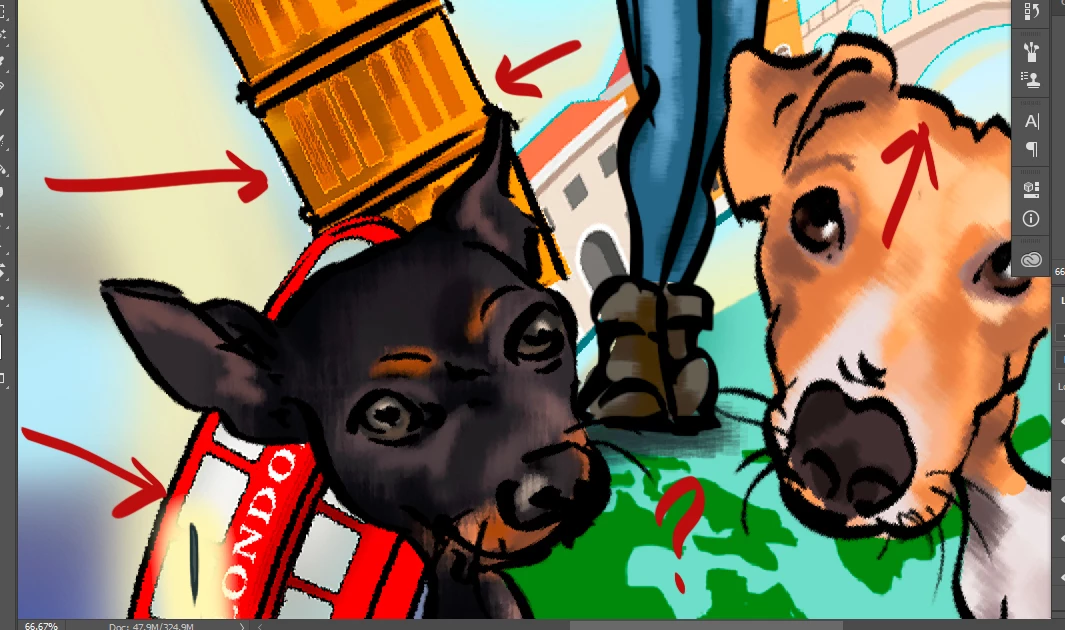
When I resize something, part of my drawing for instance and it gets these strange edges (not sure how to call it) Not pixeled but just not smooth at all.

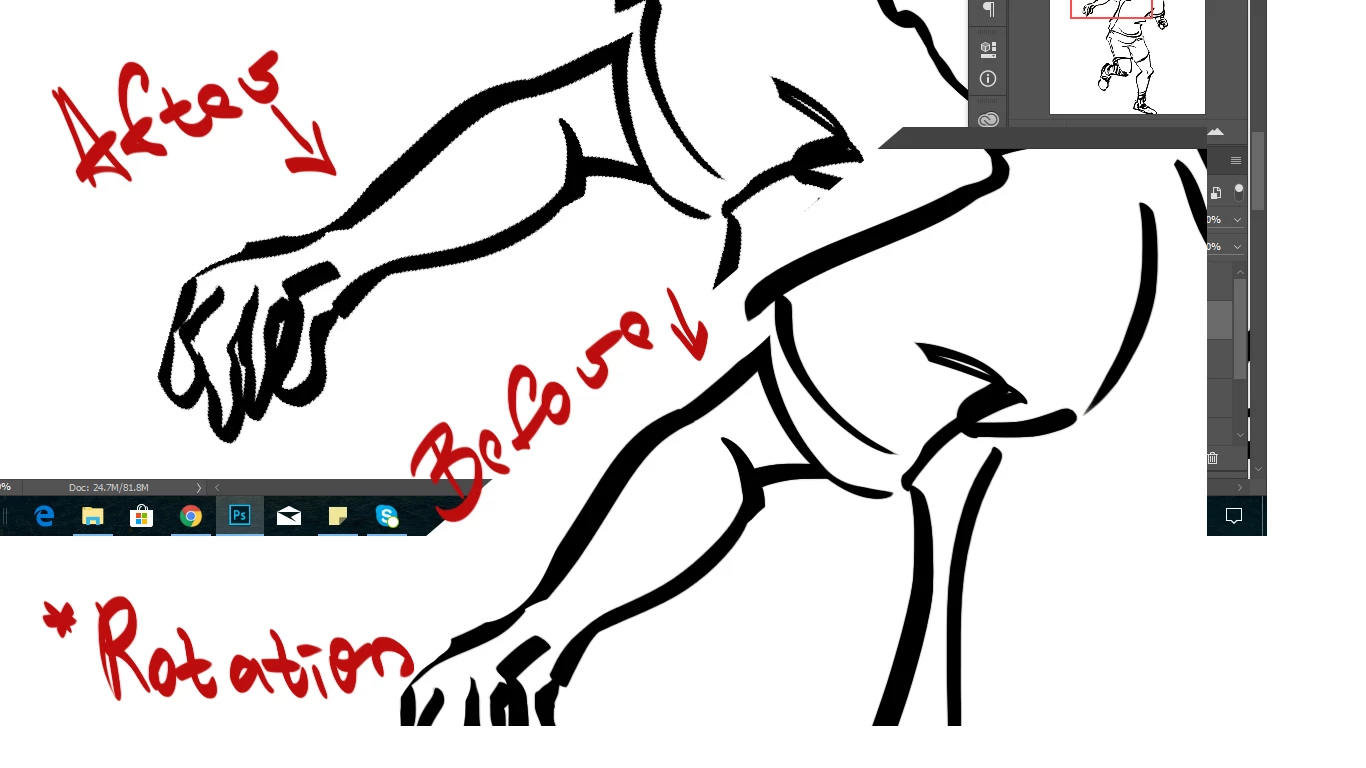
This also happens when I rotate something. Even if I haven't resized it before that, just rotating and bam! 😕😕

I really do not know what to do and this really troubles my work.

Thank you.
This topic has been closed for replies.
Correct answer 4Okleika

I just fixed it.

Really not sure why this happened, but at one place I saw an answer: "change the Interpolation" (after you click on the free transform) .

And so I did and it just got fixed.

The more interesting part is that I tried on all Interpolation - options and this problem didn't showed again? I don't know, maybe some bug.

Check: I cut different parts again rotated them and such , and no more problem? Strange.

4 replies

4OkleikaAuthorCorrect answer
Inspiring
February 1, 2018

I just fixed it.

Really not sure why this happened, but at one place I saw an answer: "change the Interpolation" (after you click on the free transform) .

And so I did and it just got fixed.

The more interesting part is that I tried on all Interpolation - options and this problem didn't showed again? I don't know, maybe some bug.

Check: I cut different parts again rotated them and such , and no more problem? Strange.

davescm
Adobe Expert
February 1, 2018

You might want to check the default image interpolation setting in Preferences > General . You may find that changing in the options bar has overcome an issue with the default.

Glad you have it sorted though

Dave

4OkleikaAuthor
Inspiring
February 1, 2018

Check the differences: I just selected one part of this image and resized it a bit and look the lines after this:

davescm
Adobe Expert
February 1, 2018

Is that before or after hitting the tick button after the transform?

Before rotation

After rotation but before pressing Enter or clicking tick button:

After hitting enter or clicking the tick:

If it is as above then it is normal

Dave

4OkleikaAuthor
Inspiring
February 1, 2018

"After rotation but before pressing Enter or clicking tick button:"

But it stays like that after I hit the enter :/ It does not corrects after the enter button. I told you I never had this problem before and I'm really confused .

Mylenium
Brainiac
February 1, 2018

Check your graphics driver and hardware acceleration preferences as well as your settings for PS' memory tiles.

Mylenium