Hi Gloria, you said: “I work in ProPhoto work space; CaFe site says send sRGB....(!).”
It’s actually very common for the editing color space to be different than the final submission color space. That’s normal when editing photos for print, web, and other media. We use ProPhoto RGB because it is a nice big color space for editing master images using their full color range, and then we convert down to the specific color spaces that each client requires (sRGB, Adobe RGB, FOGRA39 CMYK, etc.).
Photoshop is built to let you edit in wide color spaces like ProPhoto RGB, and then convert to a client-specific color space like sRGB on export. In a similar way, Photoshop lets you edit using the full uncompressed original format image that has a large file size, and then you convert to a compressed small file size image in a format such as JPEG for upload.
The various Export and Save As commands in Photoshop use that philosophy. I gave some examples in another thread that you should take a look at, click this link: Compressing file size and converting color space for exported JPEG copies. In the examples shown there, you can see how the Export > Export As and the Export > Save for Web (Legacy) let you do both things to the exported copy: Compress the file size down for quick upload and to fit submission requirements, and also convert the color space to sRGB with a simple check box. And the great thing is, since those commands make those changes only to the exported JPEG copies, they do not degrade your original Photoshop files.
So the examples in that link are good ways to create small sRGB copies of your Photoshop files for uploading to a submission form such as Call For Entry/CaFE. Use either Export > Export As or the Export > Save for Web (Legacy) command, and in either of those dialog boxes:
- Use the file size and image preview as you adjust compression, to balance preserving image quality with achieving a file size under the 5MB requirement for CaFE.
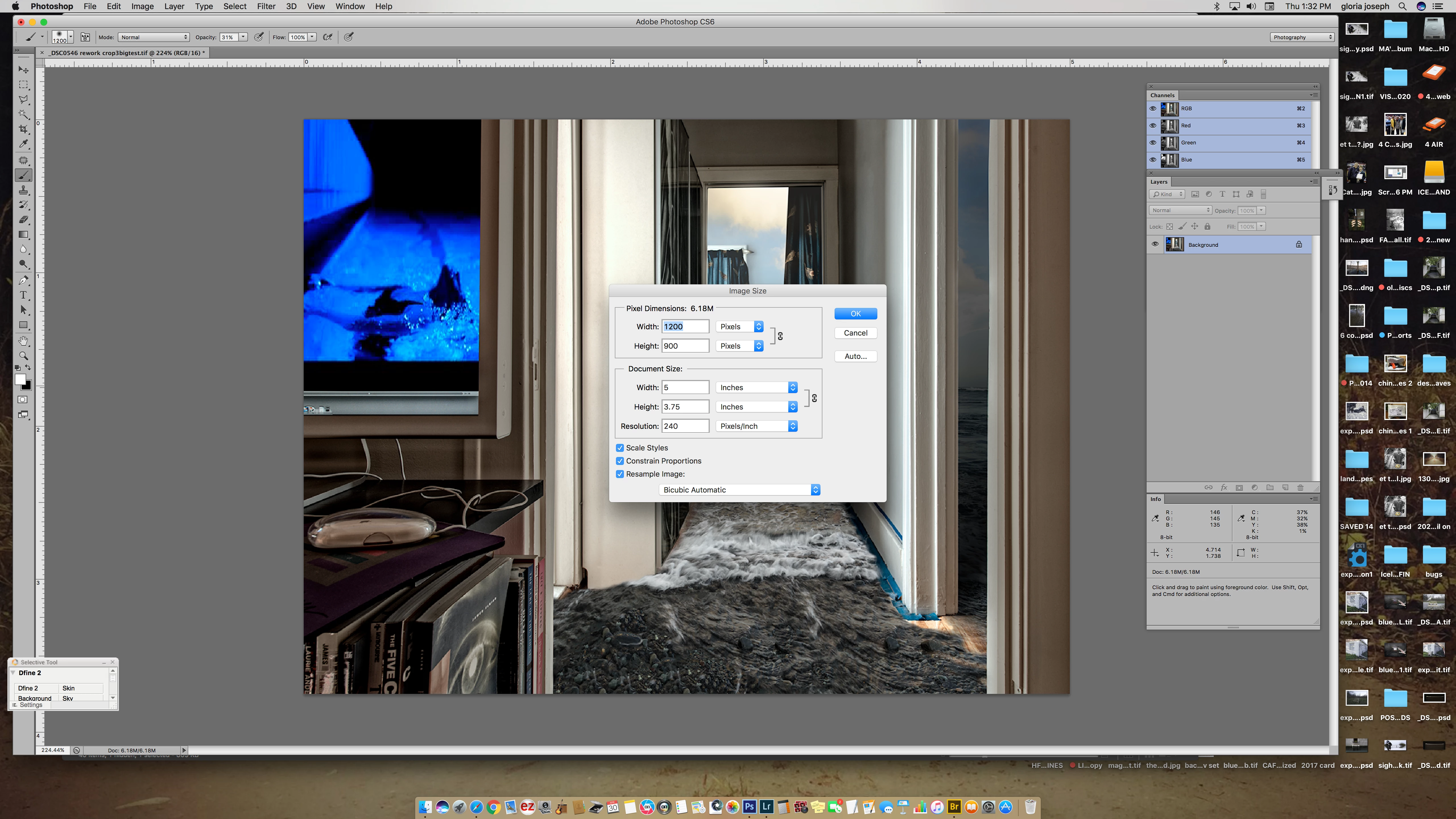
- Use the pixel width and height to reduce the pixel dimensions to the CaFE requirement of 1200 pixels minimum. (Large originals may end up more than 5MB as a JPEG.)
- Use the “Convert to sRGB” option to convert the colors to sRGB in the exported, compressed JPEG copy.




 AdChoices