Participant
May 1, 2024
Question

Is there a way to automate banner resizing/layouts for multiple sizes

  • May 1, 2024
  • 6 replies
  • 5668 views

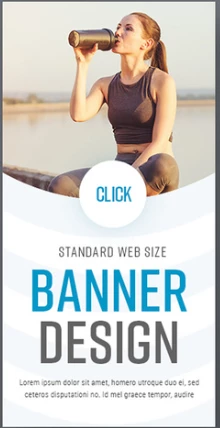
Let's say I have my main banner layout: (photos used are only for reference, not actual designs)
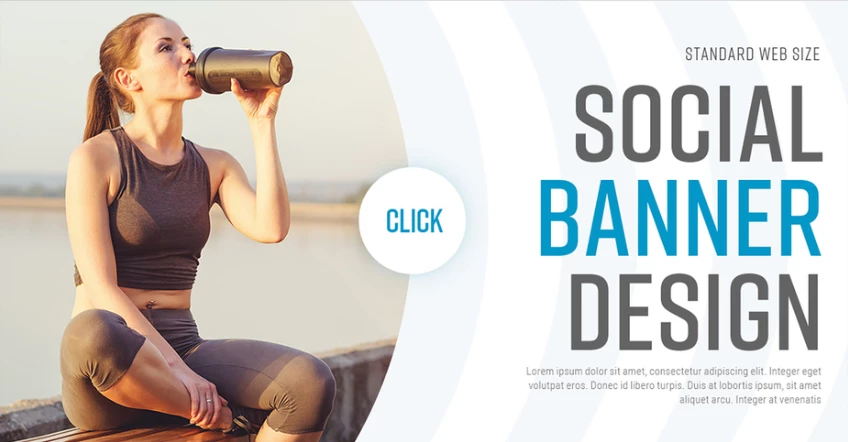
and I want to resize it to different other sizes, like these ones for example: 

  

Is there a way to automate the layouts while still having the elements proportional to their images sizes? Can it only be done via scripting or are there other tools in photoshop that can be used?

6 replies

SteveThompson84
Participant
December 20, 2024

I've not found a solution to date in Adobe but Creotopy does exactly this. 

Participant
August 28, 2024

@Gab BalanonWas wondering if you found a solution to this yet. I have the same task and use Indesign to manually lay out the four most common sizes and then resize based on those. I've heard liquid layouts could make this a lot easier. I've also seen someone who scripted the same principle in Figma, but not my ideal choice since I like my Adobe workflow.
https://www.youtube.com/watch?v=i5THkTJ-j6k

Participant
June 16, 2025

I recently discovered this free tool called LunarianWorks dot com. I think they're still in Beta but does a pretty good job for resizing  ads all at once. We're a fashion company so we have pretty good campaign or still life photos from the photoshoots already.  Just need simple cropping and adding the logo, text, etc. It does the job.

Legend
May 1, 2024

Isn't this what artboards are for?

Stephen Marsh
Community Expert
Community Expert
May 1, 2024
quote

Isn't this what artboards are for?


By @Lumigraphics


But the OP wants AI artboards to automatically recompose the content from and to different sizes and orientations.

Earth Oliver
Legend
May 1, 2024

That's called basic graphic design production and needs to be done manually. And none of those elements are "proportional to their images sizes"
Just do the work.

Stephen Marsh
Community Expert
Community Expert
May 1, 2024
quote

That's called basic graphic design production and needs to be done manually. 


Just a few short years ago the same was said about illustration/painting... Now it's done with a prompt.


Pretrained generative AI is already making inroads into layout and design.


quote

Just do the work.


By @Earth Oliver


While you still can! :]

The genie is out of the bottle...

c.pfaffenbichler
Community Expert
Community Expert
May 1, 2024

As @Stephen Marsh already mentioned Photoshop does not seem th eideal tool for the task, but out of curiosity: 

How many different banner formats do you need to create? 

How many layouts do you need to adapt? 

What are the rules? (Like when is the subline left out?)

Stephen Marsh
Community Expert
Community Expert
May 1, 2024

InDesign is better suited to this task:


https://helpx.adobe.com/au/indesign/using/alternate-layouts-liquid-layouts.html


Otherwise searching the web returns a few hits for AI banner software with this feature.


It would depend on whether you knew the approx size and orientation of multiple banner templates in advance or require more flexibility for multiple on the fly banners at unknown sizes or orientation.