


Is there any way to select a layer, that is currently covered by a Marquee selection?
I'm not sure if this problem existed in the previous versions – in my head I remember that this thing worked, but now I finally got frustrated enough to ask:
Uusually I use the Move tool to quickly select layers by just clicking on a drawing. I can also use CMD click, if I'm currently using another tool.
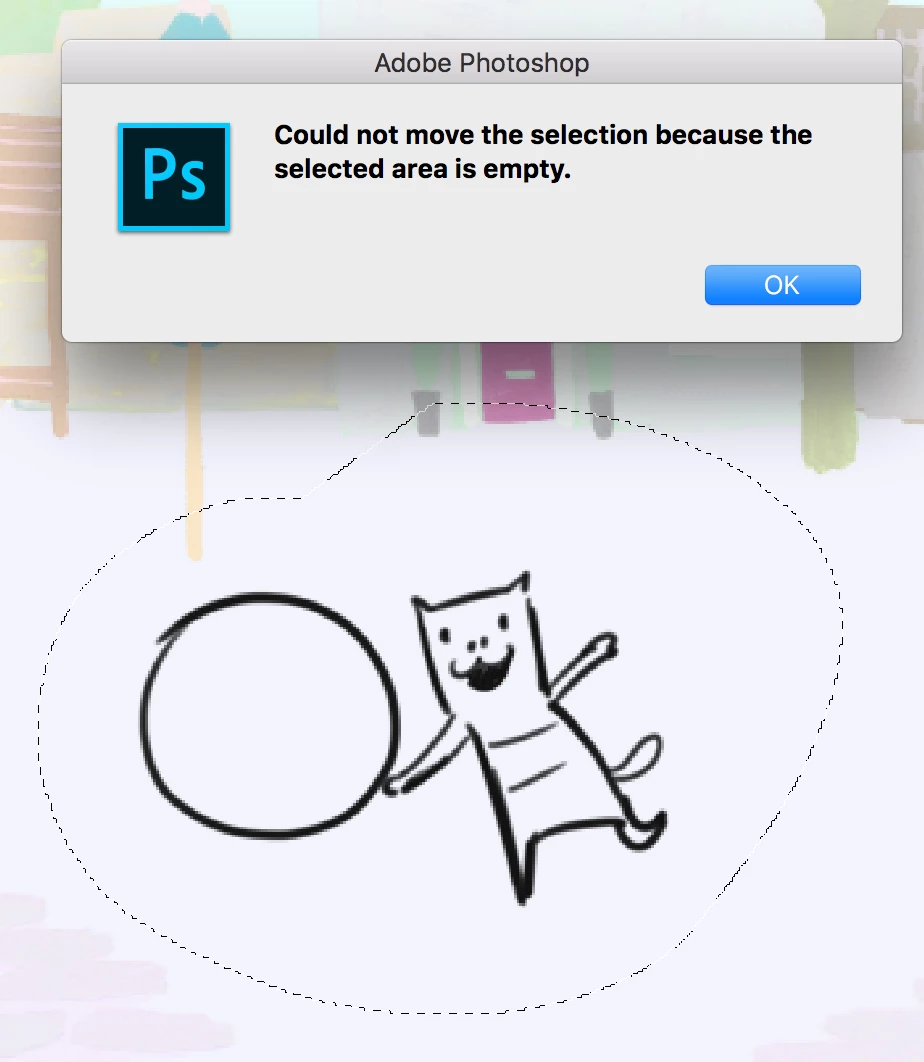
But here is the trick - if there is any Marquee selection, there is no way to click through it to select a layer. Clicking outside a Marquee of course works, but what if all the drawing on the desired layer is currently covered by a Marquee selection?
I've tried all possible shortcuts, no luck. I can't even right ckick with the Move tool in order to choose from the list of layers.
In the end I have to search for the desired layer manually in the Layers panel, which can take time , if it's a big project, or clear the Marquee selection, then choose the layer, then use Marquee again (not an option, if I already created a complicated Marquee...)
(I'm on Mac OS High Sierra, Photoshop CC 2017)
in the screenshot - I try to pick the cat layer
 AdChoices