



Issue with bounding box detaching from object—Transform tool—Mac Ventura — Mac user help required
Hi everyone,
I'm having an issue with bounding boxes (for every layer/images/object - all projects).
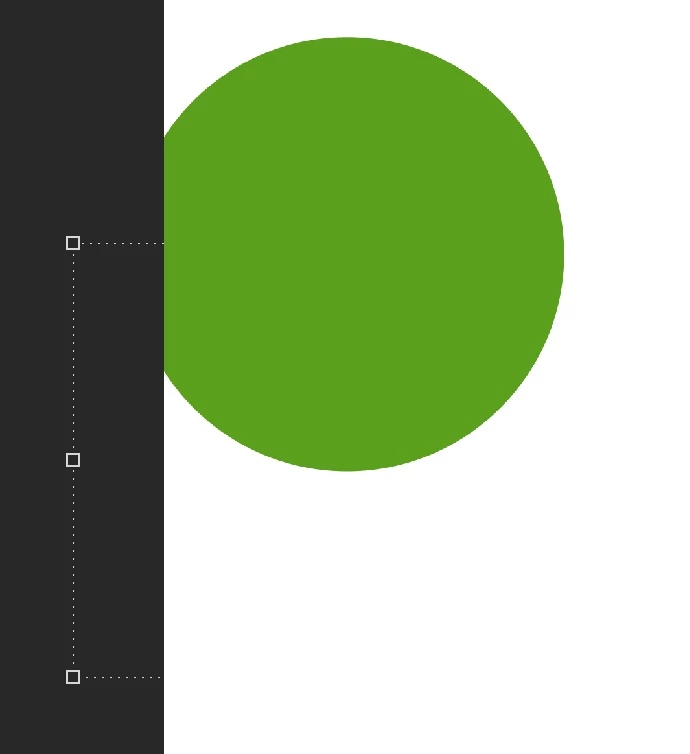
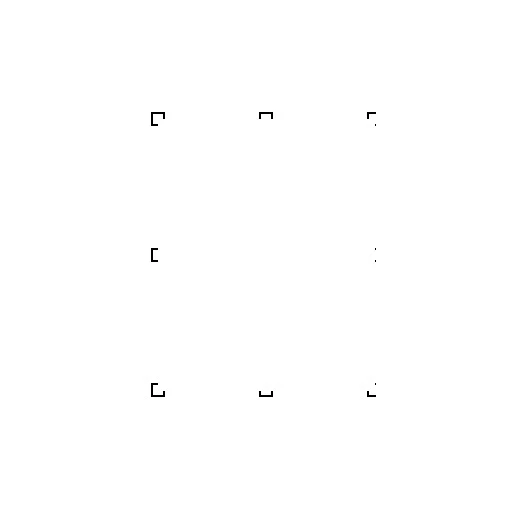
Weird behaviour in general (lines/boxes being left behind, or disappearing etc) but for the most part it seems the bounding boxes are somehow detaching from the actual object.
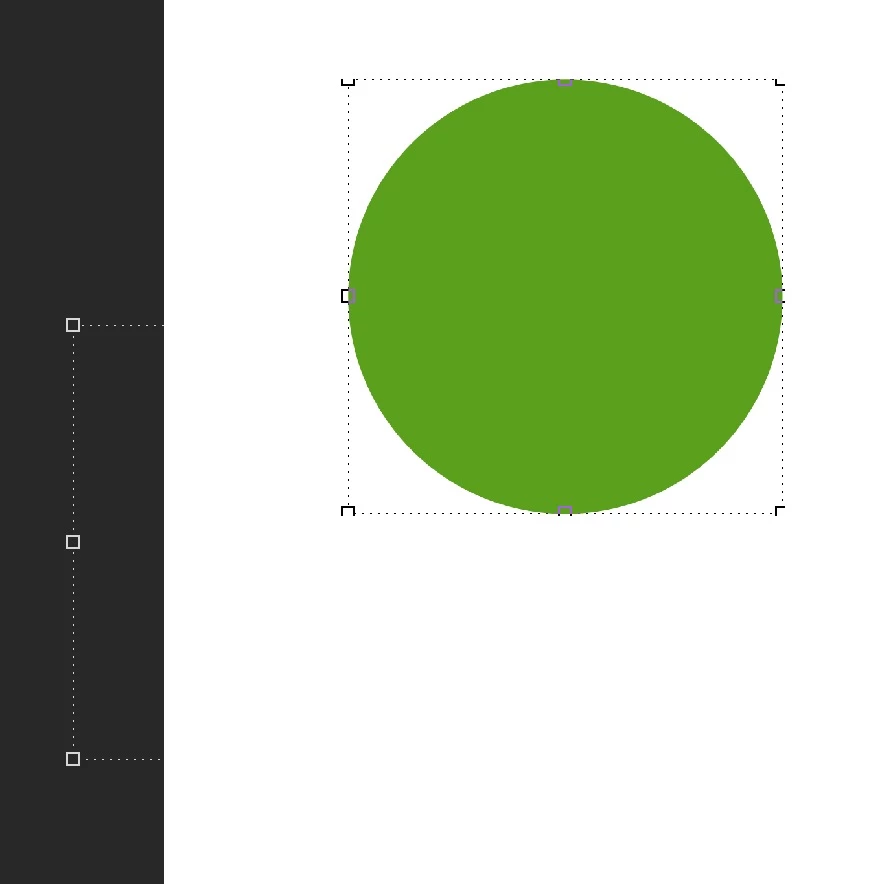
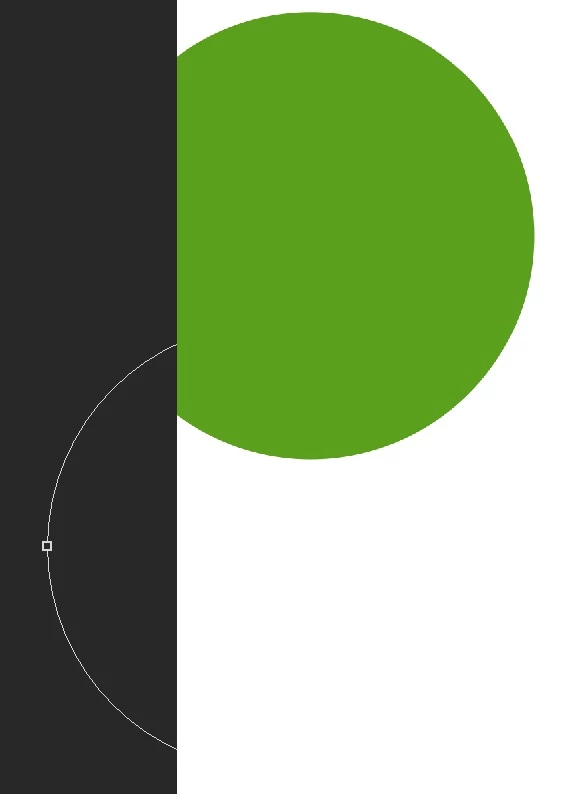
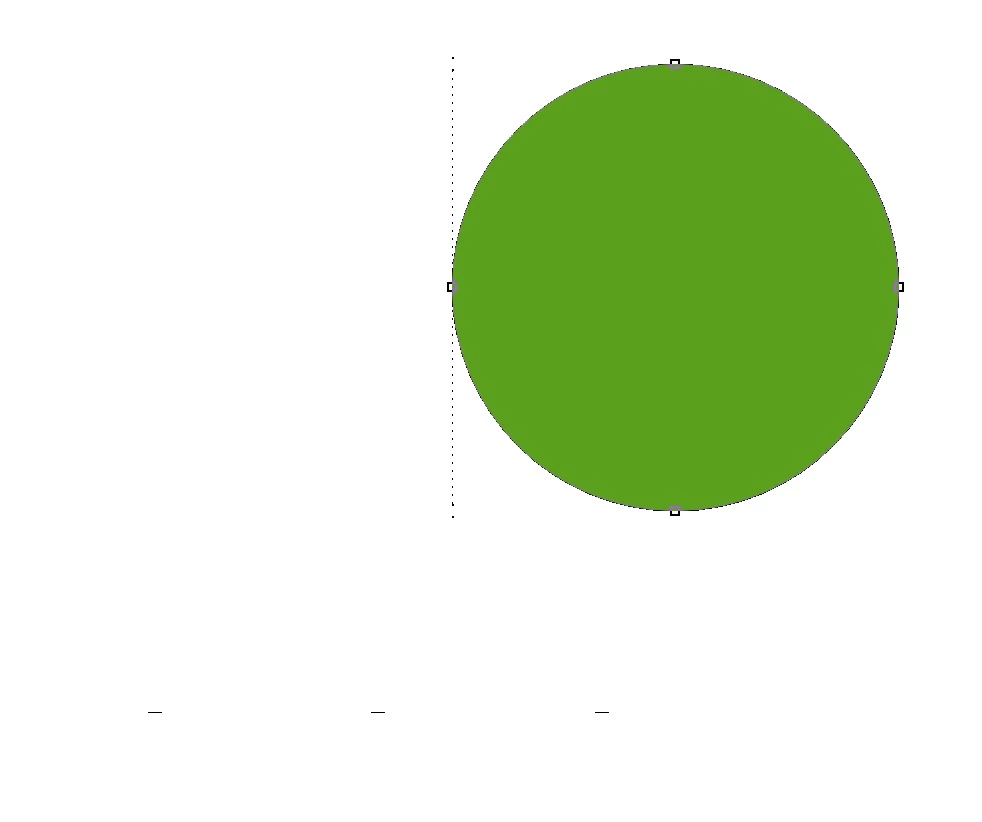
I've done an example using a circle shape (attached images).
**In one of the images it created two bounding boxes for the one object (and I could even erase the bounding box lines using the eraser tool!)
Just say I want to move the circle, or resize it, assuming the bounding box doesn't just completely disappear and reappear etc, once the circle is moved the bounding box will remain behind, making it impossible to continue to transform the shape further.
This has been a consistent issue for many months, using different versions of Photoshop (I always keep it updated) and it only seems to be getting worse, the only way to "reset" the bounding box, to return it to the object, is to zoom in or out.
Hopefully someone might have some insight to what might be causing this? The issue is making it impossible to use photoshop.
Thanks so much!
Runnin macbook air M2 / Ventura 13.0.1 / Adobe 2023
 AdChoices