


Javascript that will expand the x,y coordinates of a rasterized text layer by 12 pixels?
Hey Everyone!
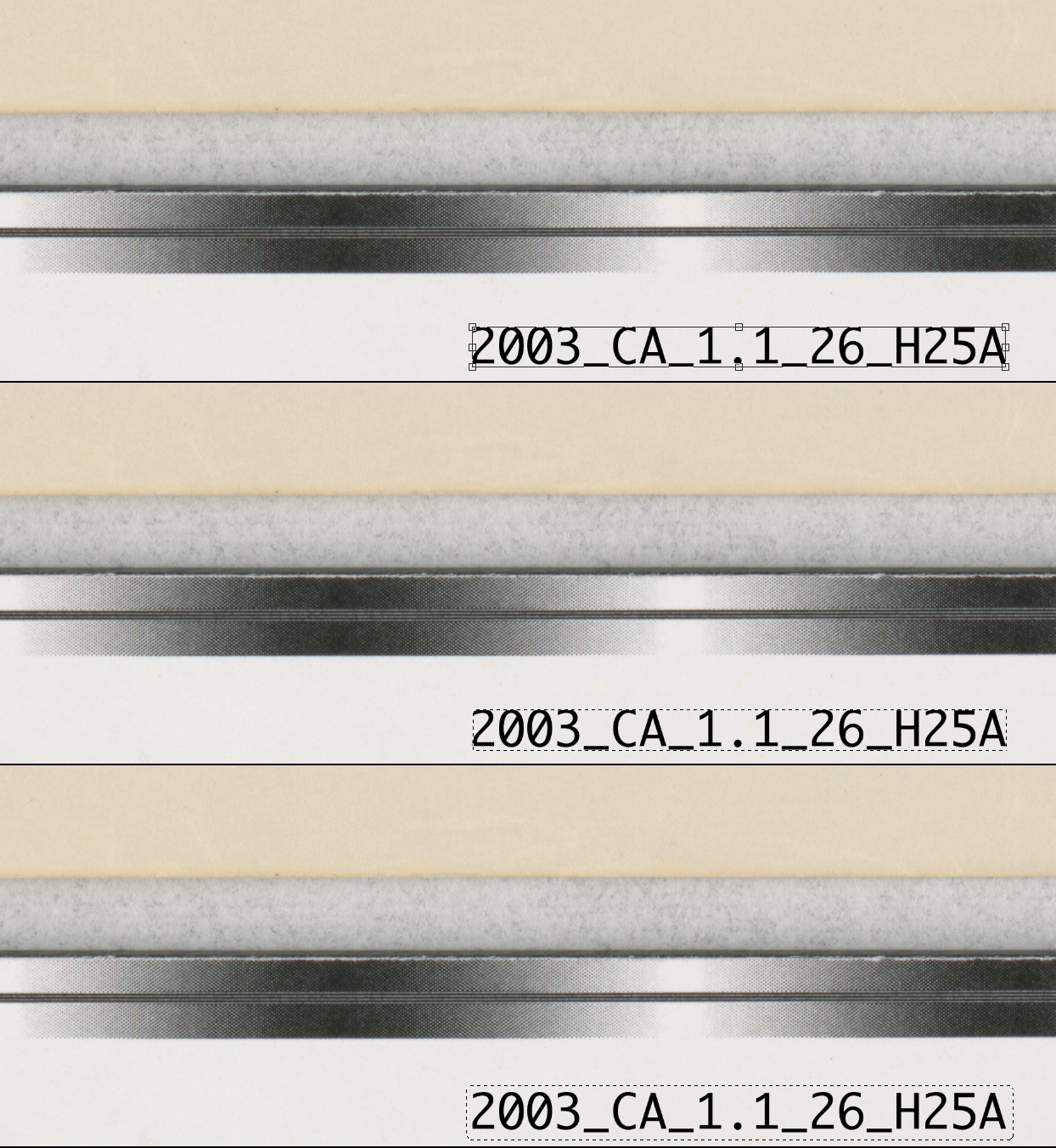
Working on switching up an old Applescript to an Action (that involves a little bit of Javascript) and I'm running into a problem. Wondering if somone can help. For certian photos, I need to add the filename to the bottom right hand corner of the image (black font with white background). Right now, the script will paste the filename, without the extension, as a text layer. After changing the font style, size, color, etc I position the font in the bottom right hand corner and rasterize the font.
What I can't figure out is how to get a rectangular marquee around the font (similar to what would happen if I selected the "Free Transform" option). If I can get a bounding box around the text, I can then run an action to expand the selection by 12 pixels and then fill in with white. Any thoughts?
Based on the Applescript code (provided below), I'll need to find the x,y and the w, h:
-Gets dimensions for outline of text layer
--Variable is formatted as: {left X dimension, top Y dimension, right X dimension, bottom Y dimension}
set shapeRef to bounds of artLayerRef
--Converts bounds to four corner coordinates to create selection
set boxX1 to item 1 of shapeRef
set boxY1 to item 2 of shapeRef
set boxX2 to item 3 of shapeRef
set boxY2 to item 4 of shapeRef
set shapeRef to {{boxX1, boxY1}, {boxX2, boxY1}, {boxX2, boxY2}, {boxX1, boxY2}}
--Selects area around text
select current document region shapeRef
 AdChoices