


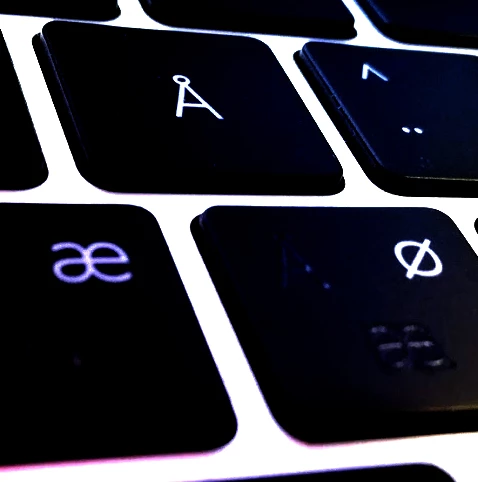
Keyboard Shortcuts not working - Danish keyboard
- October 11, 2019
- 5 replies
- 2390 views
I could not use Photoshop properly for months - without the keyboard shortcuts working. Imagine not having ctrl-z??? Or any other shortcut.
Last night I wasted 5 hours removing all Adobe and reinstalling a few times and cleaning with Adobes DOS tool for this. And piles of other stuff googling for solutions. With no luck.
Now it seems I found the culprit: As I am Danish I use a Danish keyboard layout (English being the language for the PC, not Danish). Changing to English / English makes the shortcuts come back.
How to make it work with my Danish keyboard also? Previously it worked for like 20 years, so I know it is possible.
We have a few more letters in Danish, but also most special characters are in different places than on an English keyboard, so keeping English / English is not a solution.
Illustrator and other Adobe apps never showed this problem.
Different physical keyboards also did not change anything.
 AdChoices