


nlemonc
Known Participant
July 24, 2019
Answered

Kyle T. Webster Brushes are pixelating in Photoshop CC

  • July 24, 2019
  • 3 replies
  • 2928 views

Using Photoshop CC 20.0.5 on iMac (macOS Mojave Version 10.14.5)

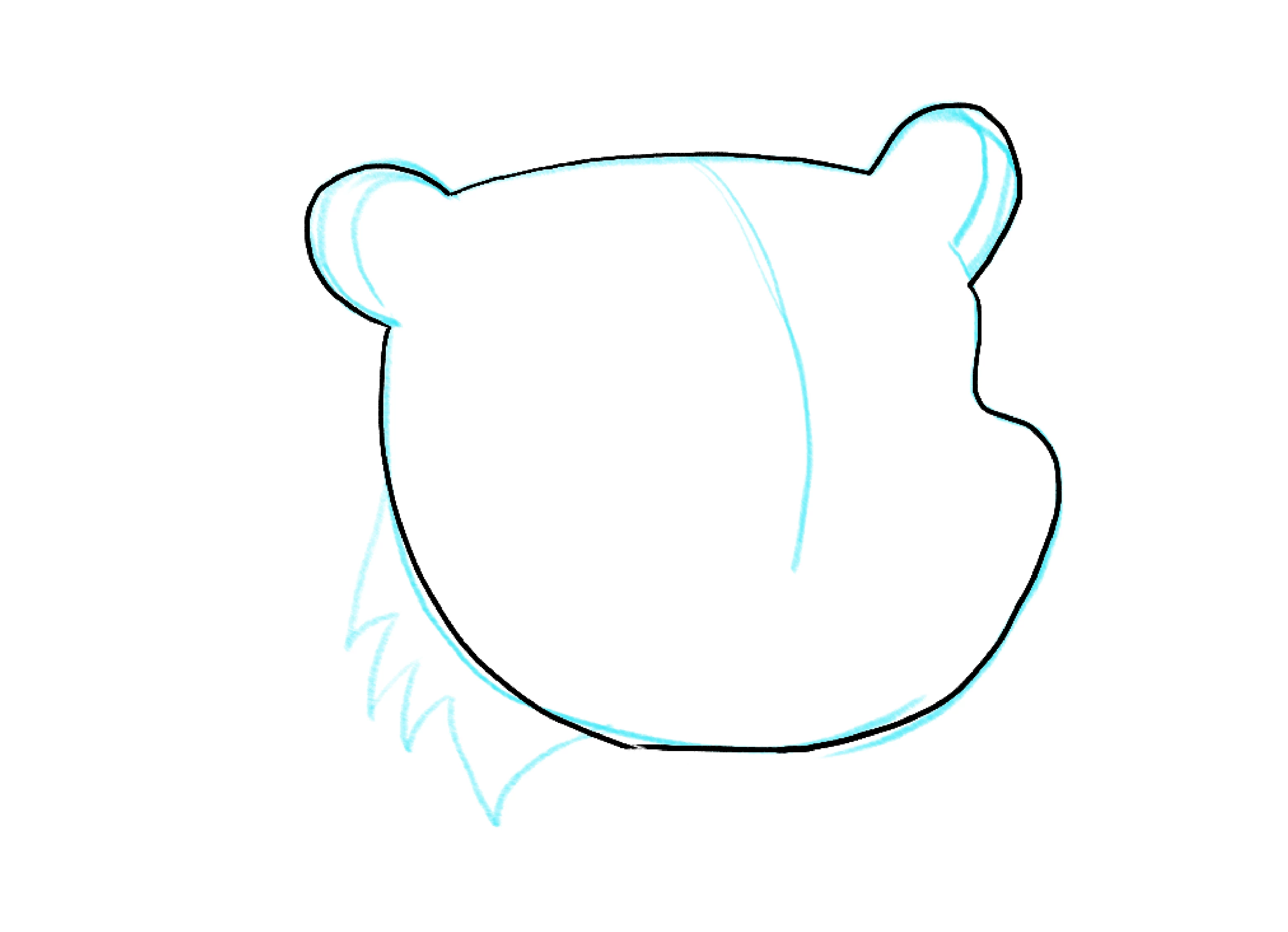
I installed the Megapack this morning and have had several other of Kyle's brush sets installed, and they've all worked fine until now. For some reason, any brush I use, rather with a Wacom or mouse, appears horribly pixelated. I was first creating a character for Character Animator (1170px x 1270px @ 72dpi):
So I thought maybe the document size needed to be changed, so I made a new doc 3000px x 3000px @ 300dpi, just to check the brushes:
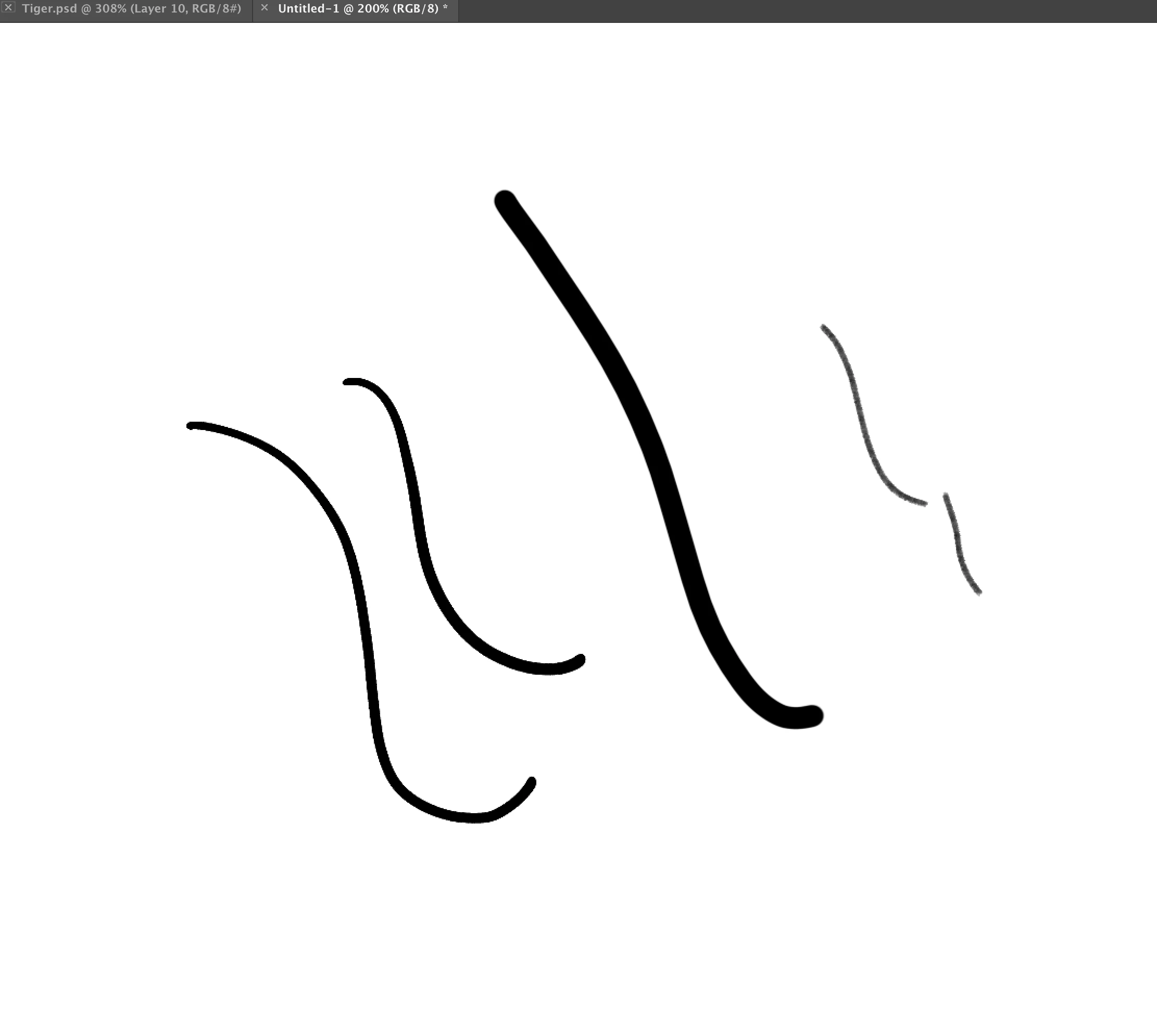
It still looks jagged. Also, the preview of the brushes in the Brush preset picker look pixelated, too:
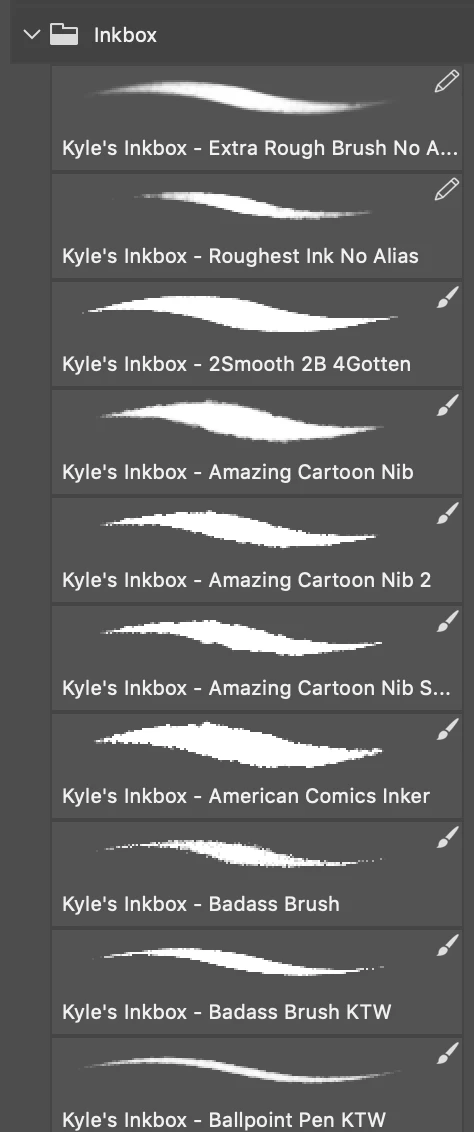
I have restarted Photoshop, and restarted my machine. Any help would be very much appreciated, as I need to get my project going and done!
This topic has been closed for replies.
Correct answer c.pfaffenbichler

That area looks a little jagged to me.


I get pretty much the same result for »Kyle's Inkbox - 2Smooth 2B 4Gotten«.

Fiddling around with the Dual Brush settings might help address the sharpness.

3 replies

c.pfaffenbichler
Community Expert
Community Expert
July 24, 2019

»Screen+Shot+2019-07-24+at+9.44.02+AM.png« shows the image at 200% magnification so pixelation seems unsurprising.

nlemonc
nlemoncAuthor
Known Participant
July 24, 2019

c.pfaffenbichler
Community Expert
Community Expert
July 24, 2019

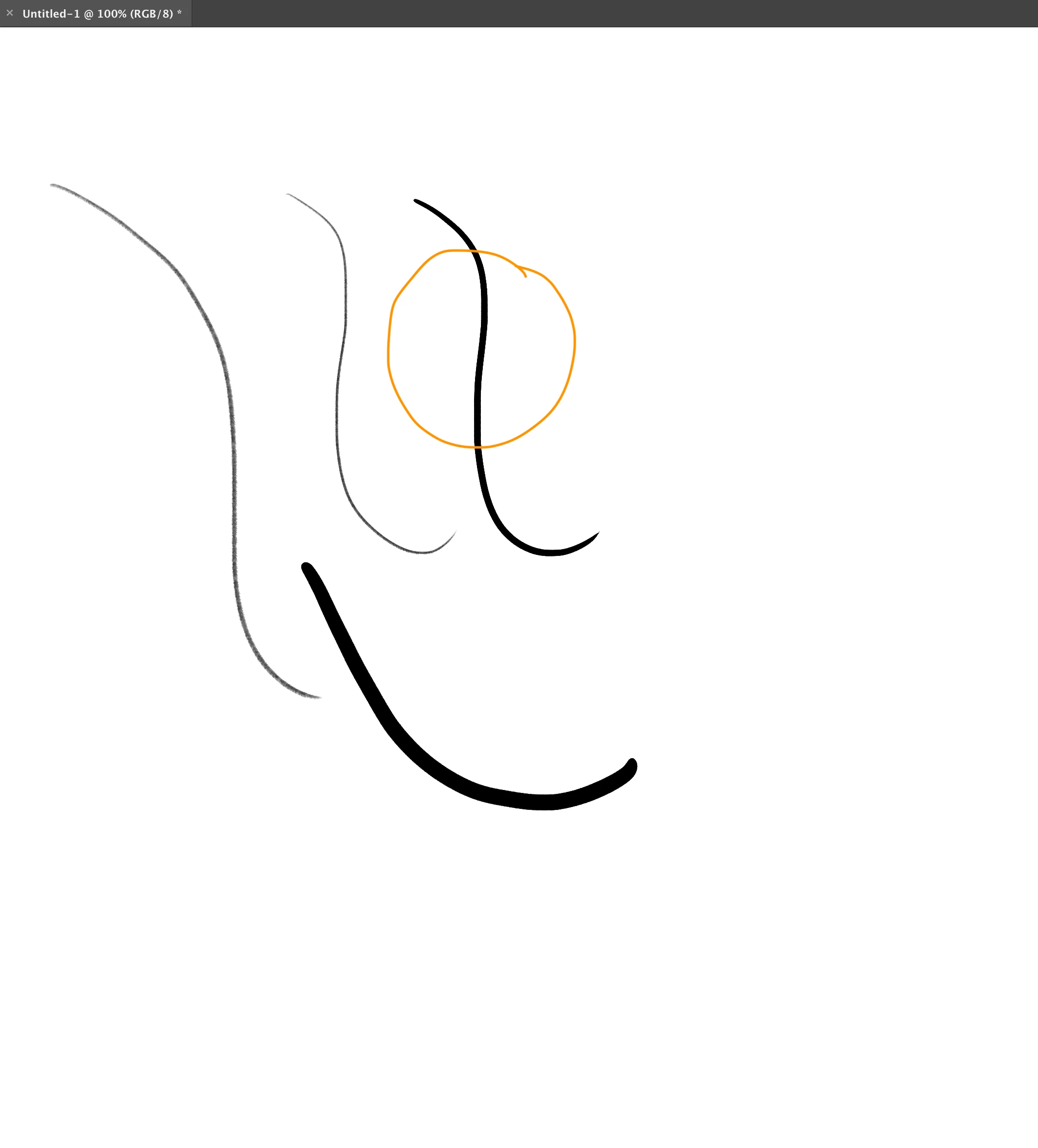
Could you please post a screenshot taken at View > 100% with the pertinent Panels (Brush Settings; Brushes, Layers, Options Bar, …) and menu bar visible?

nlemonc
nlemoncAuthor
Known Participant
July 24, 2019

Here you go.

Whoops, forgot panels. Hang on!

c.pfaffenbichler
Community Expert
Community Expert
July 24, 2019

I don’t noice pixelation at View > 100%.

July 24, 2019