



Question
Lasso tools shifting selection area, menu selection shifting
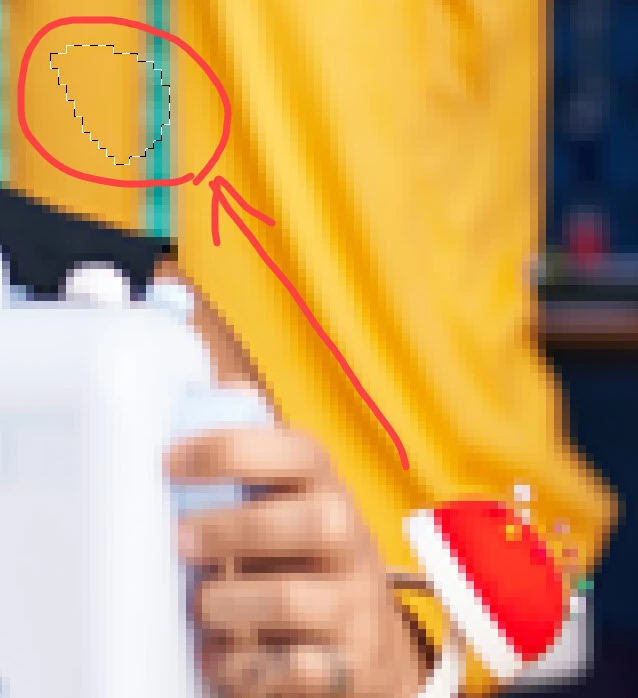
New problem in photoshop just started this morning; working on PC laptop, uninstalled and reinstalled photoshop, also tried reset prefs on closing yet this issue persists. Using the lasso tools, my selection area is being offset. Note below I was trying to outline the pincushion, but the outline area appears where I've circled. This is happening with all the lasso tools - standard, polygonal and magnetic.
I also noted that when trying to select from the main drop down menus that it's shifting off the menu I'm selecting, I went to click on the Help in menu, but but it showed me the View menu. If I clicked on View it showed me the select menu.
Help! I need my photoshop to work!
 AdChoices