


Question
Layer Mask Not Working (Not Full Opacity)
Hello,
I have recently encountered an issue with Adobe Photoshop on both my Windows device and Mac Mini (2020 M1, 16GB), so I don't think it's a hardware issue. My layer masks are not working properly. For example, if I were to fill the canvas with solid black and used a gradient mask, the layer would then appear partially opaque. I have attempted to uninstall, reinstall, and check my system settings, to no avail. Please let me know if there's a fix for this or if I need to supply any additional information. I've attached an image below of my issues with some relevant info:
Thanks,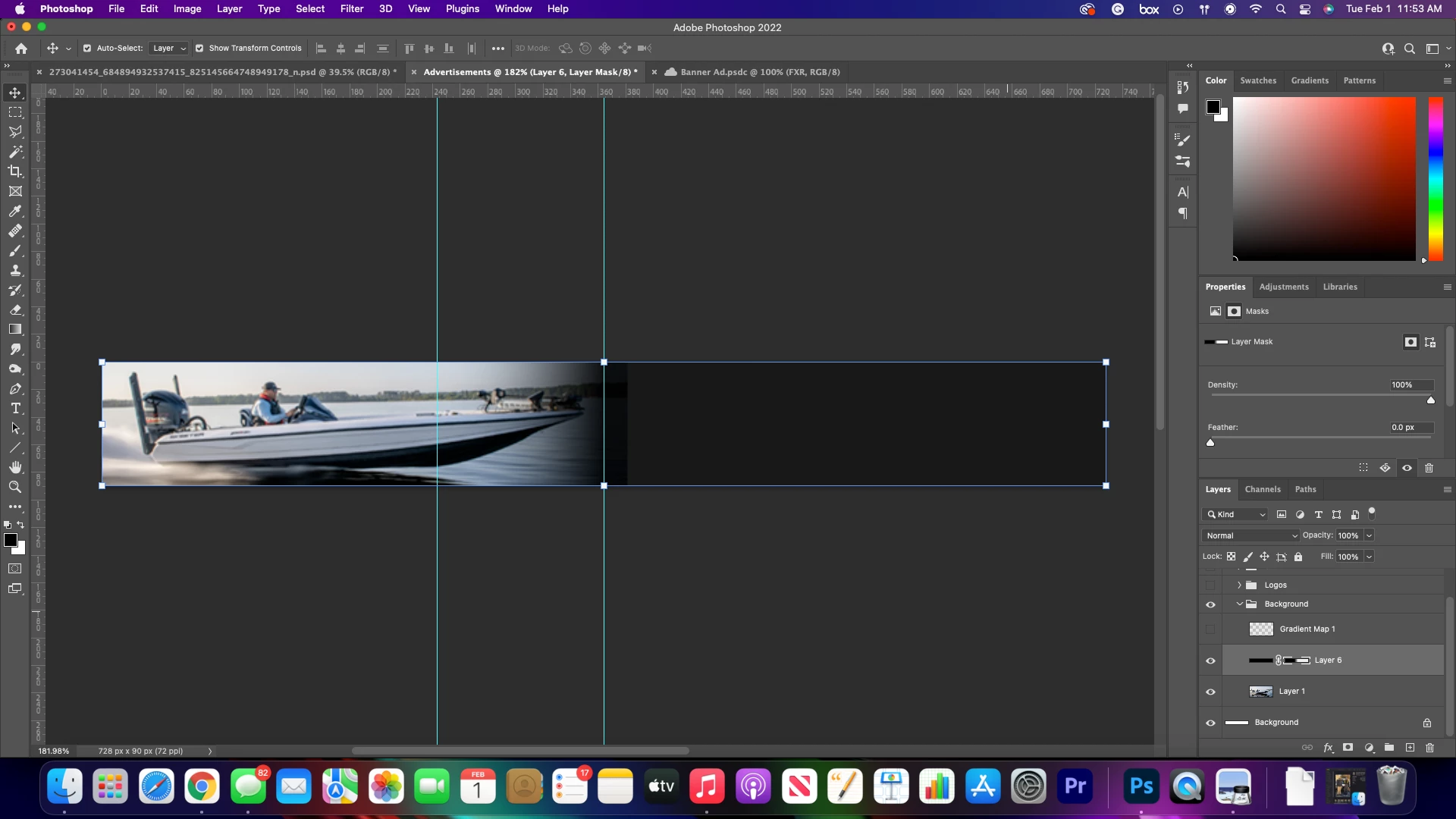
 AdChoices