


Answered
Layer Style "Glass Ball" in Photoshop CS6
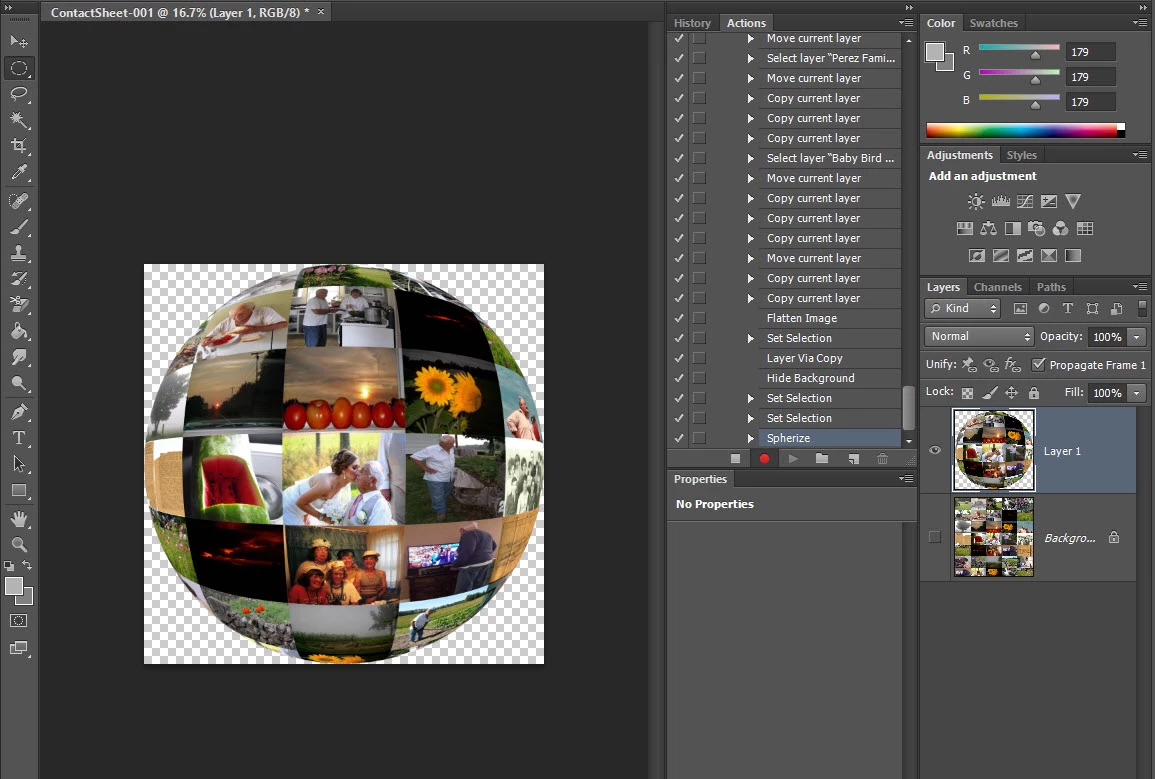
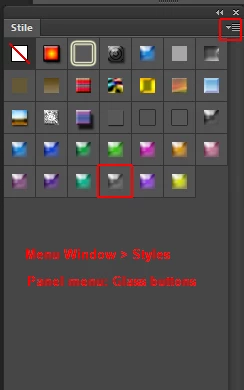
This tutorial is done in a version of Photoshop Elements. It calls for selecting Layer Style "Glass Ball". I am not seeing this in Photoshop CS6 in Layer Styles at bottom of Layer Panel?
I looked at Layers, under Menu and there is a Layer Style "Global Light" option, along with Drop Shadow, Inner Glow, Bevel styles:
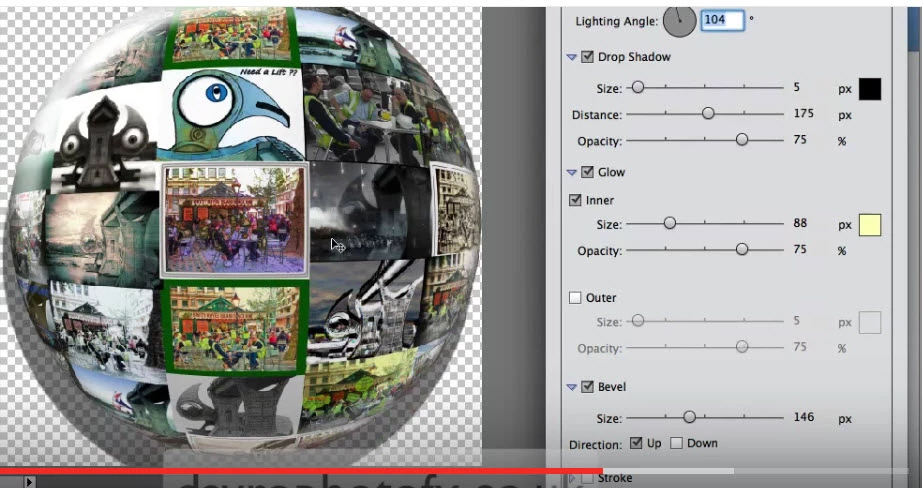
Would I do each style individually?
 AdChoices