


Answered
Layers Glitch
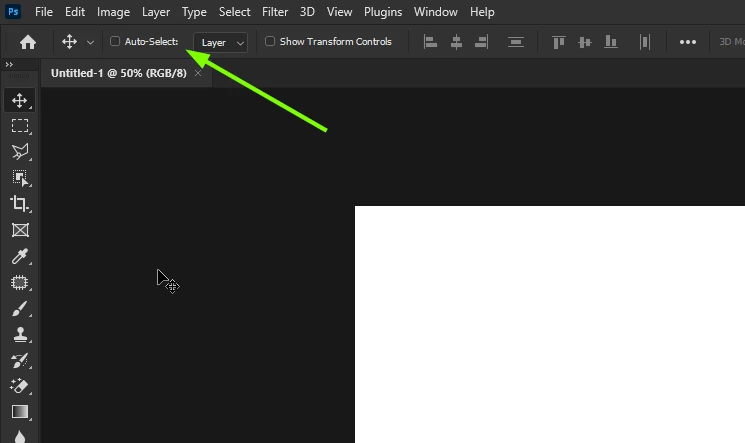
Yesterday I had to erase my mac and reinstall Monterey on the advice of apple support. Since doing this I've been experiencing a problem with layers. I'll be working with multiple layers, but after a few minutes it will only let me use one in particular. I will select layer 3, for example, but when I try to work on it the selected layer instantly changes, so that I end up drawing on layer 2. No matter which layer I try to use, it always skips back to the same one. This happens across multiple files.
I've been having all sorts of trouble since updating to Monterey, which is why I had to erase and reinstall, but this is a new issue since reinstalling my OS and PS 23.4.2
Any advice is much appreciated.
 AdChoices