


Legacy gradient doesn't work
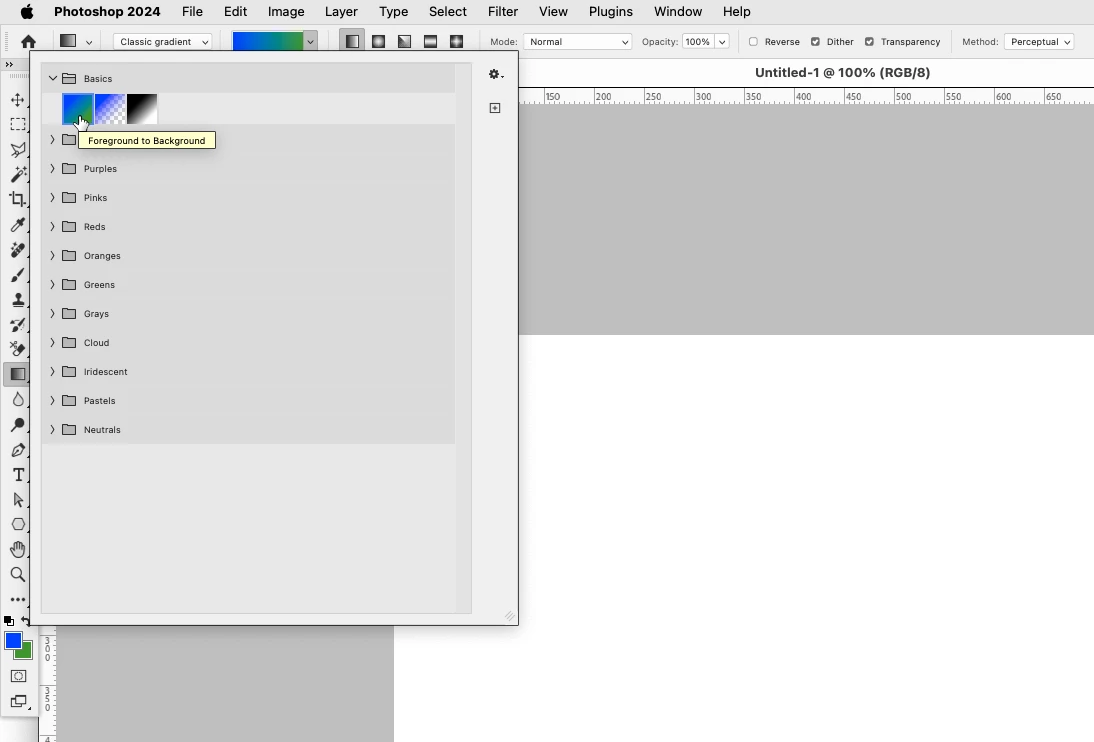
I simply can't stand, and can't function with, the new gradient tool in Photoshop 2024. It's every bit as horrible as the gradient tool in Affinity Photo, and that was really one of the few reasons for not switching over completely to Affinity. But fine, Photoshop says I can just use the legacy version by selecting "Classic Gradient" from the top bar.
But that doesn't work. When I choose "Classic Gradient" it will ONLY make a gradient from black to transparent, until I go into the gradient settings and manually change both the start and end colors individually to what I want. This is a ridiculous additional bother to add to a tool that used to work extremely well, intuitively, and without effort.
Is there some way to get it back to using the foreground and background colors which I already have selected, as it used to?
In case it matters we're still on Monterey.
 AdChoices