ceyhun_akgun
Brainiac
December 16, 2020
Answered

Merge Layers Error

  • December 16, 2020
  • 7 replies
  • 5496 views

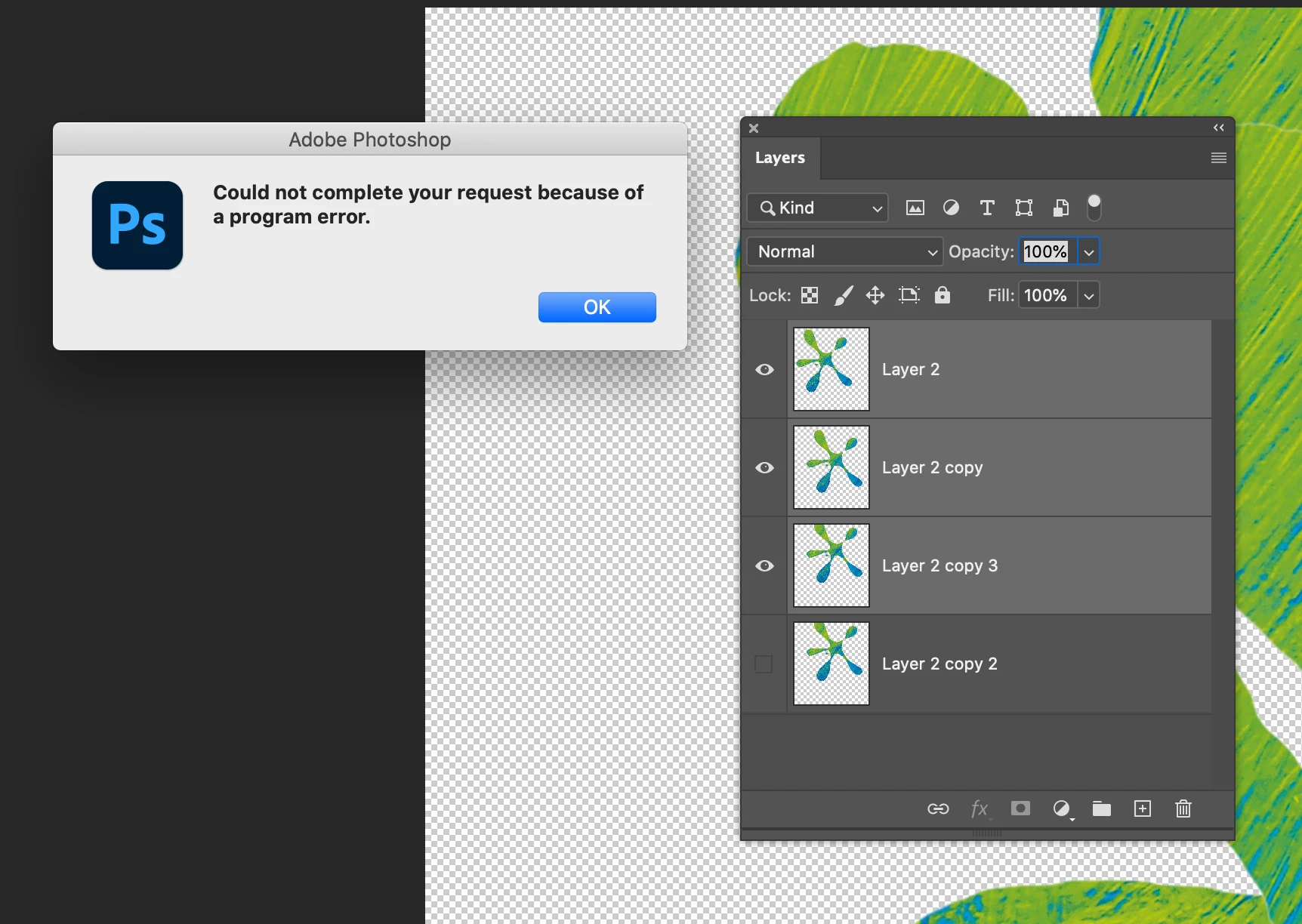
I started having a problem. This problem started to occur after the last updates.

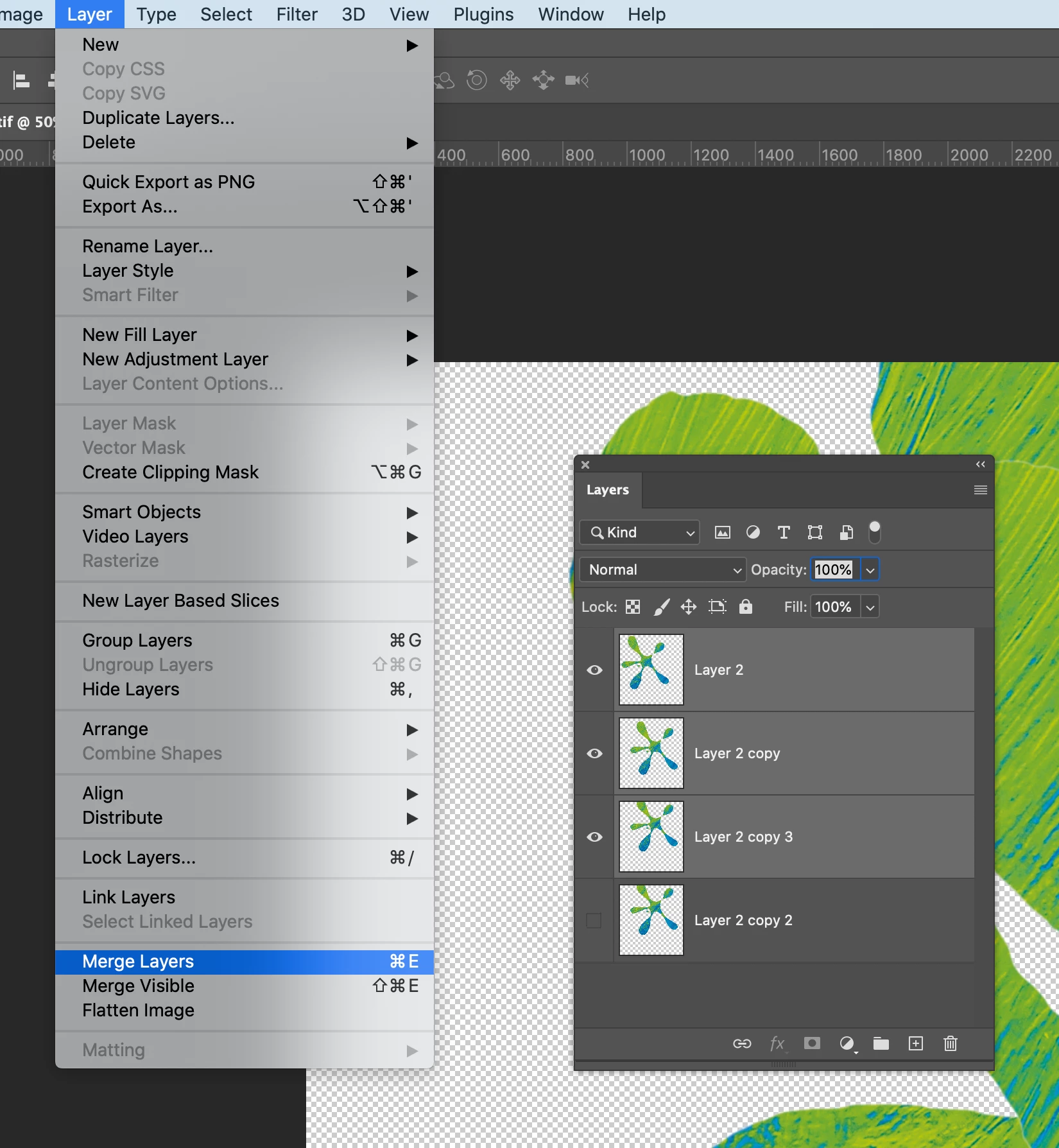
When I want to merge layers it gives an "Error" warning.

Has anyone had similar problems?
This topic has been closed for replies.
Correct answer PECourtejoie

Hello, First, are you on 22.1?


Also, did you first try to reset Photoshop's preferences by holding down Ctrl+Alt+Shift (Pc) Cmd+Opt+Shift (Mac) as you click on Photoshop's icon to start it up.

See: https://helpx.adobe.com/photoshop/using/preferences.html

If you do have access to the menu Edit>Preferences (Pc) or Photoshop>Preferences (Mac), it is possible to reset them from the General submenu.

---

I would try to narrow down the problem: only with X layers, only on floating documents, only on 16bits documents, then if you find a trigger, please search or create a thread on the https://feedback.photoshop.com site, watched by Adobe staff. Make sure to provide as many relevant details as possible.

7 replies

New Participant
March 10, 2021

i converted the image to 8 bit and was able to flatten then save.

grahamb92507538
New Participant
January 7, 2021

Exactly the same thing happening now to me , Using a action that worked fine a few mins ago, now I run the same action and it gets stuck and causes this program error when it comes to merge , I get out of the action and now I cannot merge or cannot convert to smart object ! please help , I need this to work for a client today !!!!


Participating Frequently
December 30, 2020

I did all the things suggested here, to no avail. But on another thread, someone mentioned rolling back to the previous upgrade (from 22.1 to 22.0.1), and that fixed the bug.  It lost all my actions and things, though, so now I've got to go find those again.

New Participant
December 30, 2020

Also had to go back to 22.0.1 😞

New Participant
December 29, 2020

I've been having this proplem as well, it's never happened before, and its hard to narrow down what the issue is as it just seems to happen with every project I work on which are all different file sizes, layer amounts, ect. I hope its fixed in the next update and soon cause its making work difficult and teadious, saving a file is pretty crucial 

December 18, 2020

Getting this too, apparrantly it's linked to wheni try to merge layers and occasionally when saving. 

Inspiring
December 24, 2020

I'm also having this problem.

I had a stack of 4 layers to merge.  I found if I selected the top layer to merge and pressed Ctrl+E it would generate the error msg but it would merge to the layer below.  I did this enough times to merge the layers.

PECourtejoie
PECourtejoieCorrect answer
Community Expert
December 16, 2020

Hello, First, are you on 22.1?


Also, did you first try to reset Photoshop's preferences by holding down Ctrl+Alt+Shift (Pc) Cmd+Opt+Shift (Mac) as you click on Photoshop's icon to start it up.

See: https://helpx.adobe.com/photoshop/using/preferences.html

If you do have access to the menu Edit>Preferences (Pc) or Photoshop>Preferences (Mac), it is possible to reset them from the General submenu.

---

I would try to narrow down the problem: only with X layers, only on floating documents, only on 16bits documents, then if you find a trigger, please search or create a thread on the https://feedback.photoshop.com site, watched by Adobe staff. Make sure to provide as many relevant details as possible.

Participating Frequently
December 18, 2020

I have been having the same issues on a series of files. It's so frustrating. When this happens I can't merge layers or convert to smart objects. 


My hole life I used CS5 and never had a sigle issue. A friend of mine convinced me to use CC and I signed up for a yearly plan. This was my worst decision ever. I work with photoshop for a living and these bugs just drag my work down so much.


I tried the reset idea and it just made things worst. Now I lost all my brushes, actions, styles settings...gonna have to reconfigure it and loose another amount of time.

emmab51176969
Participating Frequently
December 16, 2020

I'm getting loads of problems like this. I've never had this happen before, I'm hoping a new version with bug fixes helps soon as this is just so annoying! 

New Participant
January 7, 2021

Anyone have any answers to this? I've been trying to work around this issue for a week and I'm about ready to throw my computer.

New Participant
January 7, 2021

I was on another forum post and they suggested rolling back to the last version before the update (22.0.1) so I tried it and it's totally worked, I lost all my brushes and settings so I had to go through and fix all of those.