January 19, 2018
Answered

Need help creating degraded effect

  • January 19, 2018
  • 1 reply
  • 699 views

Hello all,

I am very new to photoshop and I can't find a tutorial on how to achieve this effect, perhaps because I am not using the right terminology.

Anyway, I would like to achieve a sort of degraded, aged, photocopied effect on text and images like so: https://imgur.com/a/Ot4aq

If anyone could assist me or point me towards a tutorial I would be very appreciative. Thanks in advance for any help.
    This topic has been closed for replies.
    Correct answer Chuck Uebele

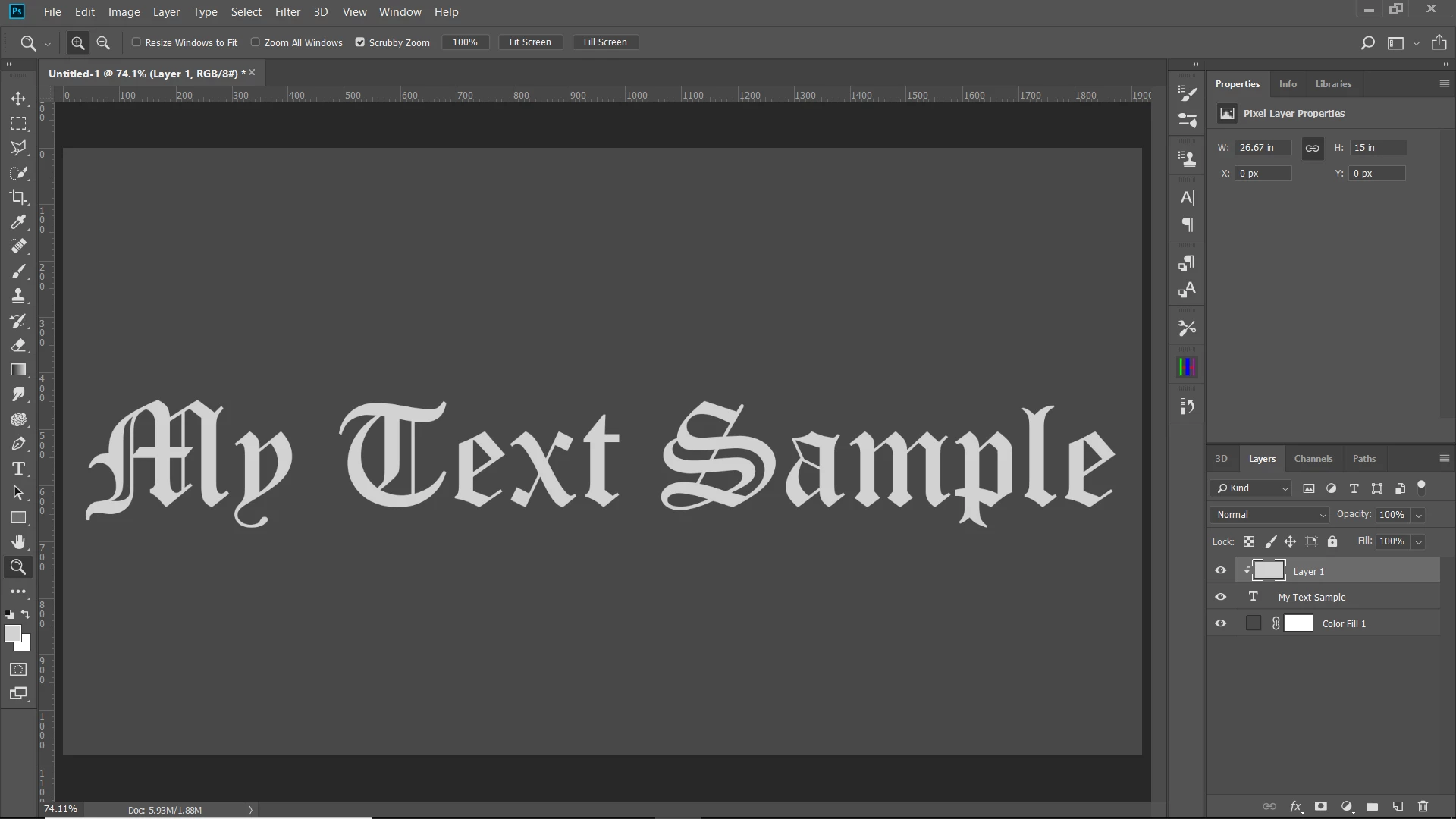
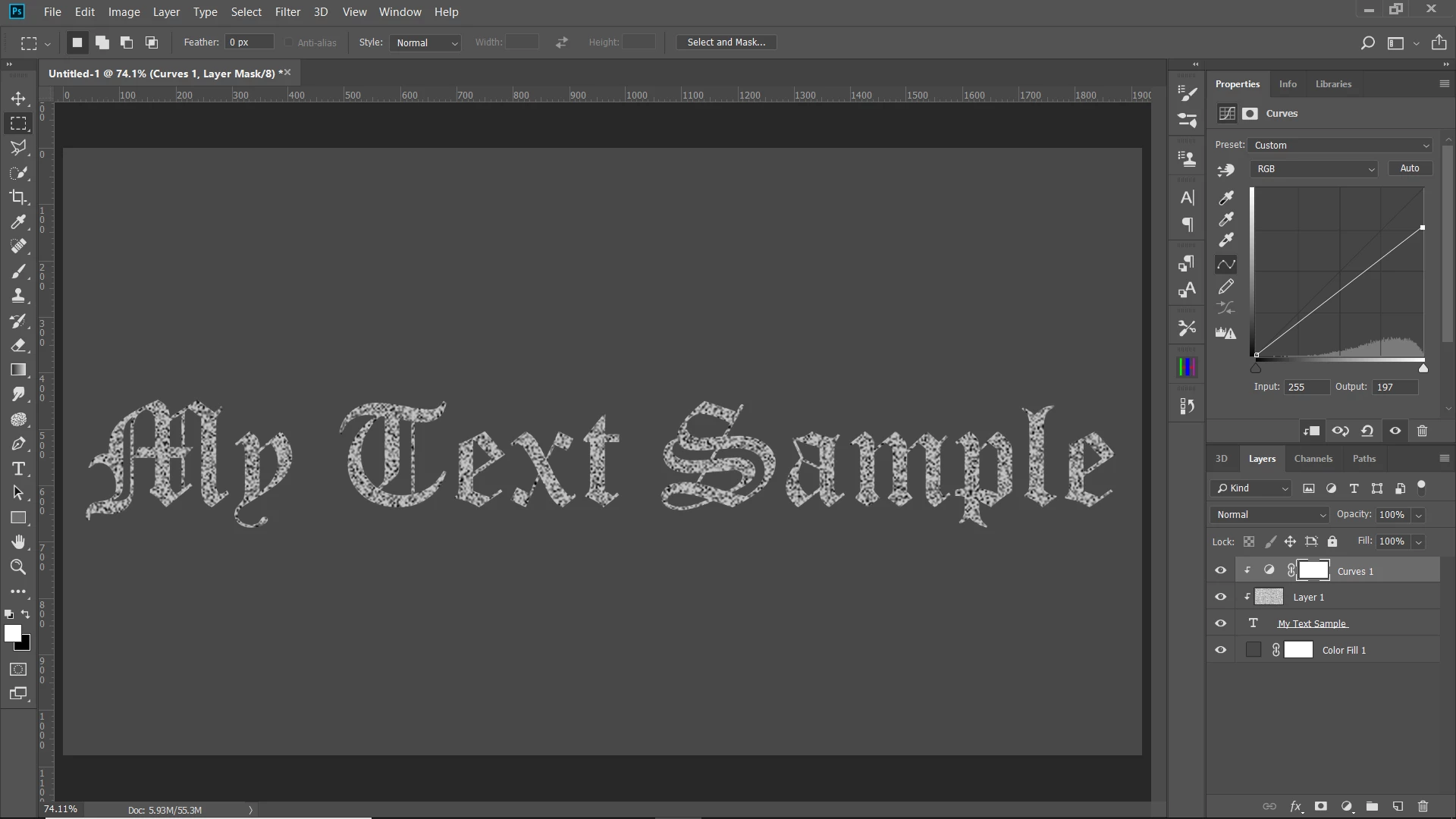
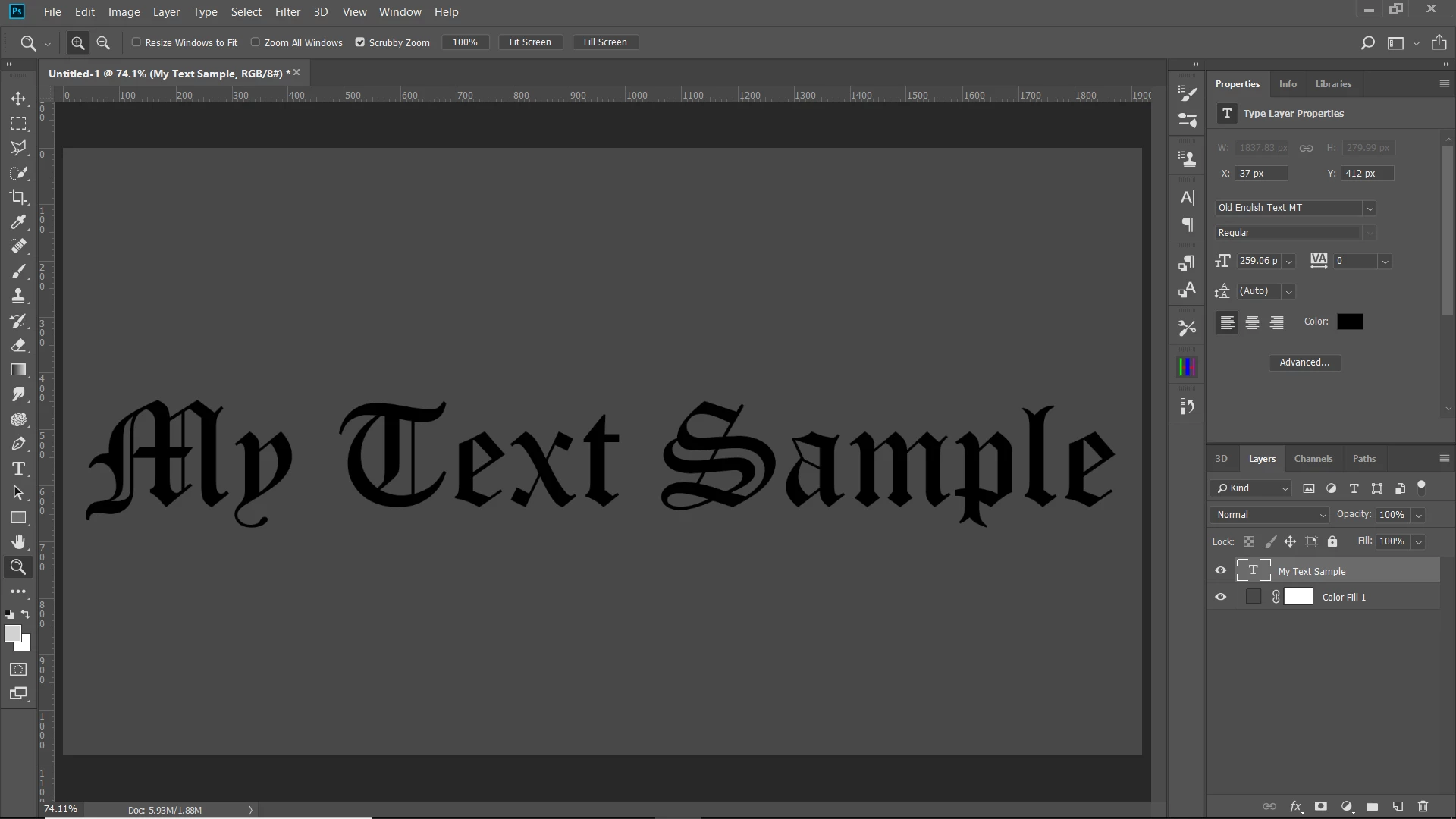
    Start with text layer:

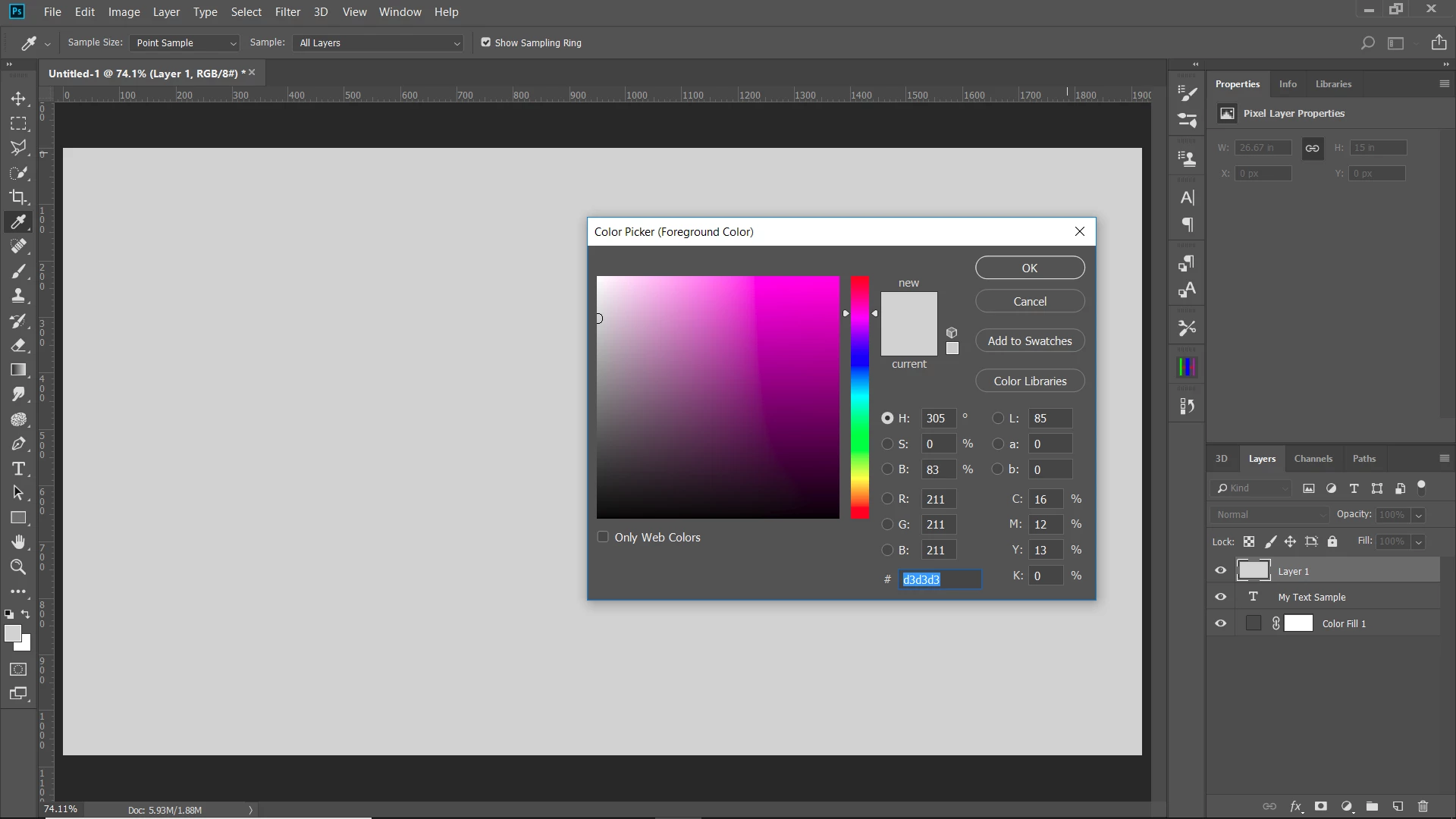
    Add a new layer above it and fill it with a light gray.

    Clip the gray layer to the text layer by pressing the alt/opt key and clicking between the layers.

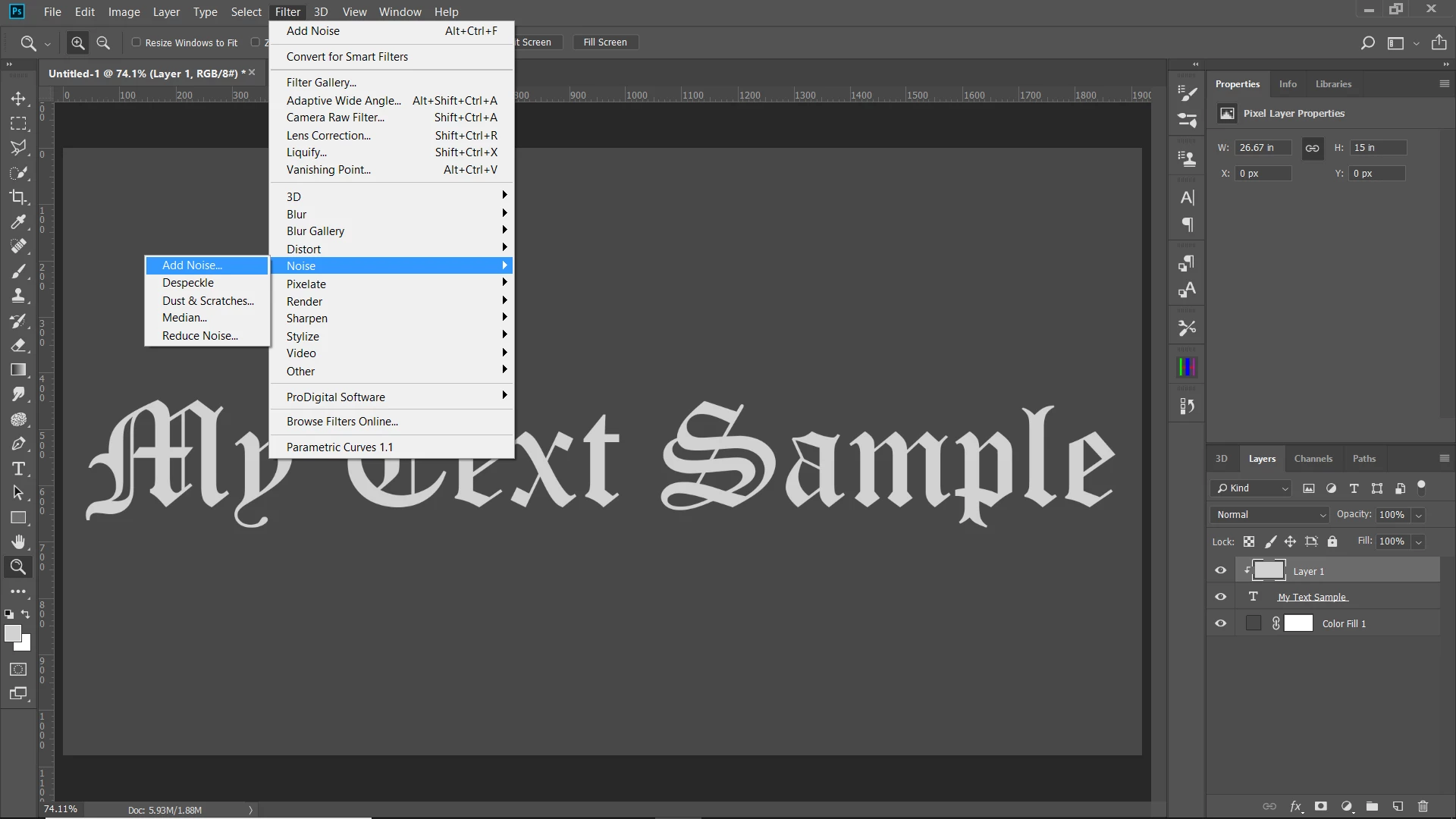
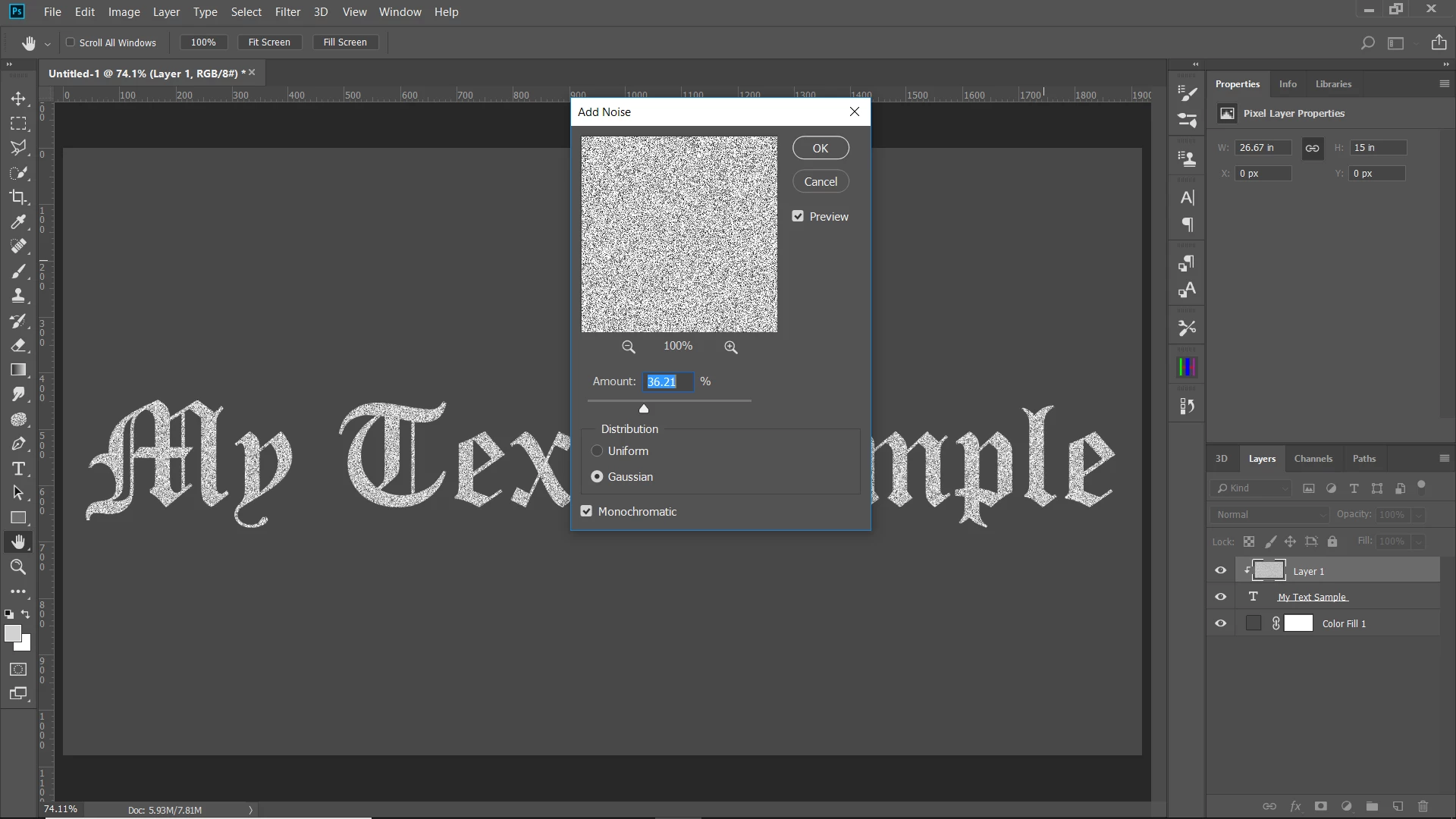
    Add noise to the gray layer:

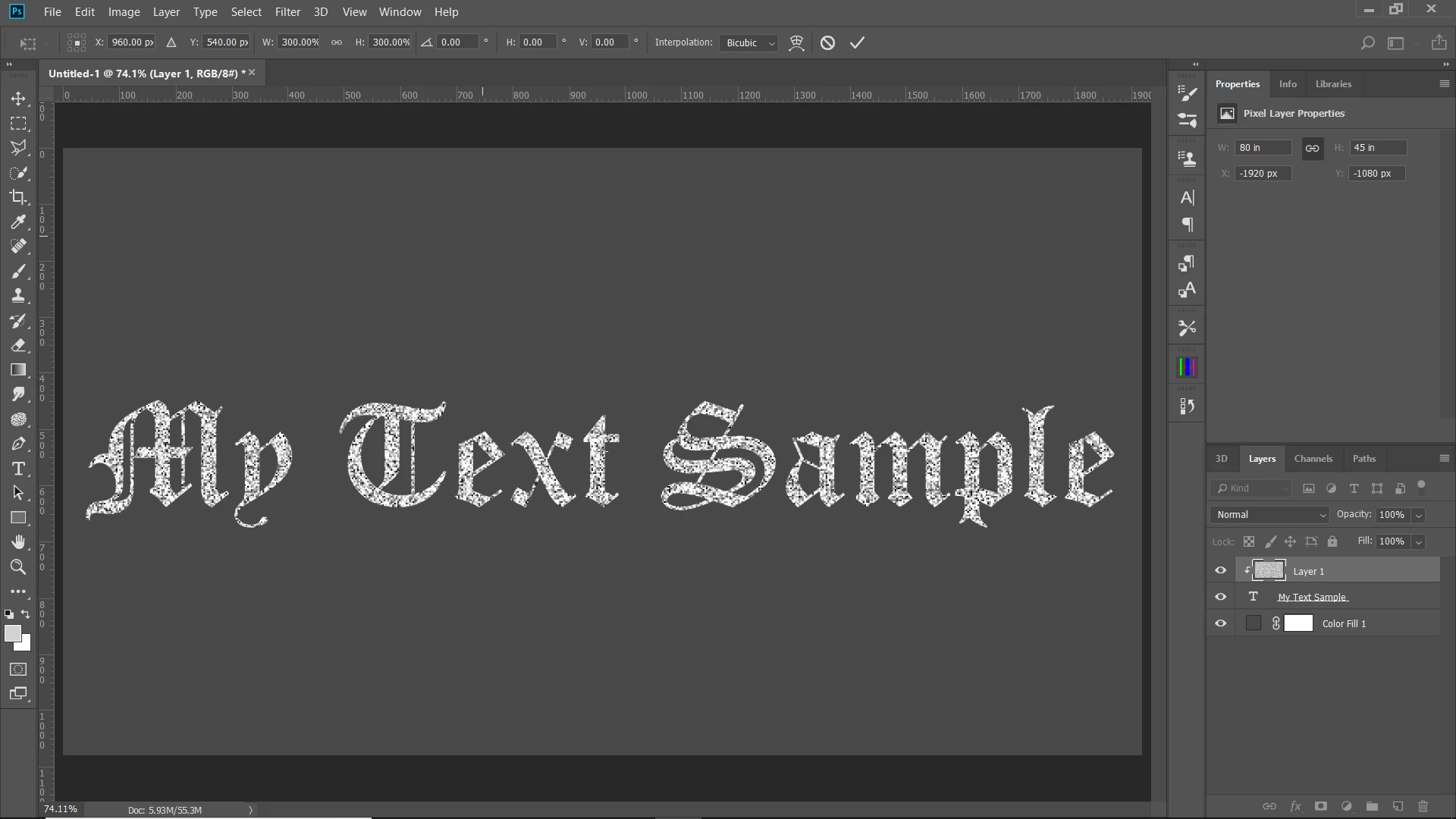
    if you want bigger grain, press ctrl/cmd-T to transform the gray/grain layer. You can enter in numbers for the size. I entered 300%.

    If you want the whites more gray, create curves adjustment layer above the grain layer, clip it to the grain layer, and bring down the highlight end of the curve to the gray that you want.

    1 reply

    Chuck Uebele
    Chuck UebeleCorrect answer
    Braniac
    January 20, 2018

    Start with text layer:

    Add a new layer above it and fill it with a light gray.

    Clip the gray layer to the text layer by pressing the alt/opt key and clicking between the layers.

    Add noise to the gray layer:

    if you want bigger grain, press ctrl/cmd-T to transform the gray/grain layer. You can enter in numbers for the size. I entered 300%.

    If you want the whites more gray, create curves adjustment layer above the grain layer, clip it to the grain layer, and bring down the highlight end of the curve to the gray that you want.

    January 20, 2018

    I think this will work. Thanks so much!

    Do you think there is some way to make the noise show the underlying background layer? As if the noise were holes in the text?

    Chuck Uebele
    Braniac
    January 20, 2018

    Yes, apply a layer mask to the text layer and copy and paste the grain layer into the layer mask. You won't need the grain mask if you do that.