


Question
Pattern - making one piece instead of three
I made a Pattern - the Apples & Pears. I know how to apply it but it comes out like its 3 pieces (see below). How do I make it uniform without changing the size of the pattern? Thanks.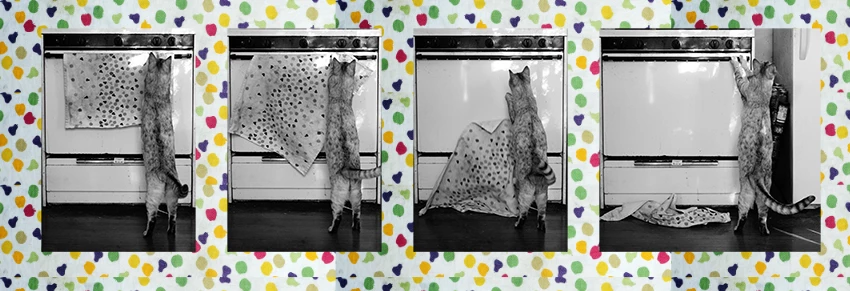
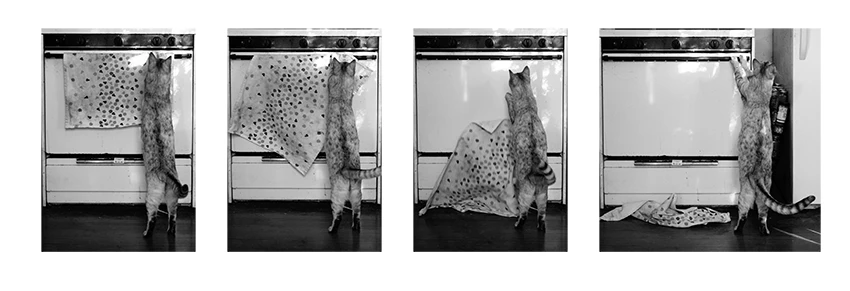
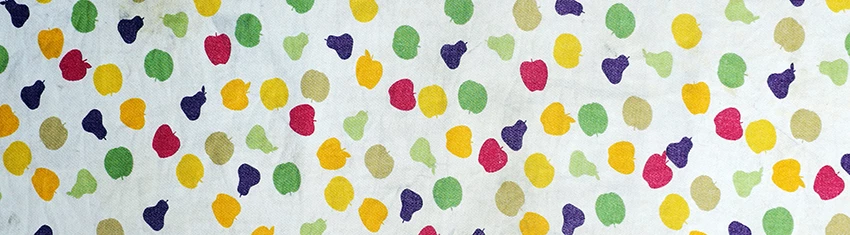

I made a Pattern - the Apples & Pears. I know how to apply it but it comes out like its 3 pieces (see below). How do I make it uniform without changing the size of the pattern? Thanks.
Already have an account? Login
Enter your E-mail address. We'll send you an e-mail with instructions to reset your password.
 AdChoices