



PDF 'Export As" PNG freezes Photoshop
All my Adobe applications are up to date via Creative Cloud. Whenever I open a PDF with Photoshop (and after picking the default settings)
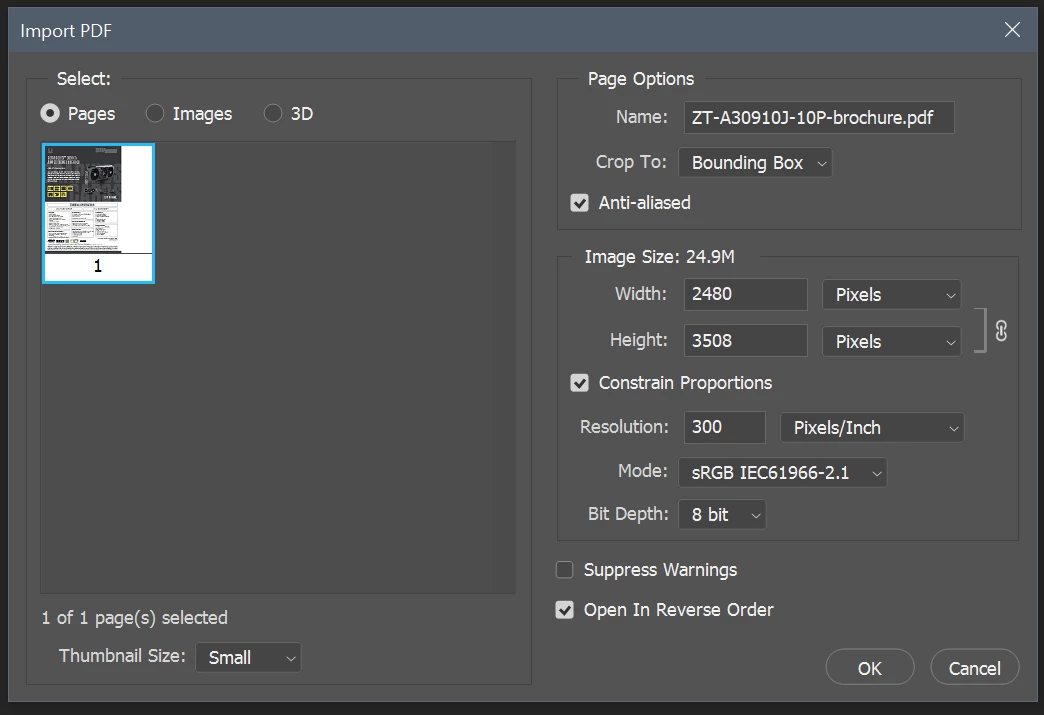
everything seems to work fine.
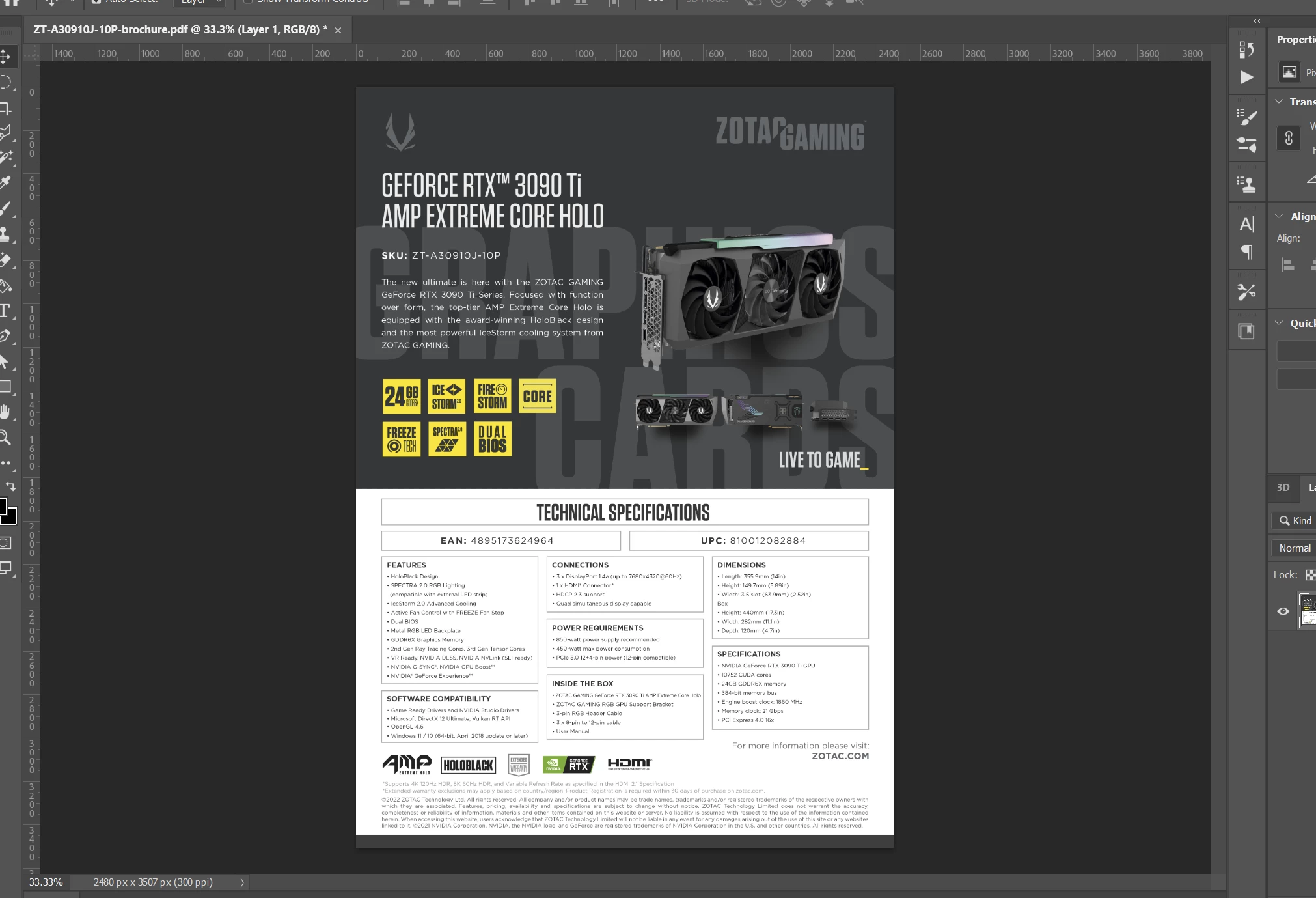
However when I choose "Export As" and select PNG (at default settings)
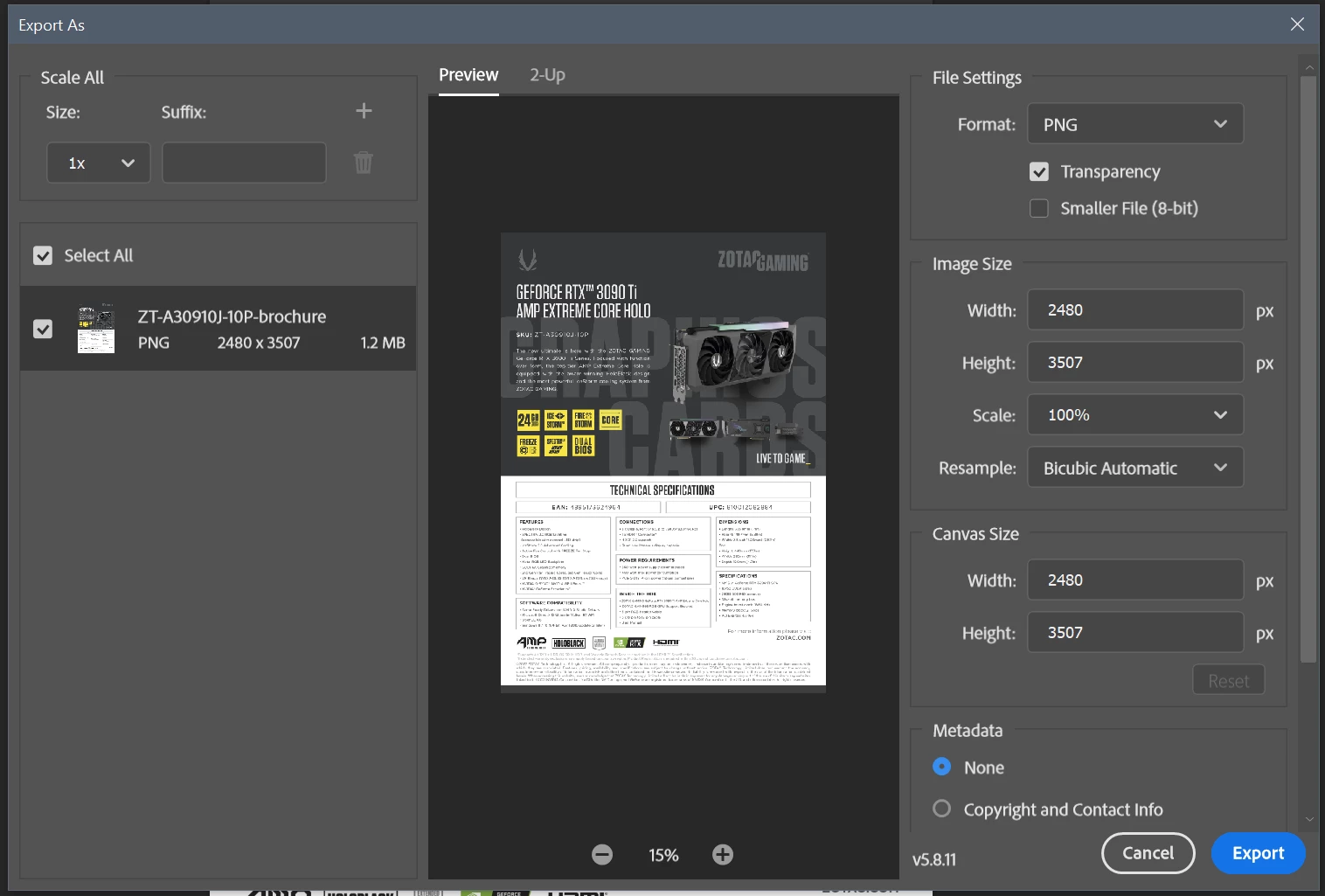
and click "Export", Photoshop then freezes. Clicking on anything will result in a Windows "Bling" chime. I checked the background (behind) and there are no other modal windows open, so it's not that. Looking at Task Manager shows the Photoshop jumping from 0% CPU to 3-8%, then back and forth. The only way I can close it is to END TASK.
I have a monster system, with max memory and a beast GPU (running CUDA).. so I doubt it's my system.
It doesn't do this every time. Usually opening up again will get it, and if not the third time is a charm. I don't often open PDF's in Photoshop, and export to an image.. so I can't say WHEN this started happening, just that it is. Seems to happen when I don't start Creative Cloud first (I usually let the apps start it before opening).
Any ideas?
 AdChoices