
Répondu
Pen tool: How to draw an visible line in Photoshop CS6
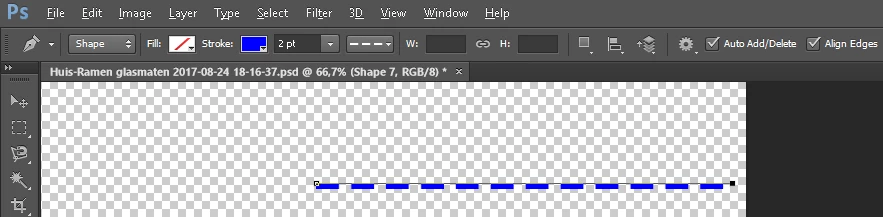
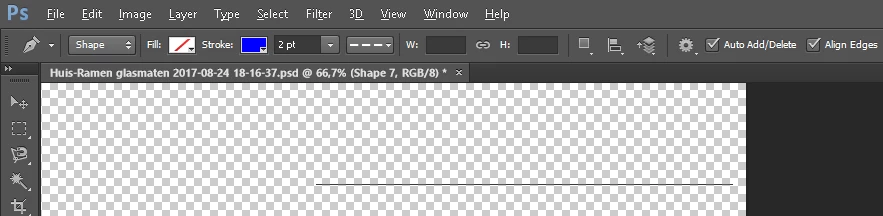
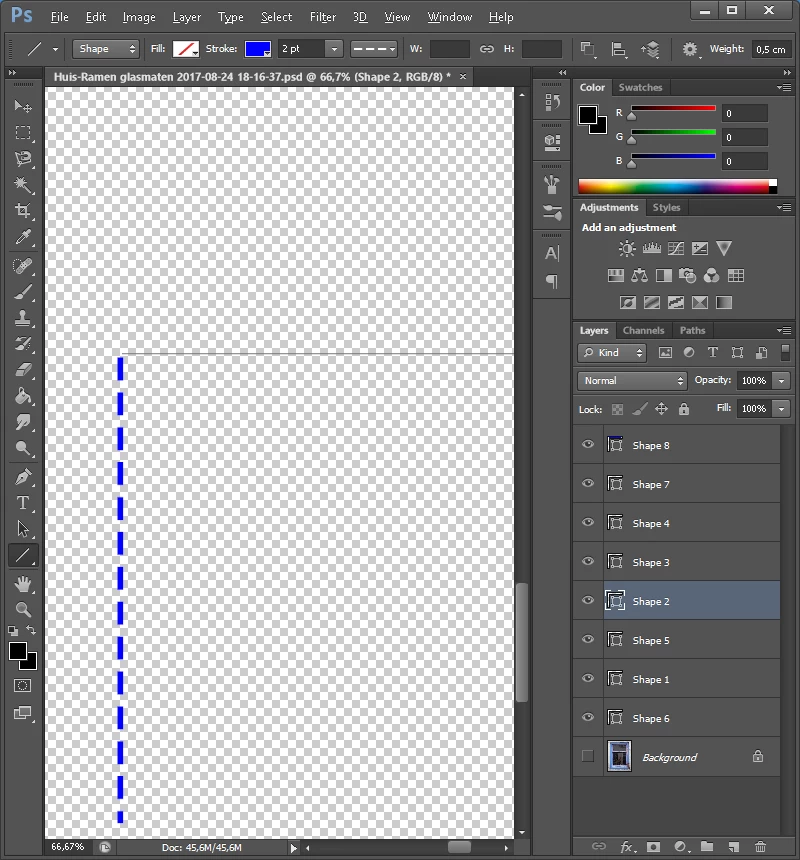
When I draw a 2-point dotted line (which is visible using the rubber band) it disappears after drawing. I can still see the path drawn but the line itself shows nowhere, not in print, export to web etcetera. Changing the shape (colour thickness, line-type etcetera) does not do the trick.
I did try to find the solution in the FAQ pages but apparently it should work like this... So what am I doing wrong?
See the screenshots below.
- Drawing the line.
- Finished (closed) the path.
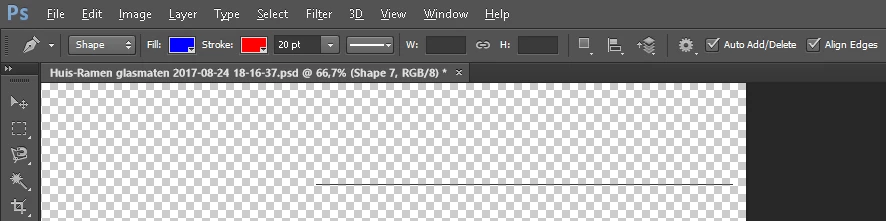
- Just changed the path's property's, nothing is happening.
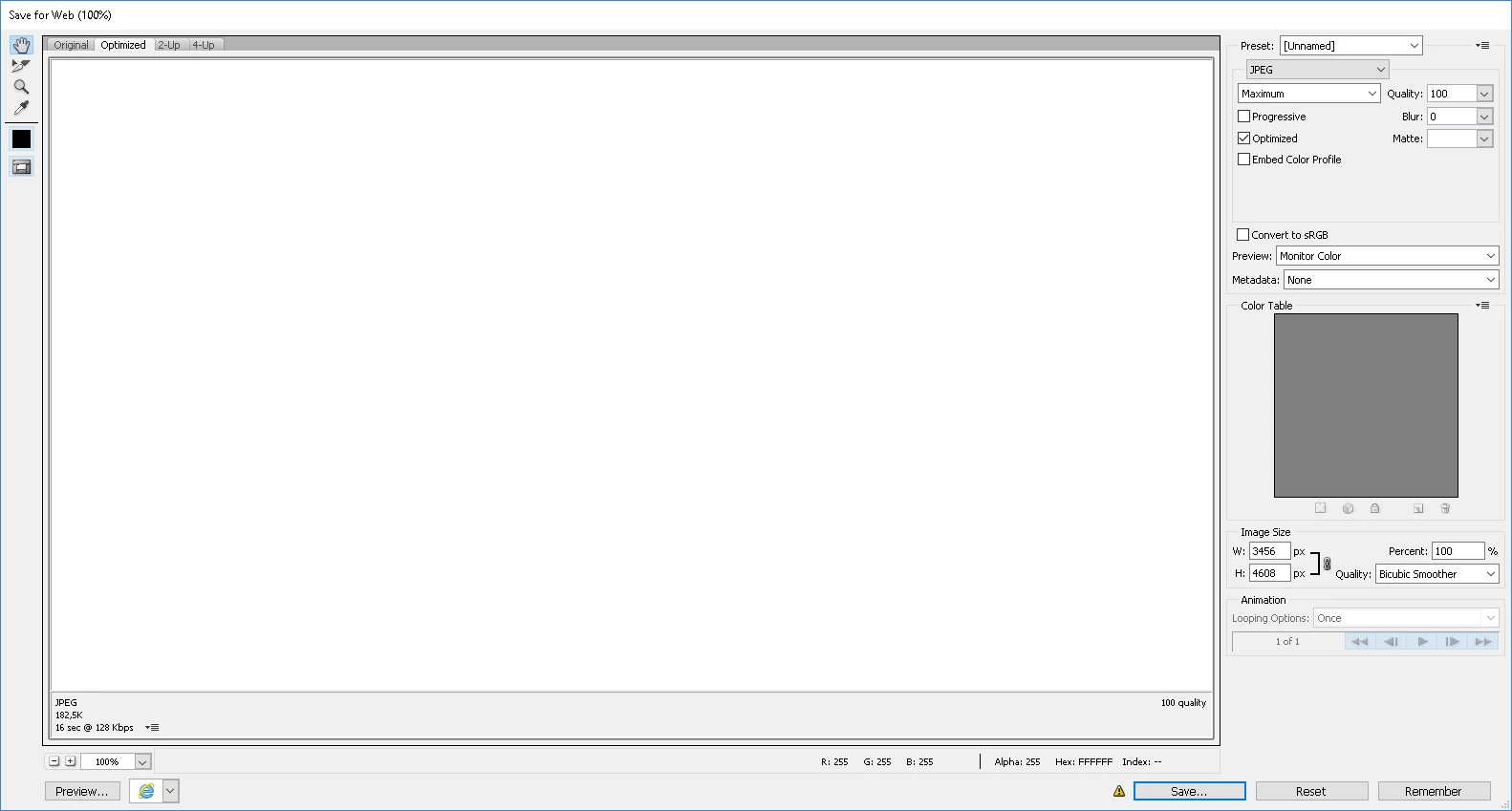
- Also when saving for the web, nothing is visible.
This is probably a 'beginners' question as Photoshop is not so self-explanatory as I hoped...
I'm using Adobe Photoshop version: 13.0.1
Does anyone know what goes wrong here? Thanks in advance!
 AdChoices