



Answered
Persistent pop ups, how do you disable them? [layer mask]
After the latest updat to Photoshop, I get a pop up EVERY TIME I click on a layer mask, it makes no difference if it is a white mask or black mask or one I'm about to use or just making a selection of the mask, EVERY DOG GONE TIME I click on the mask this pop up, pops up. I dismiss it and the next time I touch the layer mask, it pops up again. HOW IN HECK DO YOU SHUT IT OFF so it NEVER pops up again????
This is the annoying and persistent pop up:
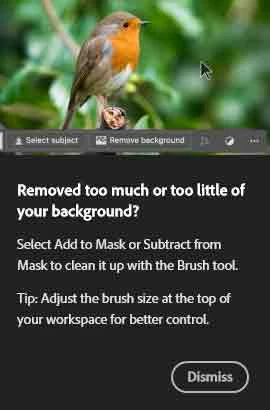
I can find nothing in the perferences to shut this thing off. Right clicking on it does nothing, no menu to shut it off or anything. What in the heck do you have to do in order to kill this darn thing??? This is crazy...
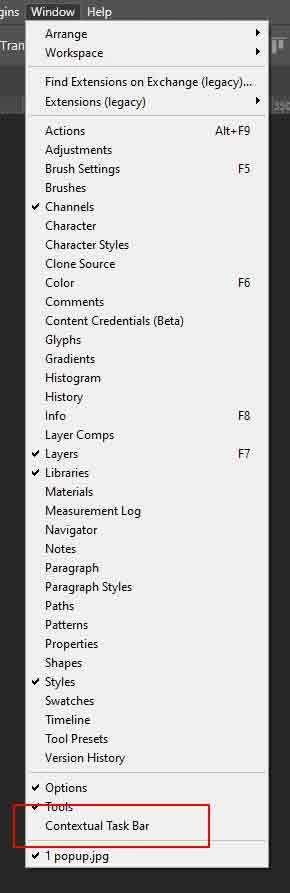
 AdChoices