Known Participant
April 8, 2022
Question

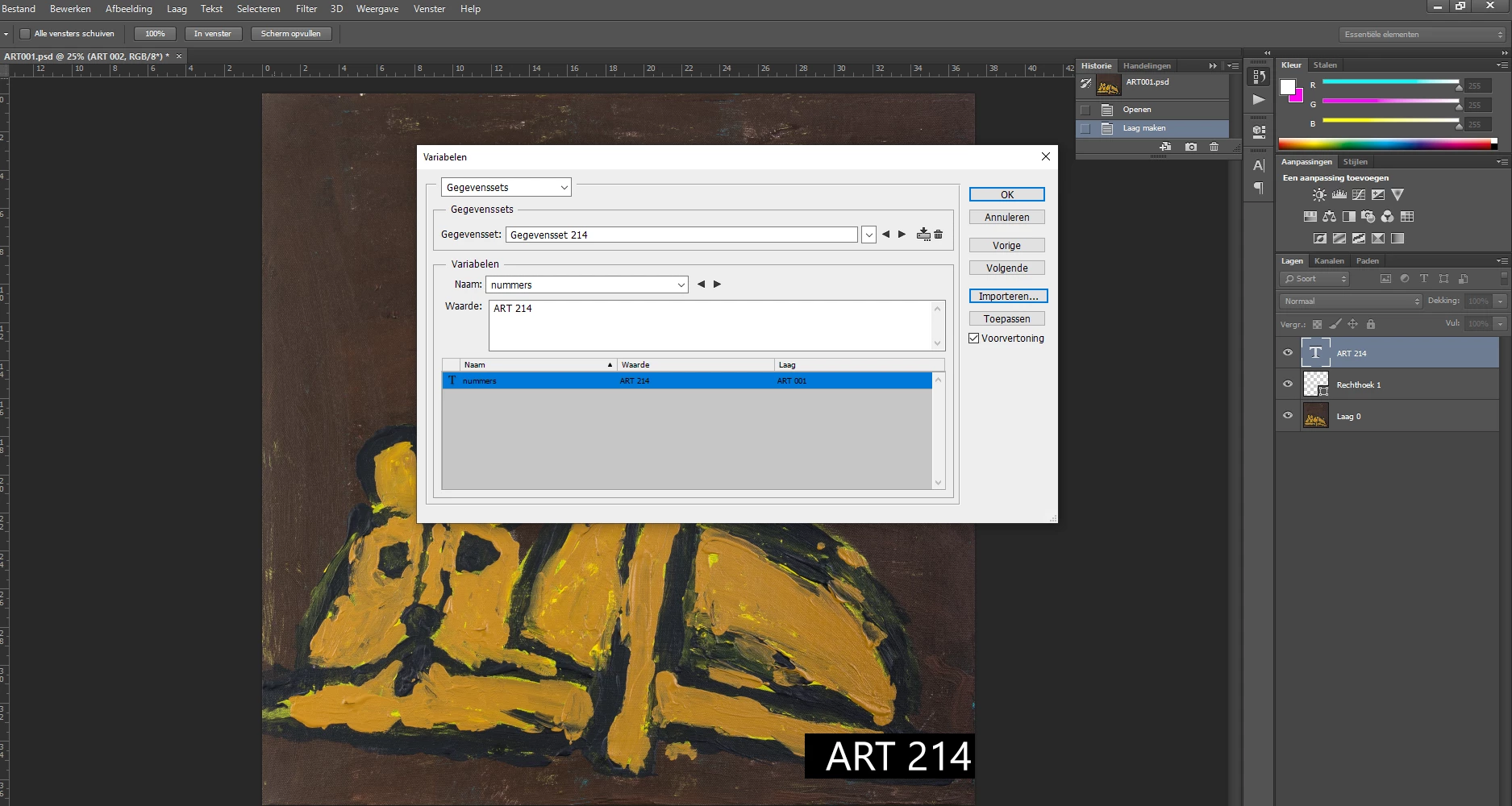
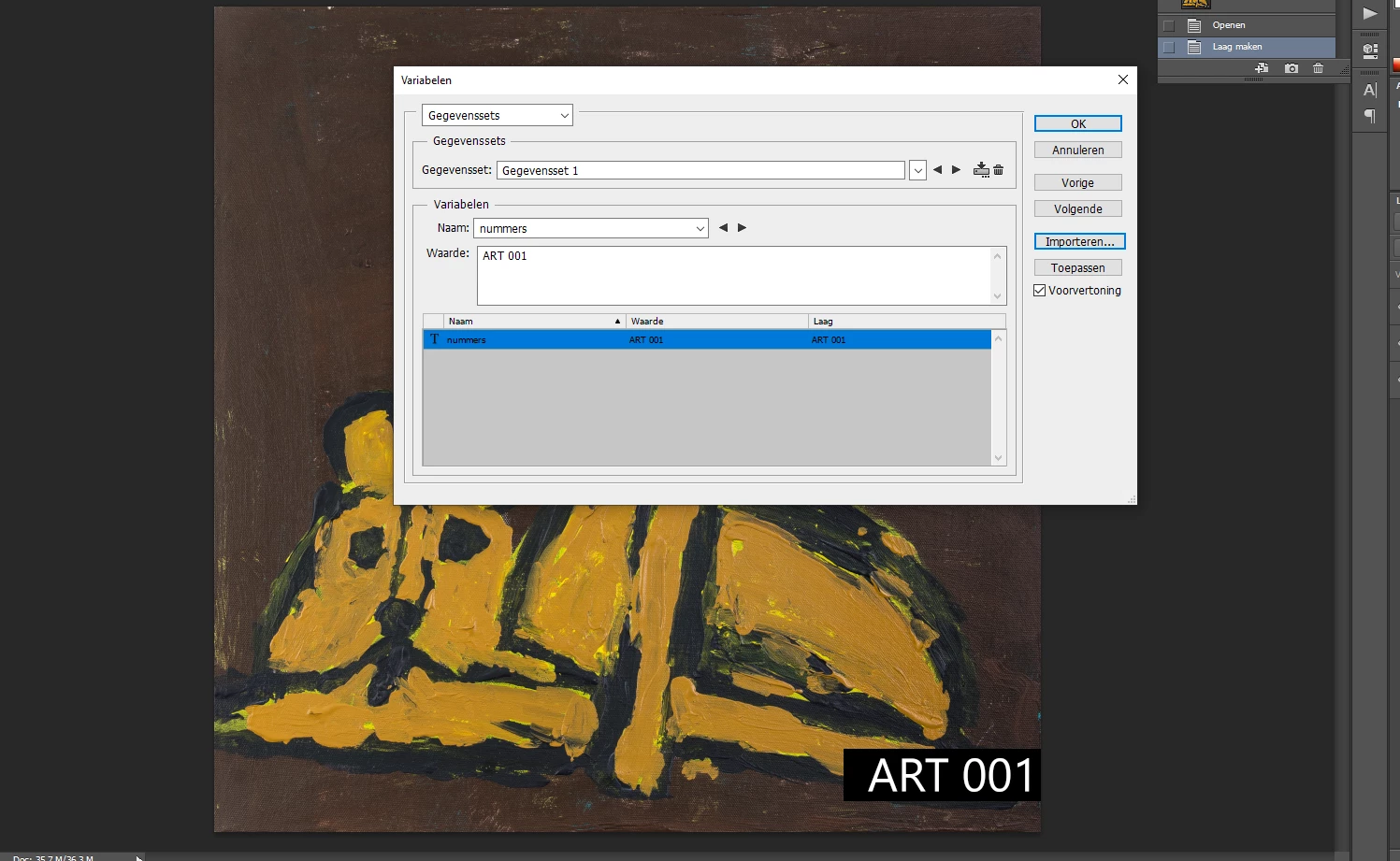
Photo data set trying to use other phot's instead of only one photo

  • April 8, 2022
  • 1 reply
  • 222 views

So i want to name difrent photo's with the correct data set so how do i do this for exemple in photo 1 is art 001 and in the second photo 214 needs to be another one that i have on my pc but idk how to tell photoshop to go trough the list of images i have. SO TO BE CLEAR ART 214 is an image from a cat for exemple a difrend image. (bcs it only aplies to this image and i want all mij 214 photo's to be with art"number" on
This topic has been closed for replies.

1 reply

Stephen Marsh
Community Expert
Community Expert
April 8, 2022

Presuming that your data source is a spreadsheet...The very first column should have the names, then check the box to use the first name when importing the data set. You can setup the first column just to name data sets, even if this column is not being used for the actual merge.


https://helpx.adobe.com/au/photoshop/using/creating-data-driven-graphics.html


Use First Column For Data Set Names
Names each data set using the content of the first column of the text file (the values for the first variable listed). Otherwise, the data sets are named “Data Set 1, Data Set 2, and so on.”


You can also dupe this column for use as a label on the image, with another column for the image filename and path.


jhon5FBBAuthor
Known Participant
April 9, 2022

well u dind tell me that i had to put my txt file next to the psd files for it work otherwise thx for your reply

Stephen Marsh
Community Expert
Community Expert
April 9, 2022

@jhon5FBB wrote:

well u dind tell me that i had to put my txt file next to the psd files for it work otherwise thx for your reply


Perhaps you should have shared the text file then. I could only guess at what you were doing wrong, and I guessed wrong. It's a GIGO situation.