


- Home
- Photoshop ecosystem
- Discussions
- Re: Photoshop (2014) Extensions greyed out, extens...
- Re: Photoshop (2014) Extensions greyed out, extens...
Photoshop (2014) Extensions greyed out, extension manager not recognizing photoshop 2014

Copy link to clipboard
Copied
Im unable to migrate my plugins fomr photoshop cc to cc 2014. Extension manager doesnt seem to show the 2014 versions and also the extensions menu is greyed out inside photoshop, so Im unable to pick anything in there.
anyone knows whats going on ?



Explore related tutorials & articles
 85
Replies
85
85
Replies
85


Copy link to clipboard
Copied
Hey Trevor,
the Extension Manager shows:
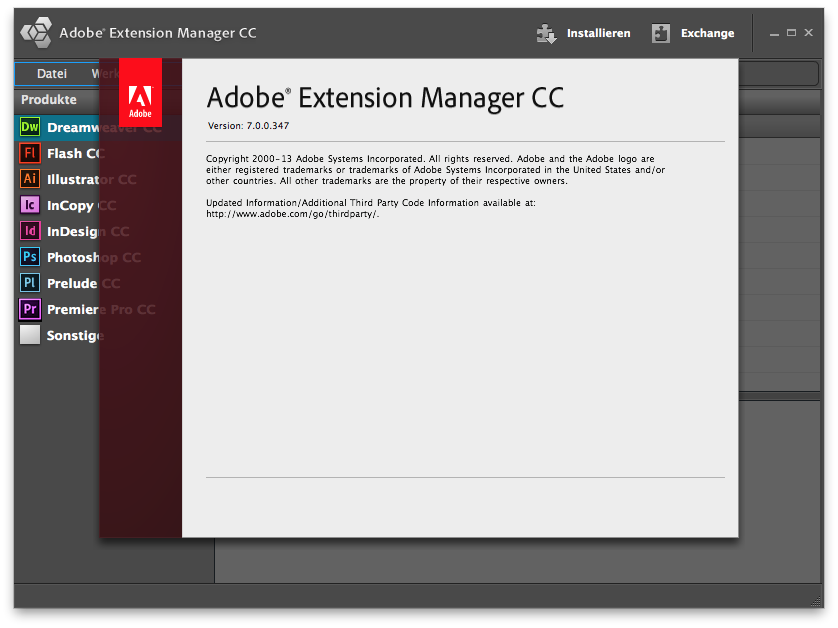
And the Desktop Application manager:
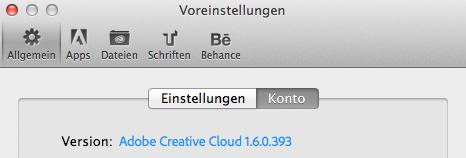
So i guess my Application Manager is up to date, but my Extension Manager still not? I reinstalled already 2 times, checked the box for "clear the settings" in the uninstall dialog as well. Restarted the Application Manager and so on. None of these helped so far …
.png)

Copy link to clipboard
Copied
Musti_Ger wrote:
So i guess my Application Manager is up to date, but my Extension Manager still not? I reinstalled already 2 times, checked the box for "clear the settings" in the uninstall dialog as well. Restarted the Application Manager and so on. None of these helped so far …
Musti –
Try the direct download links to the CC patches/updates that were posted here just above and see if that helps get you to the latest version... Extension Manager CC is included there.

Copy link to clipboard
Copied

Copy link to clipboard
Copied
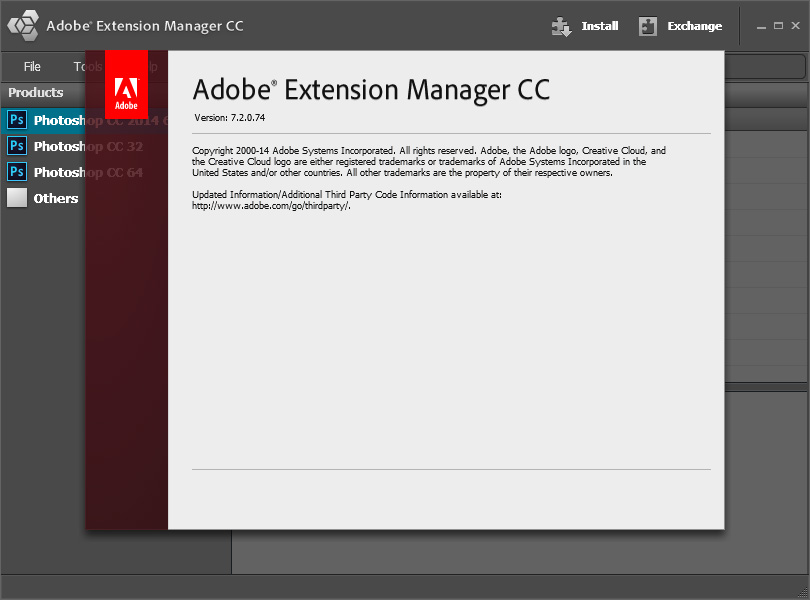
should be 7.2.0.74

Copy link to clipboard
Copied
I used only Photography Toolkits (by PSKiss) as extensions in PS CC. But they do not work in CC 2014.
I asked PSKiss:
"Will you upgrade Photography Toolkits for PS CC 2014? The current versions are not supported by a new Extension. It is a pity to say goodbye to such nice plug-ins. In the case of the upgrade have I payed for it again?"
Today I received their answer:
"Our panels are not yet compatible with the new CC 2014.
We hope to finish the update in the following month (which will be a FREE update).
We will inform via our newsletter and Facebook page."
The Extension in my CC 2014 is still greyed out, but it does not contain any extensions compatible with CC 2014.

Copy link to clipboard
Copied
I'm having the exact same problem, tried all of the above. Except my Extension Manager will not load anything, it just keeps loading and doesn't do anything. I've tried restarting several times... " Window > Extensions " is still greyed out. I'm shocked at this, doesn't Kuler come with Photoshop and shouldn't that already be showing in the Extensions flyout?


Copy link to clipboard
Copied
Hi Jamessk12,
Try Help > Browse Addons...
Then browse to Kuler, and install from there.
Once Creative Cloud Desktop Application shows that it is installed. Restart Photoshop, then check the Window > Extensions > Kuler menu (Might need to wait about 30 seconds for the sync to happen after PS start).
Regards

Copy link to clipboard
Copied
Bad, Bad, very bad Adobe!

Copy link to clipboard
Copied
Ok so after combing through this forum and implementing much of the suggestions I arrived at a solution for myself which will hopefully work for you as well!
Instead of trying to automatically open the extension file from the finder, i.e. double clicking the file which opens the adobe extensions manager, I opened the extension manager application by itself and first deleted the remnants of any previous installation attempts. Then by clicking the instal icon on the top right and installing the extension this way, the long way, is what finally worked for me.
Hope this helps!
G

Copy link to clipboard
Copied
Hi Everyone,
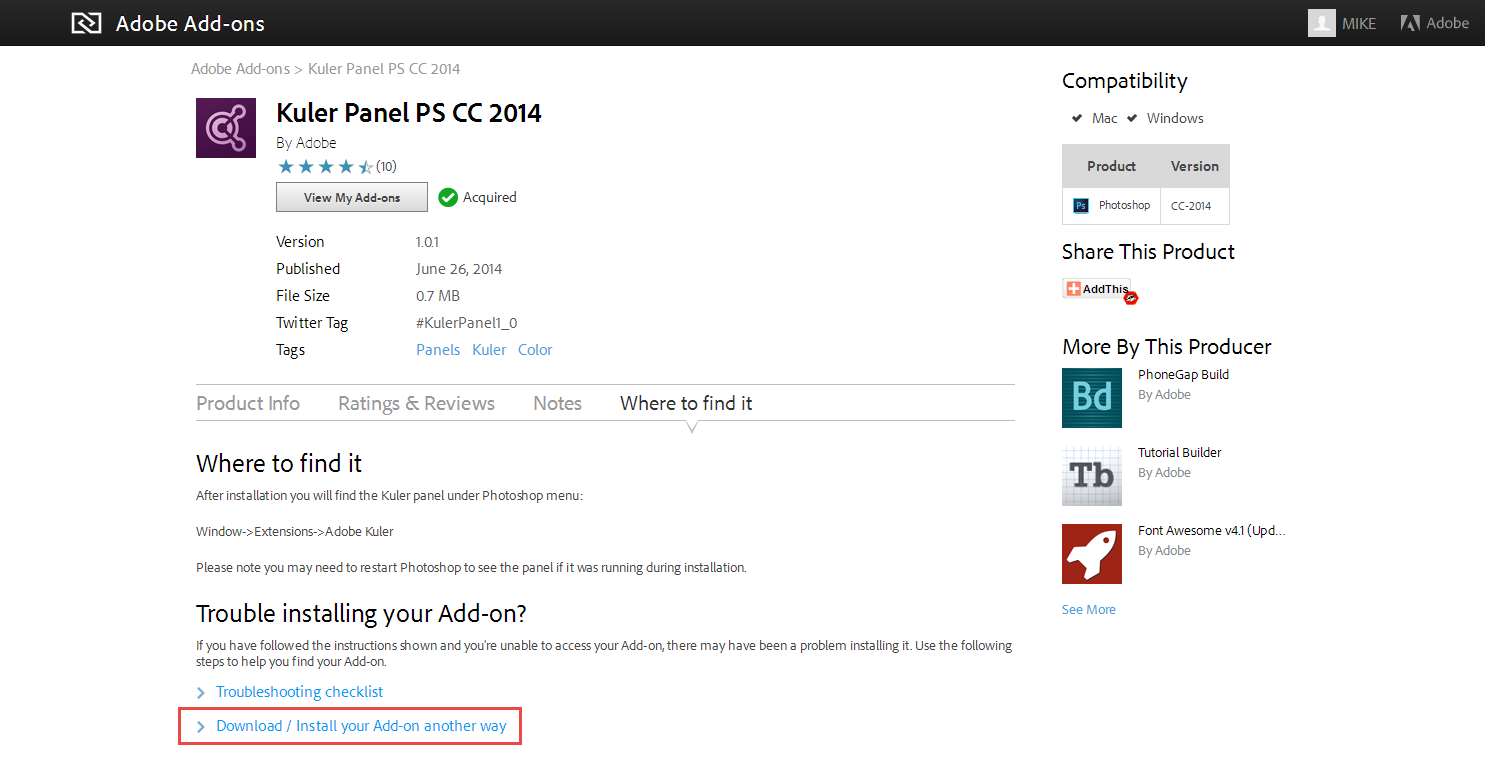
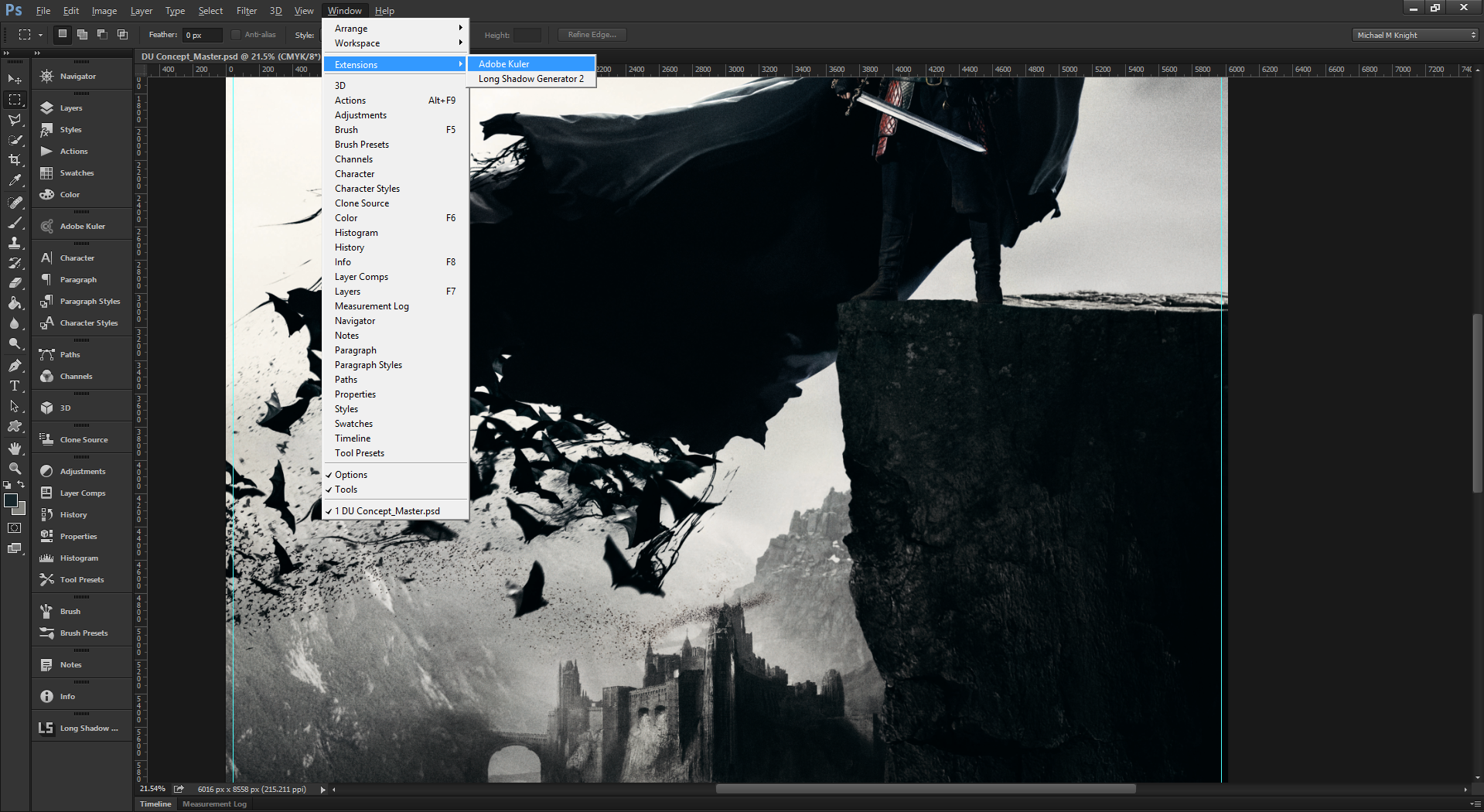
I had the same issue. I desperately needed the Kuler ( https://creative.adobe.com/addons/products/2507 ) extension and no matter what I did I couldn't get the Extensions Menu option to un-grey. That is until I did the following.
I loaded up the Kuler extension page (link above) and I chose the option towards the bottom "Download / Install your Add-on another way". This allowed me to download the extension to my Desktop. I'm Using Windows 8.1, so not sure what you would do on a Mac.)
I then ran Adobe Extension Manager CC as an Administrator (just right click the Extension Manager icon and select Run as Administrator).
Then I installed the Kuler Extension as normal. I then opened up Photoshop CC 2014 and low and behold, my Extension Menu was available. I then proceeded to install another extension. This time I found a free Long Shadow Generator from the Creative Cloud Extension page and I clicked the button to install it on the webpage, then checked Photoshop, and it was in the list via the Extension Menu. Hope this works for you guys.

Copy link to clipboard
Copied
Yes... Adobe have seriously messed up. If they keep up this crap I'll be going back to Corel.


Find more inspiration, events, and resources on the new Adobe Community
Explore Now
 AdChoices