


Question
Photoshop 2022 keeps crashing upon opening
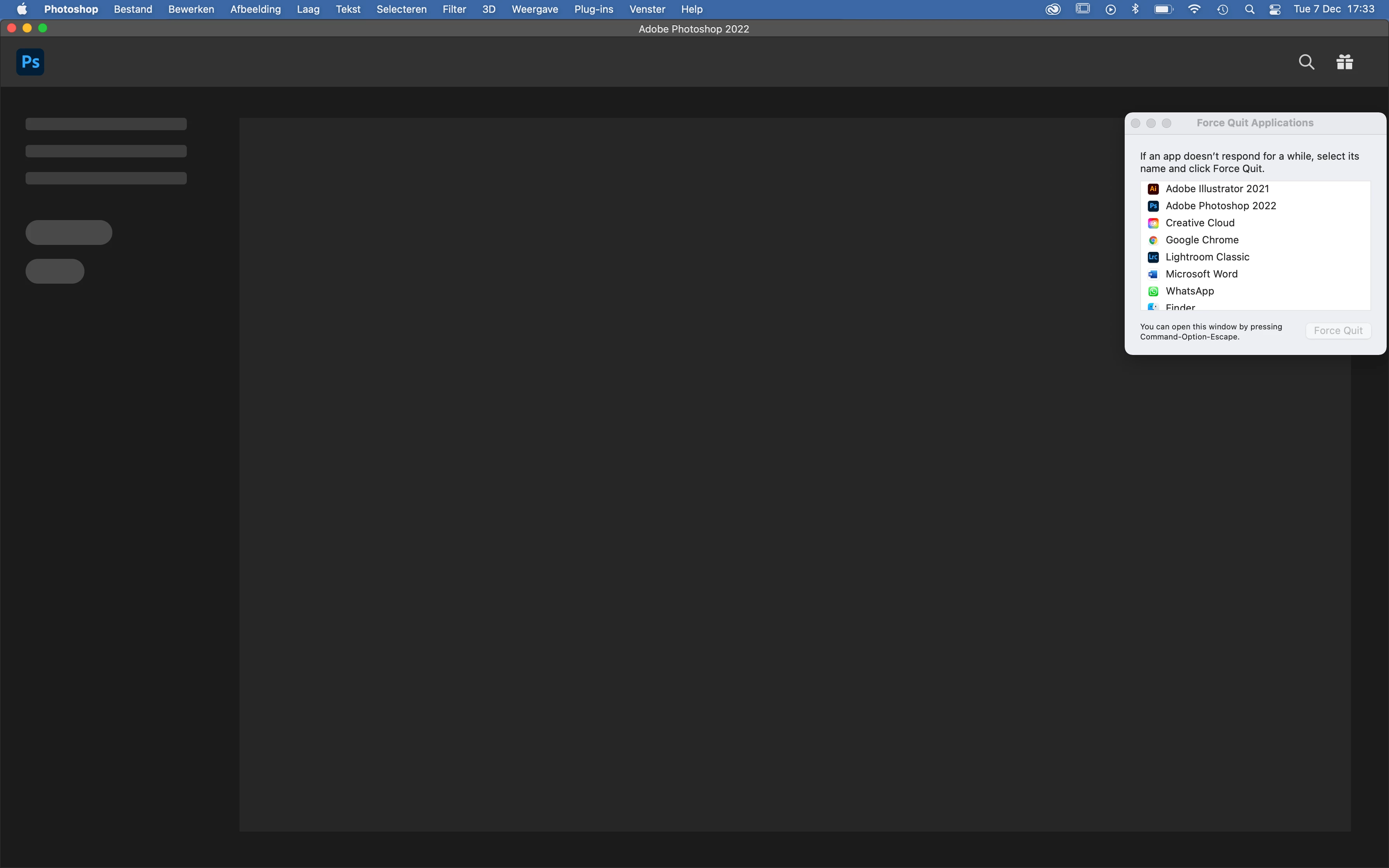
My photoshop 2022 keeps crashing upon opening. It hasn't stopped with any update. I have deleted and reinstalled the app, even deleted creative cloud and reinstalled it, but nothing seems te work. The 2021 version works just fine. As you can see the app does open, but it doesn't load any further than this. When I try to press a button the app stops responding and i have to force quit.
 AdChoices