Copy link to clipboard
Copied
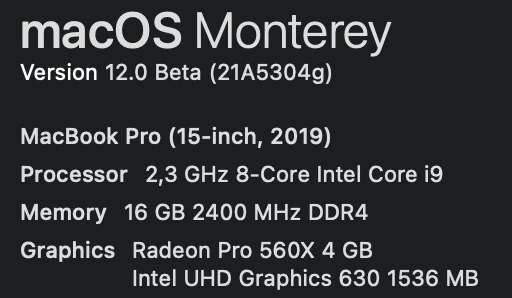
This is my mac config:
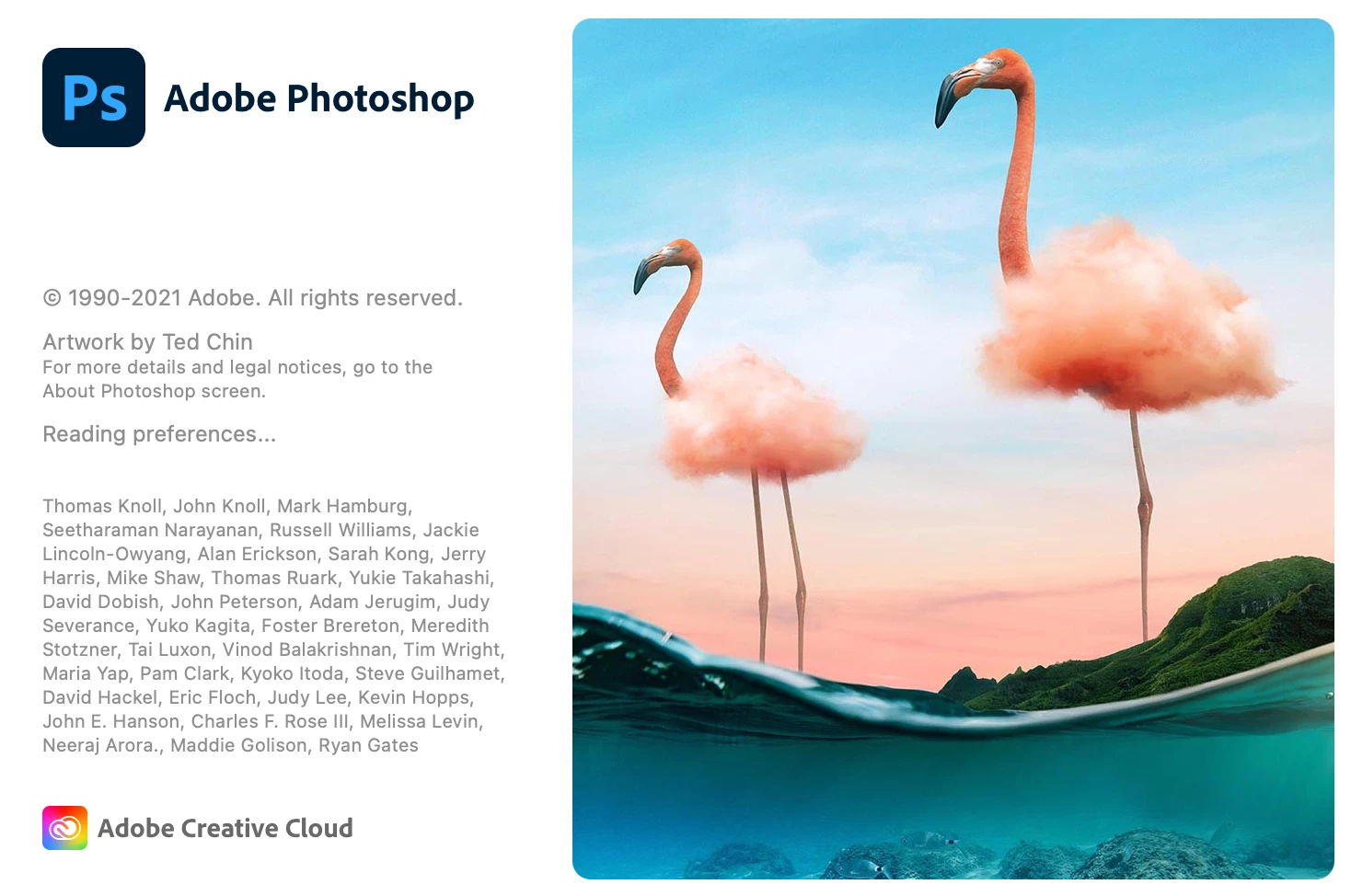
I can't open Photoshop CC 2021 v22.5 on my macbook. When I open the application it just shows the window as shown below and stops there, unable to access it anymore.
I've tried reinstalling the app and restarting my mac, but it still won't open.
Please guide me how to handle this problem.
Thank you.
Copy link to clipboard
Copied
Hi
Looks like it's having an issue reading the preferences file, try resetting/deleting them
Copy link to clipboard
Copied
I've tried reset Photoshop preferences but Photoshop is not responding at this step (after I click Yes in the dialog that asks "Delete the Adobe Photoshop Settings file?"😞
Copy link to clipboard
Copied
I just noticed you're using a beta version of MAC OS, Photoshop version 22.5 has not been tested to run on beta versions of operating systems
Copy link to clipboard
Copied
I was able to get Photoshop to run by disabling SIP in Monterey. Not an ideal solution, but at least it enables me to continue using Photoshop. Hopefully this will be fixed either by Adobe or Apple soon. Hope this helps!
Copy link to clipboard
Copied
Get ready! An upgraded Adobe Community experience is coming in January.
Learn more