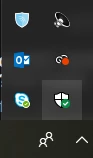
Thank you for sharing the information, please Close Photoshop and then open Windows Defender from the task-bar
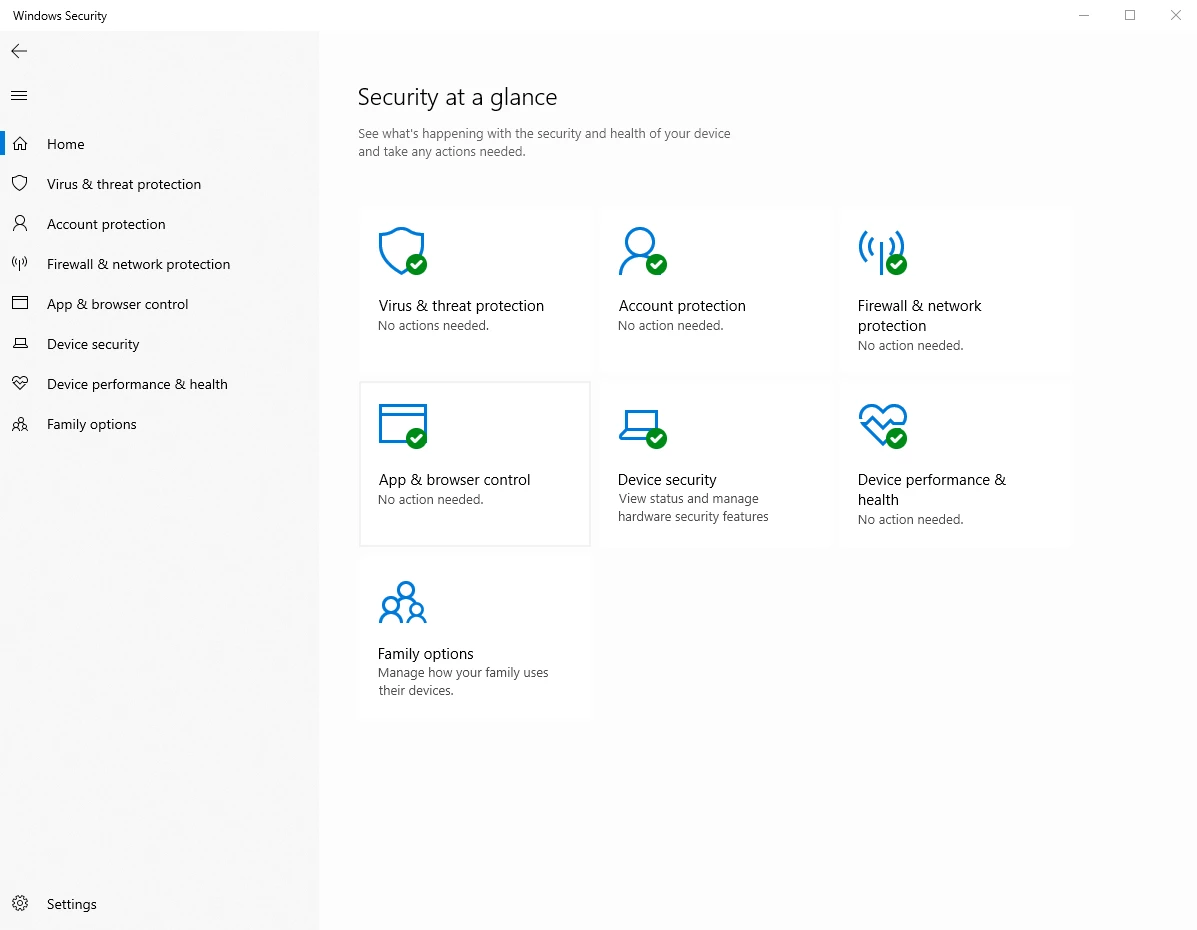
Then go to Settings on the bottom left as shown below:
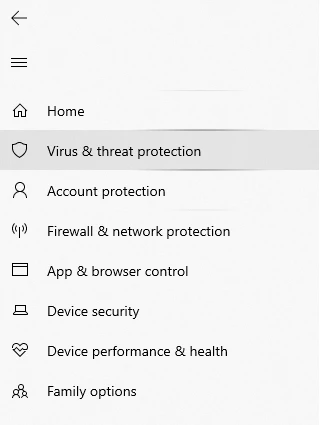
Then go to Virus & threat protection tab:
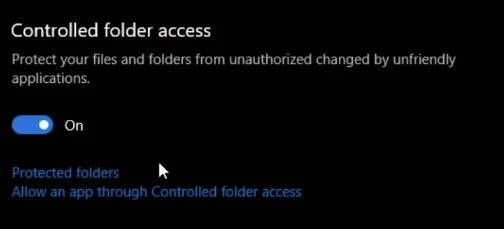
Then Scroll down and under Controlled folder access, click on Allow an app through Controlled folder access:
Then click on Add an allowed app and Browse to this location C:\Program Files\Adobe\Adobe Photoshop CC (version) and choose Photoshop.exe then click Open and Photoshop will be added to the list.
Relaunch Photoshop and let us know if you're able to save the image.




 AdChoices