


Participating Frequently
January 25, 2018
Answered

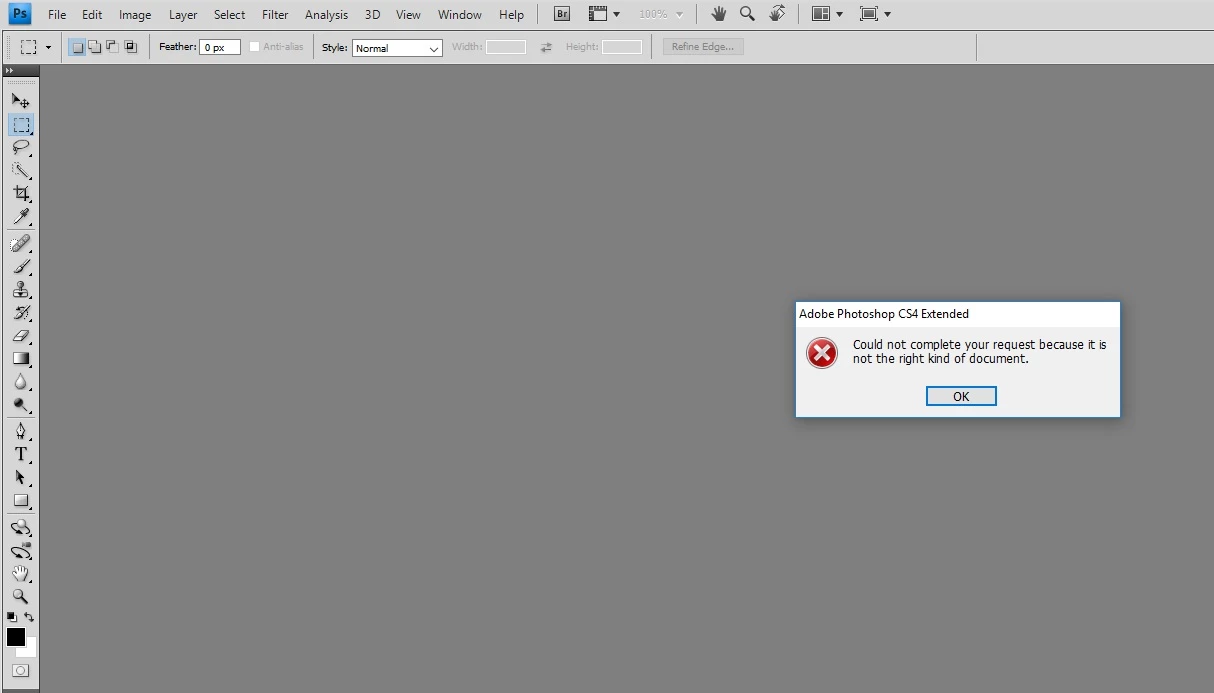
Photoshop CS4 Extended - "could not complete your request because it is not the right kind of document"

  • January 25, 2018
  • 2 replies
  • 3099 views

Hi,

I have just downloaded and installed the Photoshop cs4 but when I tried to open a .cr2 photo an error was given by photoshop. During the installation I followed the instructions given below:

"Important: Some Windows product downloads include two files: an .exe file and a .7z file. To install the software, it's necessary that both files are downloaded and located in the same folder. Otherwise, an error can appear when you start the installer. Errors include "Windows cannot open this file" and "The file archive part of Adobe [product name] is missing."

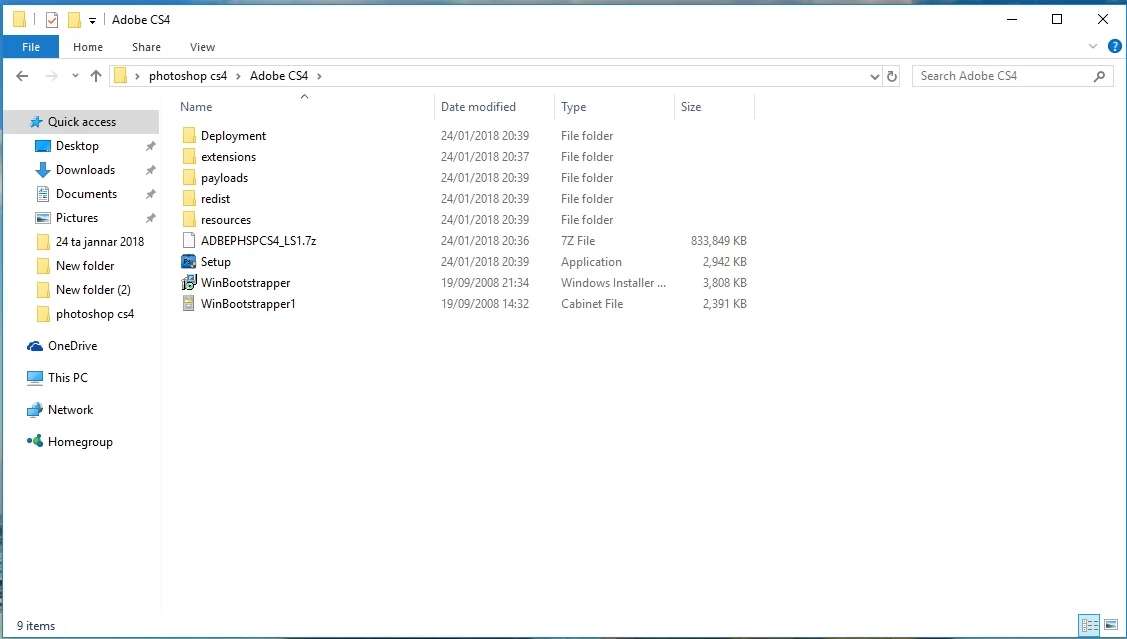
As you can see in the below screenshot i have placed the .7z and the .exe (Setup) in the same folder as metnioned in the above caption but the error message "could not complete your request because it is not the right kind of document" is still being given.
kindly, can someone help me ?

This topic has been closed for replies.
Correct answer Jeff Arola

Hi i'm using windows 10 home edition and  y camera is a canon 600d.Thanks


The canon 600D is too new to be supported by photoshop cs4 which can only use up to camera raw 5.7 and the canon 600D requires at least camera raw 6.4.

Cameras supported by Camera Raw

Camera Raw plug-in and Adobe application compatibility

You can use the adobe dng converter 10.1 tio convert the 600D cr2s to dng copies, which then cs4 should open.

Adobe - Adobe Camera Raw and DNG Converter : For Windows : Adobe DNG Converter 10.1

Camera Raw: How to use Adobe DNG Converter - YouTube

While your at it, you should at least install the photoshop 11.0.2 update and camera raw 5.7 plugin update to get the bug fixes.

Adobe - Photoshop : For Windows : Adobe Photoshop CS4 11.0.2 update - multiple languages

Adobe - Photoshop : For Windows : Camera Raw 5.7 update

2 replies

Participating Frequently
January 26, 2018

Hi just to express my big thanks for all the help very much apriciated.

Thanks all

kglad
Community Expert
Community Expert
January 25, 2018

it looks like ps is installed. 

is there any problem with your ps?

Participating Frequently
January 25, 2018

Yes ps is installed but I'm having problems to open my photos as you can see in the screen shot above

Jeff Arola
Community Expert
Community Expert
January 25, 2018

What version of windows are you using?

Which canon camera are the cr2 files from?