


Photoshop CS6 failed to install and I want to uninstall so I can reinstall it but it won't let me...
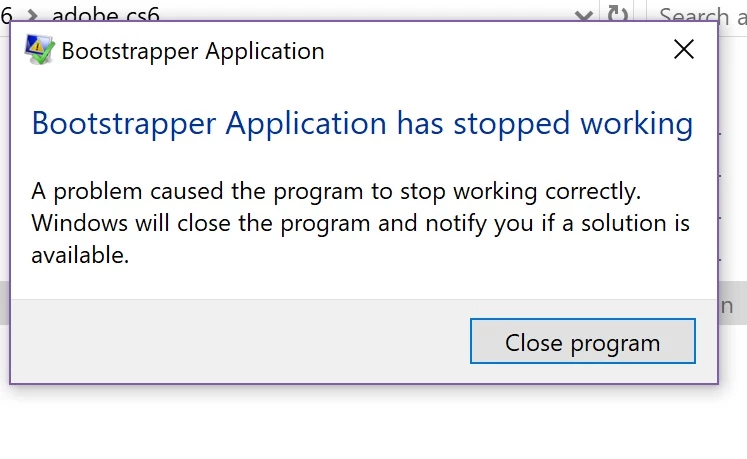
This morning I tried to install Photoshop cs6 (I don't want to pay monthly for a subscription and this is the last one you can buy without one that's why I chose cs6 ). I was able to install it successfully on my home computer but I also wanted to put it on my main laptop I always use. It was working at first so I left it alone to install while I left to run errands. I came home and something happened where my computer froze and I needed to exit and start the installer over. But when I tried to reinstall it the set-up file wouldn't open and I'd just get this pop-up:
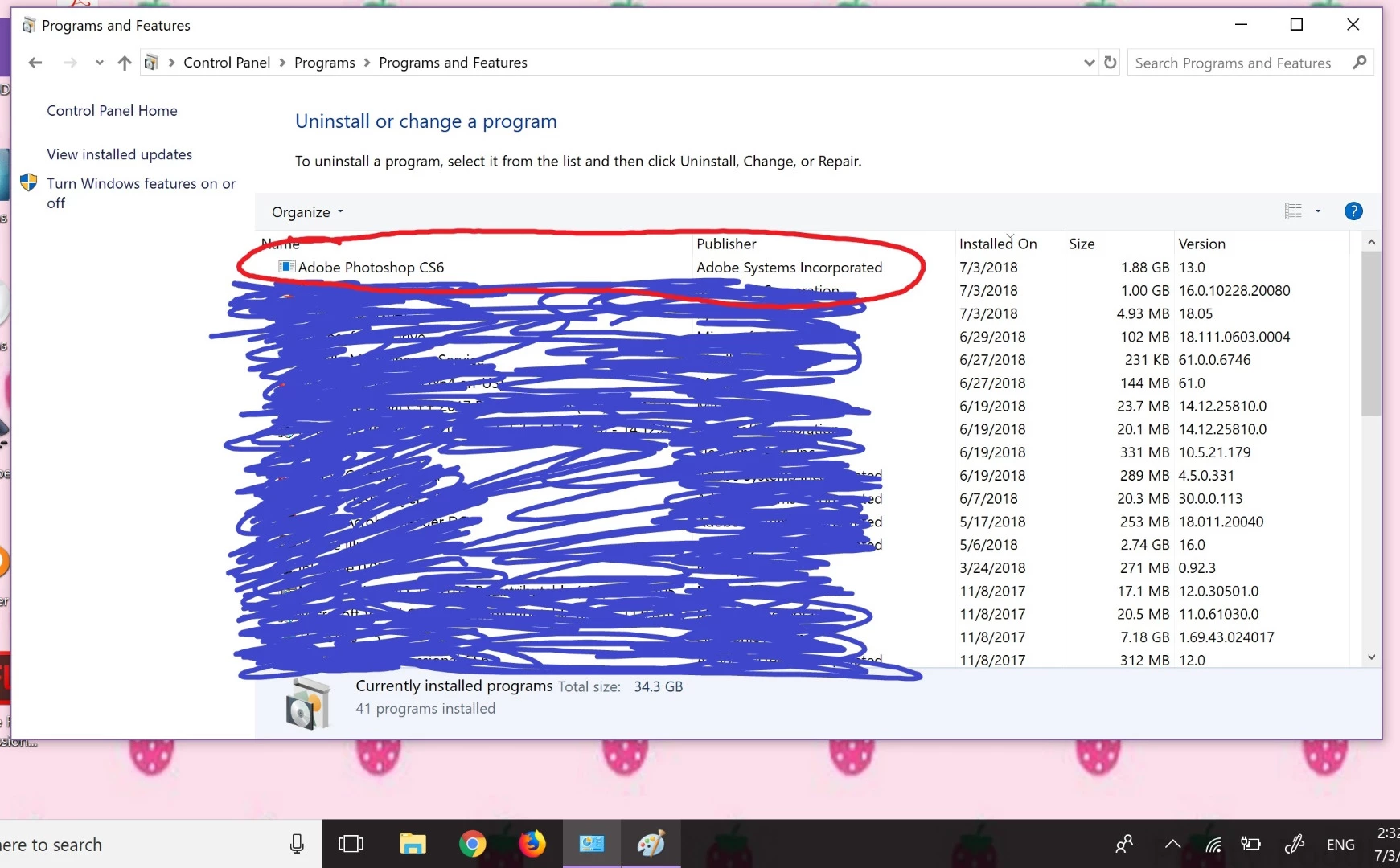
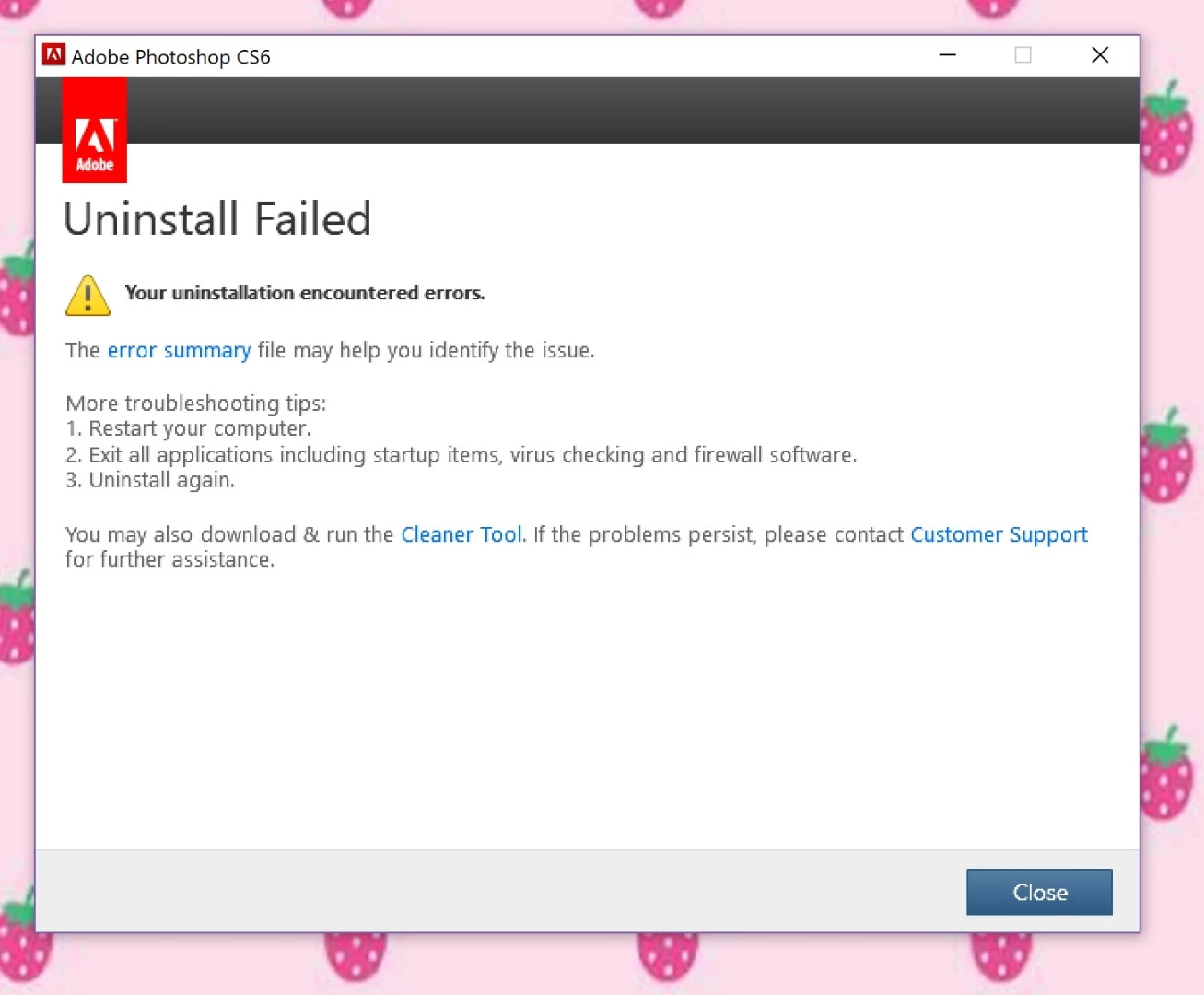
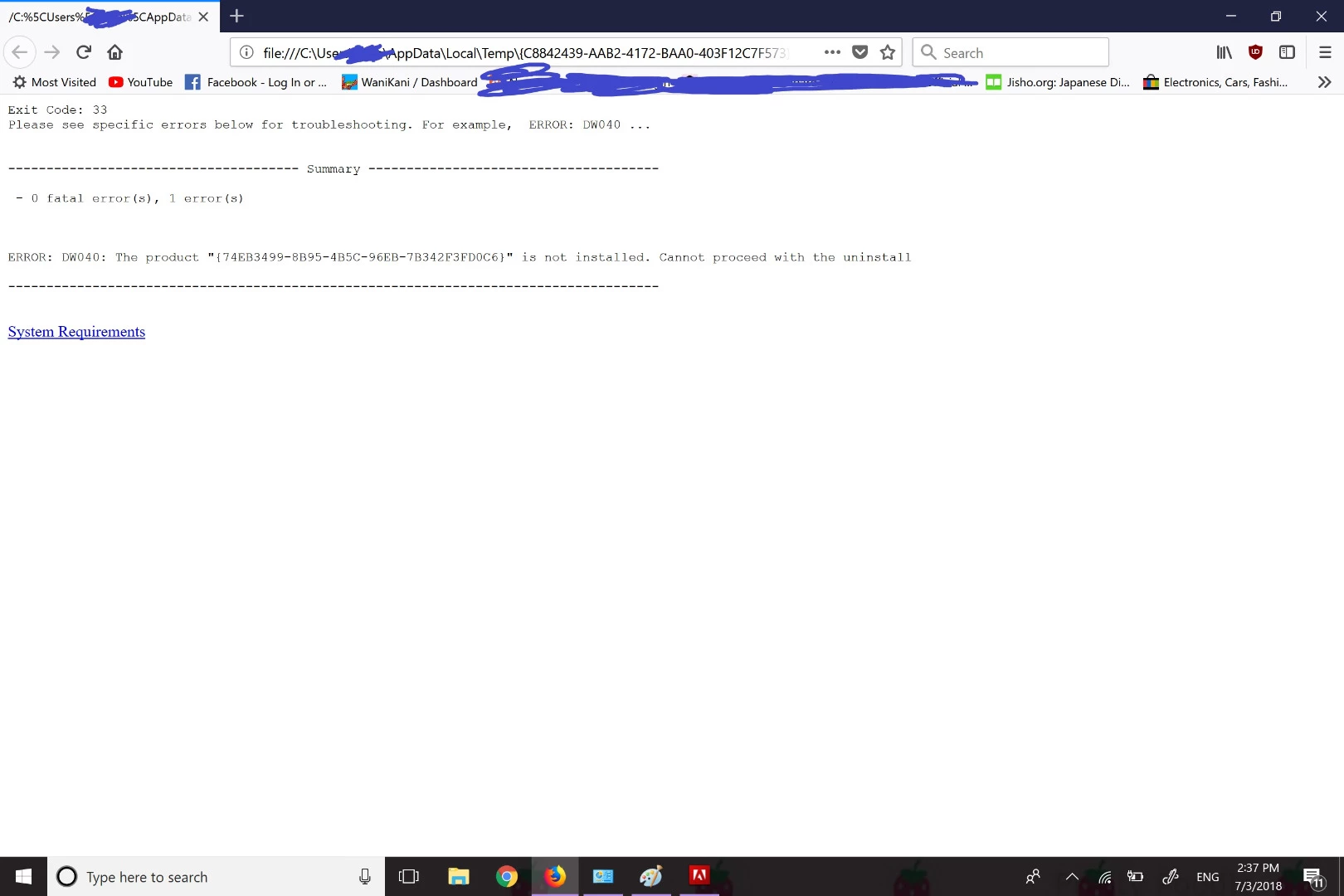
So i tried to search online on what I need to do to fix this and I tried the CC cleaner but Photoshop CS6 wasn't on there to fix. I went to the control panel to see if the program was on there so i can uninstall it off of there then try to reinstall it, and it was on there. But when I clicked uninstall I got an error and I clicked to view details and it says it couldn't uninstall because it wasn't installed, but it was obviously on the installed programs list.
I even tried going through the registry to uninstall it from there but nothing I did worked. Does anyone know how to fix this or if there's a way I can remove it from my computer completely so I can try to reinstall it all over again?
Thanks
 AdChoices