


Participant
September 6, 2020
Question

Photoshop doesn't show colors and photos are dark (problem initializing cc libraries)

  • September 6, 2020
  • 2 replies
  • 315 views

Hey everyone!

I have bought new PC and downloaded Photoshop. The first problem occured when I opened Photoshop, I got an error "due to a problem initializing cc libraries, existing links to library graphics will appear broken". I have followed ways to fix that, but nothing helped. The error doesn't pop up anymore, but for some reason there are no colors (the thing to go to Image/Mode/RGB doesn't help). Also when I open any image, it is completely dark. If I open image with transparent background, the transparent layer is also black. 

Here is a screenshot of how it looks when I open an image:
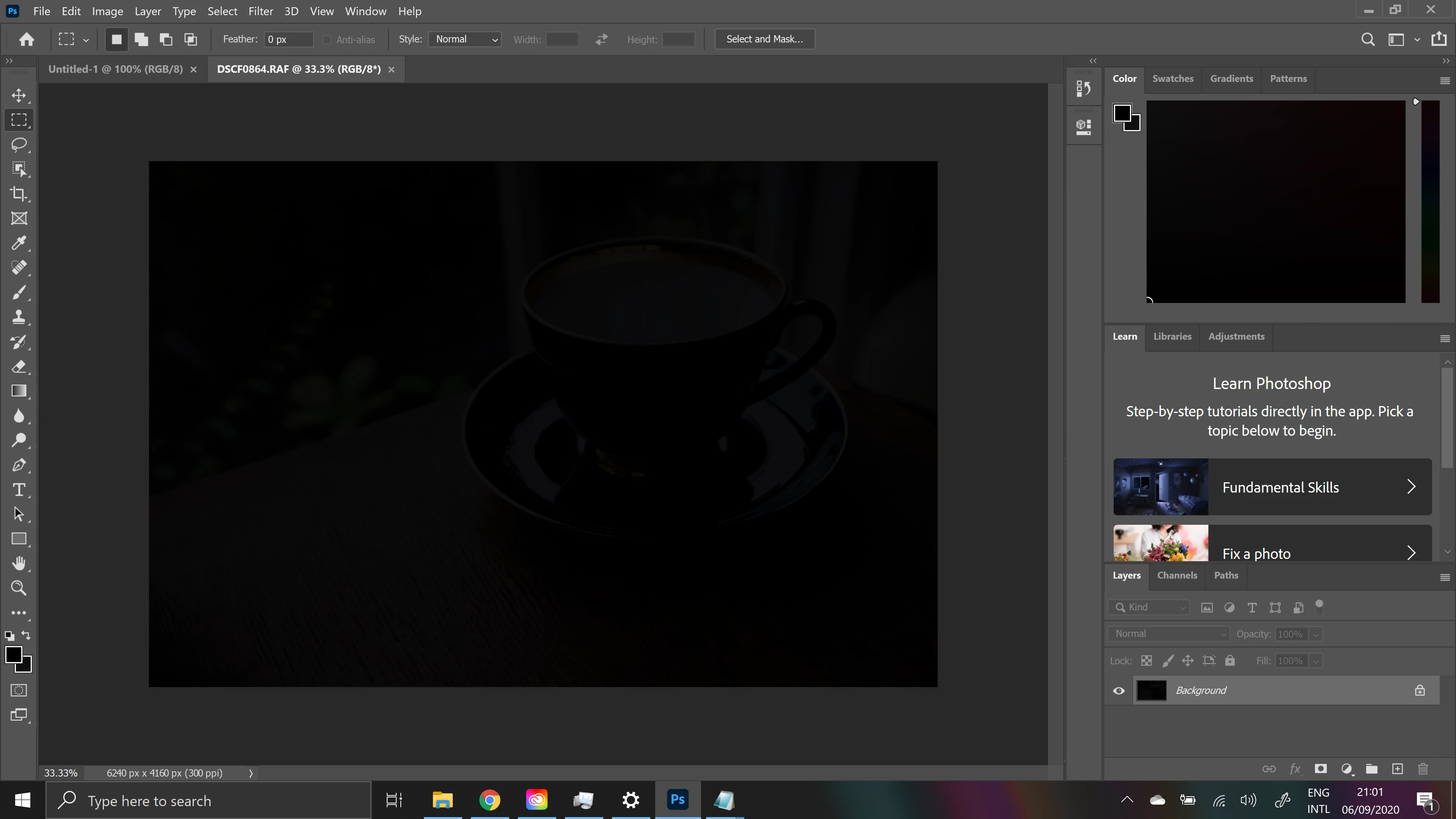
 

I am using Windows 10, 64bit, NVIDIA GEFORCE RTX 2060

I have tried uninstalling both, Creative cloud and Photoshop, and installing again, didn't help. Anybody knows how would it possible to fix it?


This topic has been closed for replies.

2 replies

kotra5ECFAuthor
Participant
September 14, 2020

turns out it's a problem that asus zenbook pro duo users encounter with photoshop, finally found how to fix it

https://community.adobe.com/t5/photoshop/black-screen-while-opening-a-new-or-existing-document-in-photoshop-on-windows/td-p/11304421?page=1

JJMack
Community Expert
Community Expert
September 6, 2020

Can you show a screen dapture with your .RAF raw file open  ACR 12.4?

JJMack
kotra5ECFAuthor
Participant
September 8, 2020

Hey JJMack!

Sure! Here is the screenshot of exact same image opened in ACR 12.4. Also just a note, the thing with not seeing colors in Photoshop does also happen with any other image format. 


Best


JJMack
Community Expert
Community Expert
September 8, 2020

I do not know what your problem is one you machine.  I downloaded a sample .RAF raw file.  and open it  as background layer and smart object layer 16bit ProPhotoRGB and  Like you as Adobe RGB 8Bit Background via ACR 12.4. all looked fine. On my Windows 10 Quadro k2200 with GPU enabled in ACR in PS 21.2.2


JJMack