Participating Frequently
July 1, 2022
해결됨

Photoshop eraser brush isn't working

  • July 1, 2022
  • 2 답변들
  • 514 조회

Hi everyone so all of a sudden my brush eraser stopped erasing the background all the way and needs several clicks to erase this, I tried resetting locked brushes and also switched the black and white mode but it's still very soft stroke , can someone please help me with this ? I am sharing an example of trying to erase the pink brush part below.

Thanks
이 주제는 답변이 닫혔습니다.
최고의 답변: jane-e


Ok here it is ?


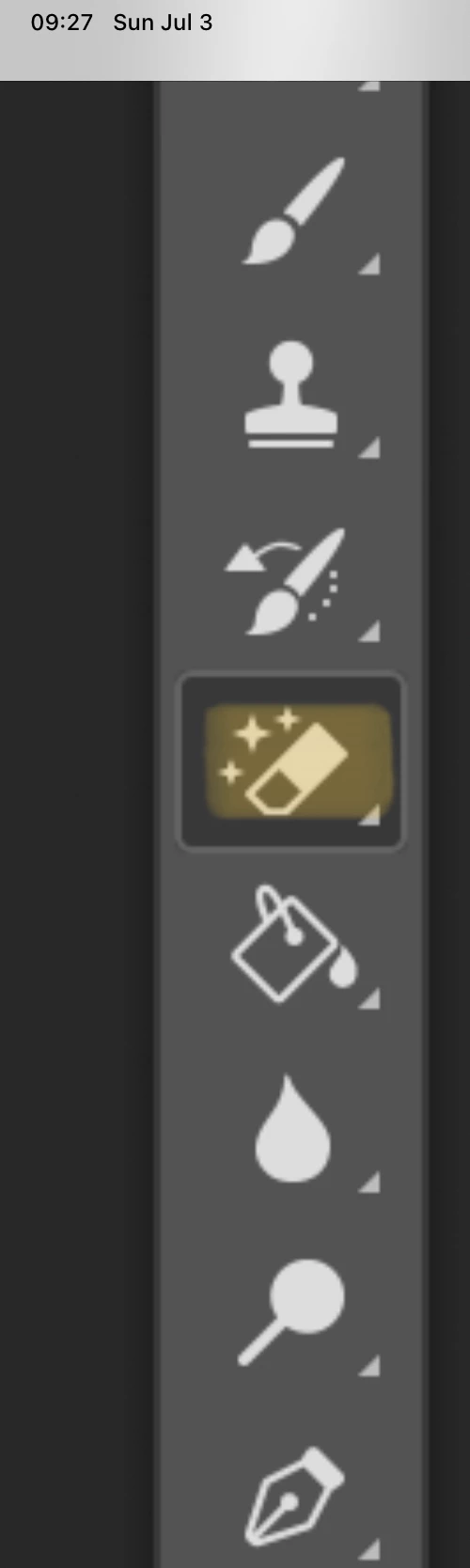
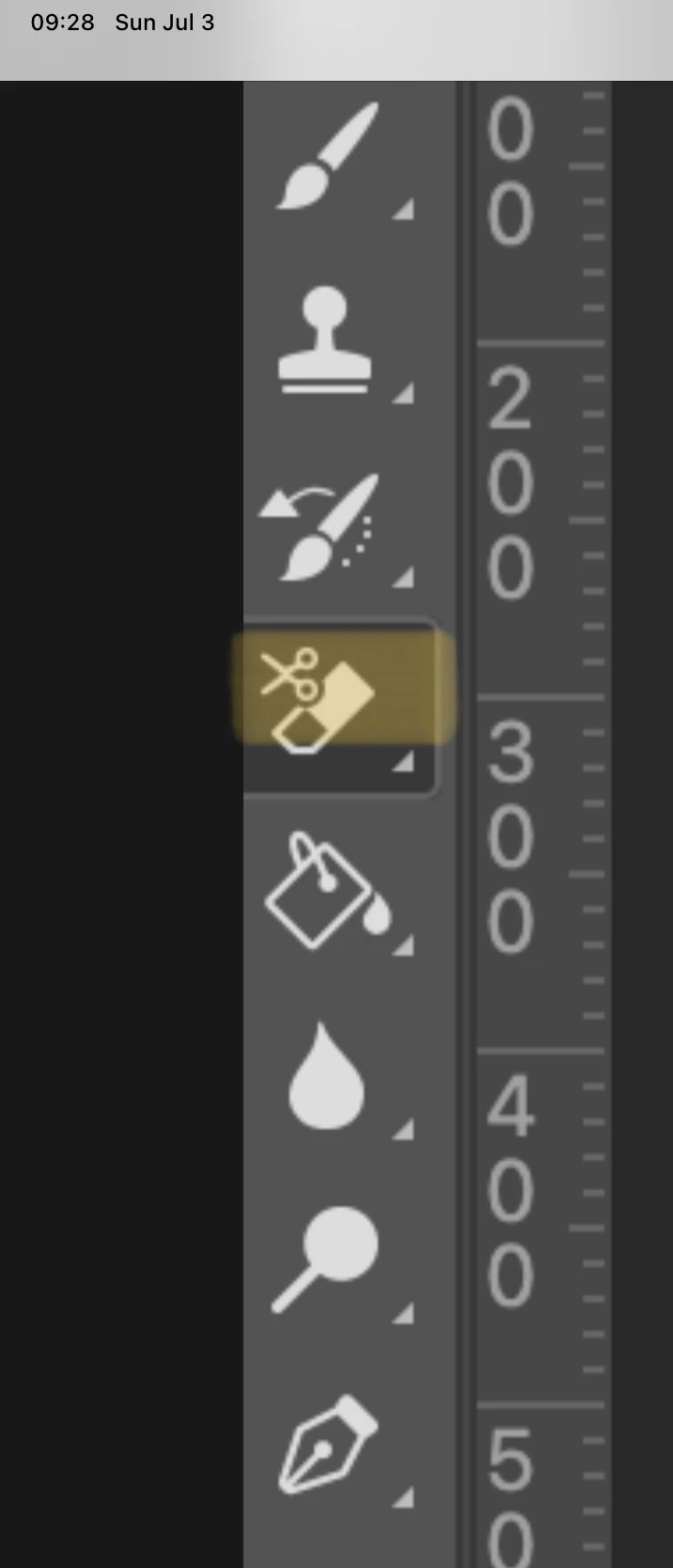
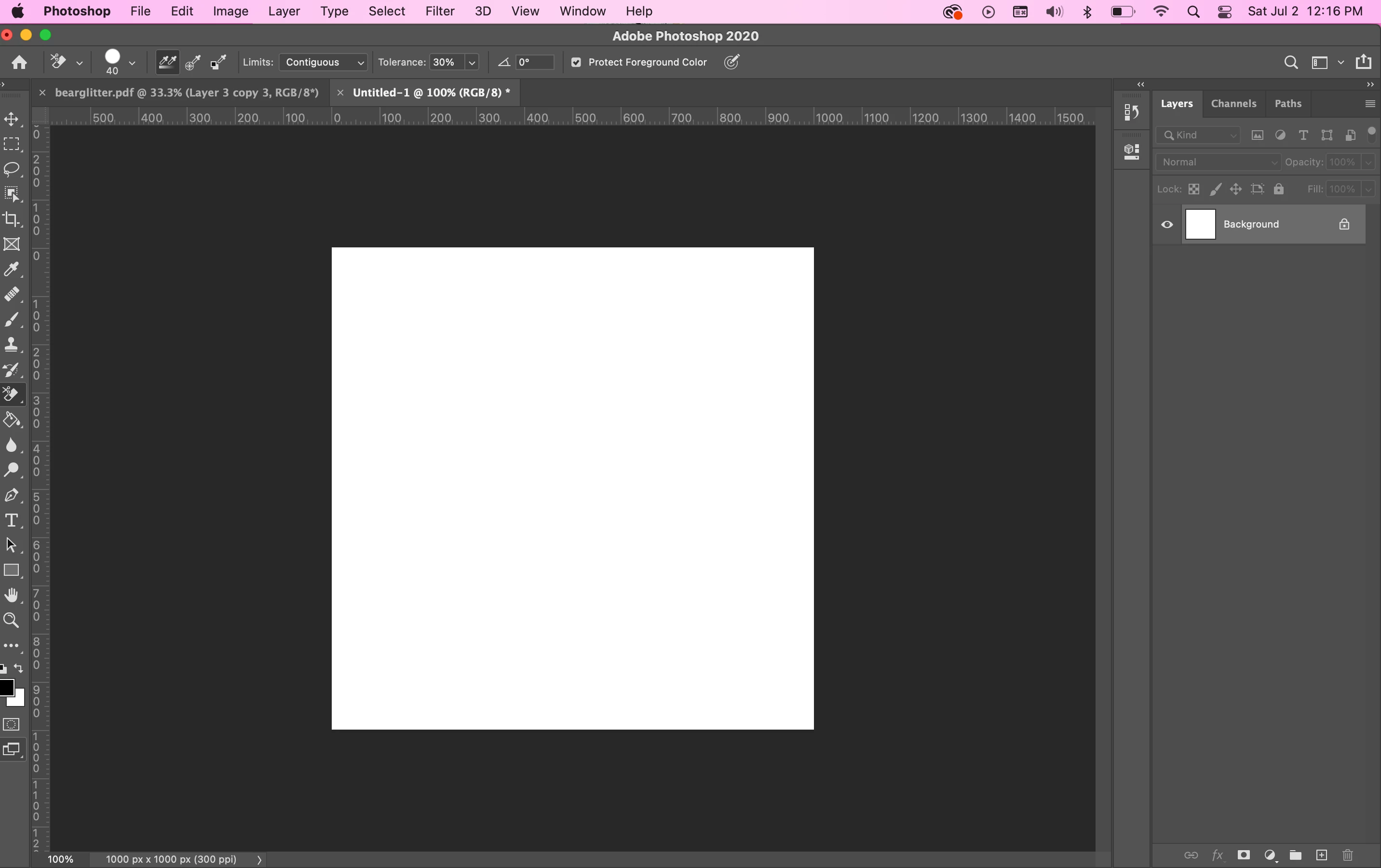
Your other image is not the Eraser tool either. Right-click the highlighted tool to show the hidden tools and select the one called "Eraser". You've found the options bar, so you're good there. 😊


Jane


2 답변

c.pfaffenbichler
Community Expert
Community Expert
July 1, 2022

Have you reset the Tool yet? 

What are the Opacity and Flow, is there any Pressure Sensitivity involved, …? 

c.pfaffenbichler
Community Expert
Community Expert
July 1, 2022

Could you please post screenshots with the pertinent Panels (Toolbar, Layers, Brush Settings, Options Bar, …) visible? 

Ruthmaryah작성자
Participating Frequently
July 1, 2022

Hello, thank you for your answer. I tried switiching opacity and flow both 0 and 100 and still the same, I am sending an example of how soft the eraser brush is when trying to erase the red part from the black background

jane-e
Community Expert
Community Expert
July 3, 2022

Fixed it by resetting essentials, thank you !!!


@Ruthmaryah wrote:

Fixed it by resetting essentials, thank you !!!


Resetting your workspace to Essentials may put your Eraser tool back in front of the group of tools, but so will right-clicking and choosing a tool that is hidden. It will not reset the options for the tool. That's done in the options bar itself. 


If resetting your workspace fixed your issue, you may not have been using the Eraser tool at all. Both of your screenshots showed other tools, so that's something to check if it happens again.


Jane