


Photoshop exported photos are oversaturated incl correct colour profile
Hi guys, I am here as a last resort. I have been with this issue for a year, searching high and low. I am totally lost and hopefully am able to find a solution here.
I am working on a Dell XPS 15, 4k res (not OLED), 100% aRGB supported. My screen is also colour calibrated with my own hardware device.
Working in photoshop, I always work in the aRGB colour profile and I dont export to sRGB because my personal projects are not meant for public. When I finish a project and export it to JPG (100% quality), all my photos are MEGA oversaturated when I embed color profile. When I uncheck it, it is still oversaturated but not as much. When assigning the correct colour profile, the colours dont change.
I am working with the latest version of Adobe, windows 10.
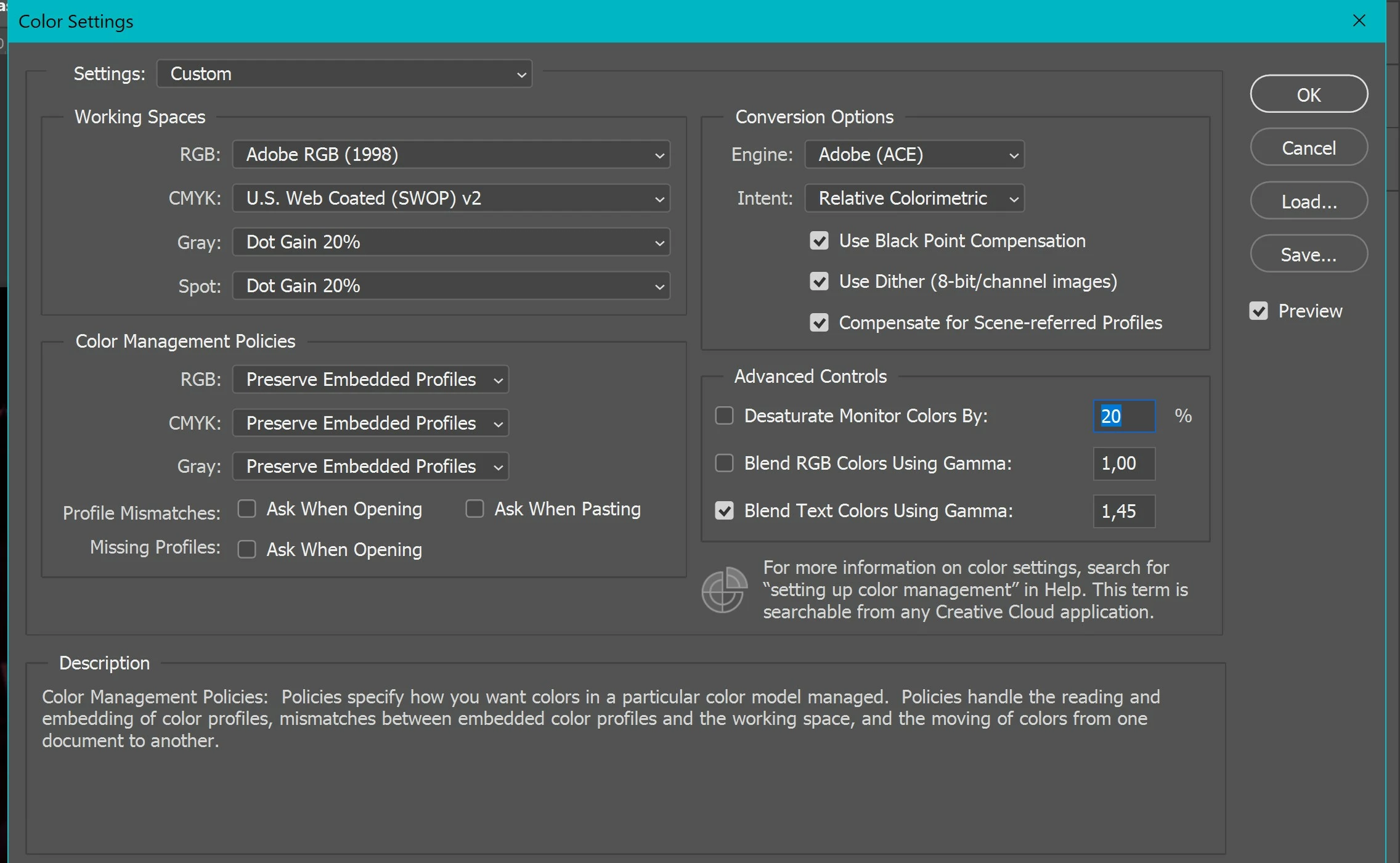
Photo 1: settings
photo 2. Exported 100%, embed color profile checked, sRGB unchecked)
photo 3. Exported 100%, embed color profile UNchecked, sRGB checked)
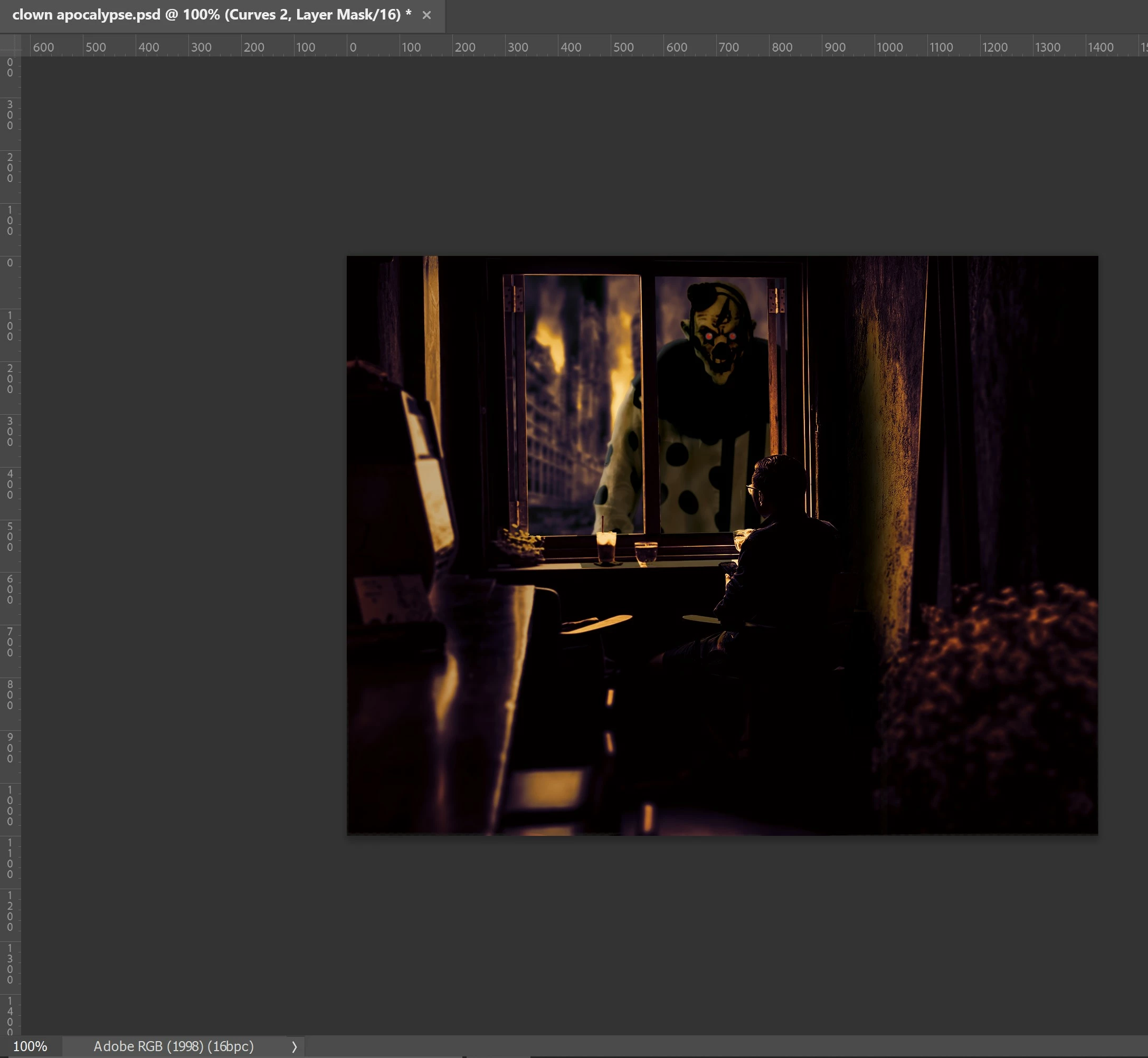
photo 4. Screenshot from PS, this is the most accurate... Showing the correct colour profile too


 AdChoices