

Participant
March 5, 2024
Question

Photoshop metal

  • March 5, 2024
  • 3 replies
  • 492 views

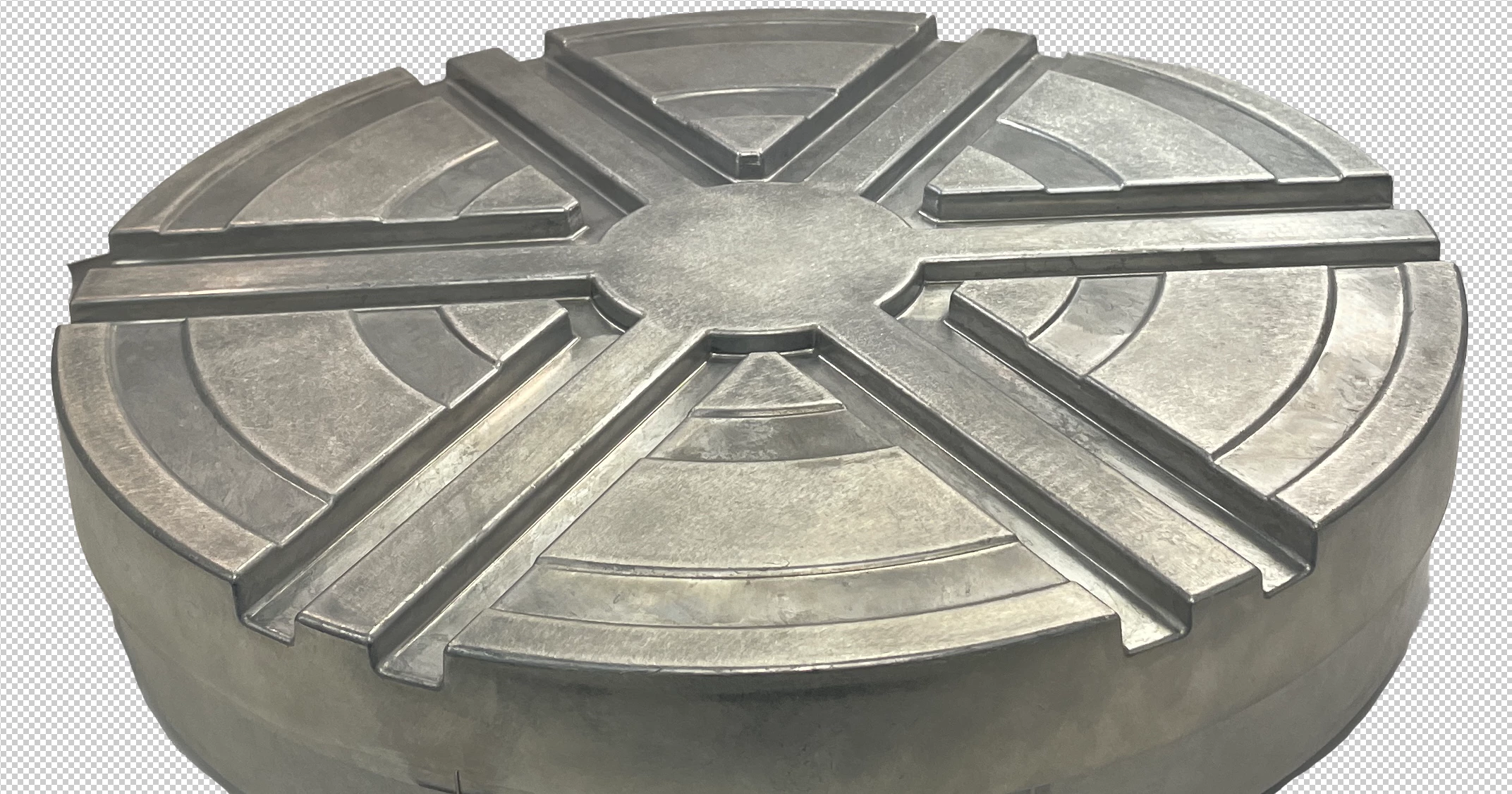
Hello. I need advice on how to photoshop a photo given to me to make it look less dirty/grungy. Would you recommend surface blur? Please see screen shot below. This is a metal part.



This topic has been closed for replies.

3 replies

Legend
March 6, 2024

Fix the color cast and perspective, you can spend some quality time with the pen tool and Dust and Scratches to clean up surfaces, Curves to bring up the exposure, but yeah its pretty bad.

I'm a product photographer for an automotive supplier and work with items like this frequently. Get a light table and light tent and better lights plus make color checker profiles to match.

Participant
March 6, 2024

Thanks on all!!

D Fosse
Community Expert
Community Expert
March 6, 2024

Or you could tell the photographer to do it again with proper lighting....that would save everybody a ton of time. So many people spend so many useless and wasted hours salvaging shoddy photography. Sigh.


(OK, sorry, just had to get that off my chest 😉 )


First of all, I'd remove the nasty yellow color cast. That alone would improve it tremendously.


You can see the glare of light on the right side. I'd probably bring that down with the ACR filter on a masked duplicate layer - then Blend If to mainly target the highlights. But there are other ways, and Blend modes is one.


It's also under-lit front and left. Bring that up a bit.


Participant
March 6, 2024

I hear you! I am not a magician I always say lol.

Thanks for all of the tips here!

didiermazier
Community Expert
Community Expert
March 6, 2024

Maybe you could duplicate the layer and try to apply a blending mode to the upper one

didiermazier
Community Expert
Community Expert
March 6, 2024

I did a try…

Participant
March 6, 2024

thank you!