



Participant
June 25, 2022
Answered
Photoshop not detecting copy/paste image size by default
- June 25, 2022
- 14 replies
- 10212 views
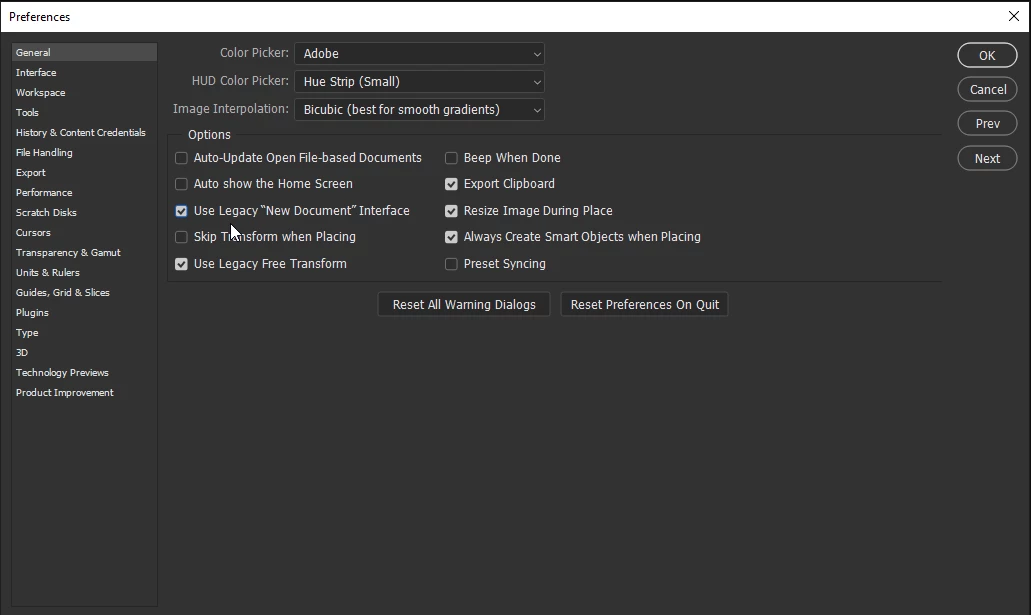
On Photoshop v24.3.1, whenever I copy an image (from Chrome web browser) and go to paste it into Photoshop, it is not detecting the image size. Normally, when you copy and image, Photoshop will automatically detect the image size (pixels), and when you create a new image: File > New and paste the image, it will paste the actual image size from the clipboard.
Right now, it is using the last image size or custom image size, but not the "clipboard" size of the image.
 AdChoices