


Inspiring
July 9, 2019
Question

Photoshop question: Templates locking up

  • July 9, 2019
  • 1 reply
  • 855 views

Hi,

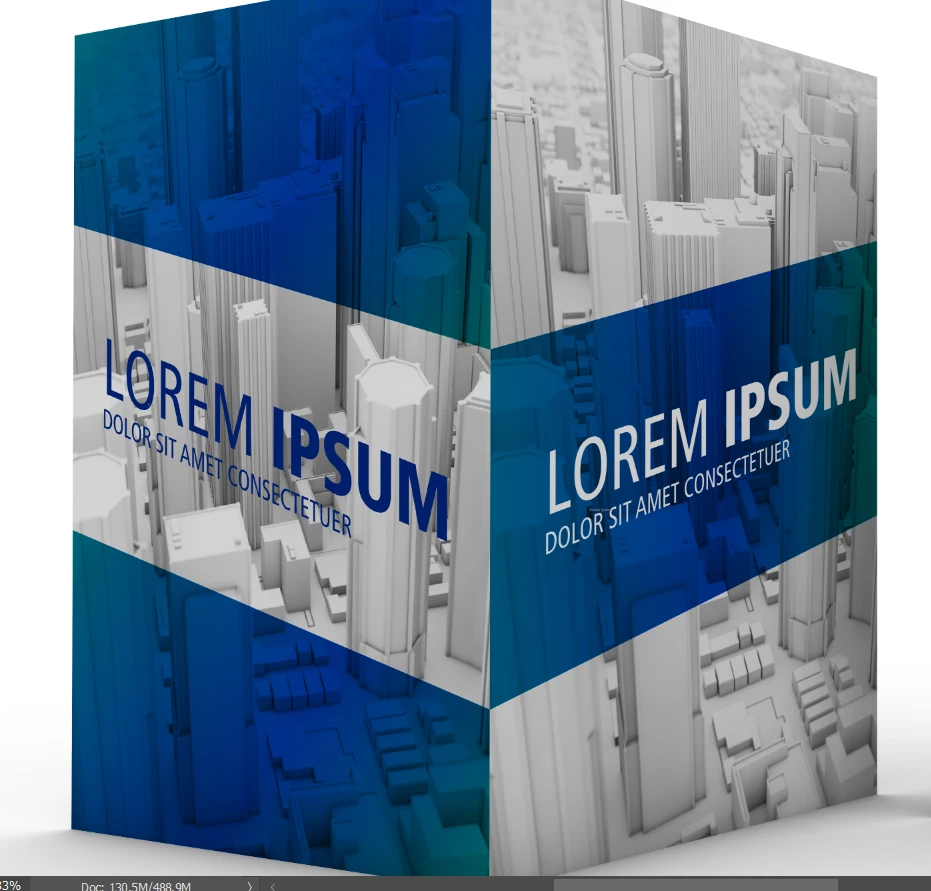
I have this template I'm trying to modify and add my own text but it seems like the whole screen is locked.  I even want to change the background picture but it's locked also.  How can I unlock it put my own in?
{Thread renamed by moderator}

    This topic has been closed for replies.

    1 reply

    Sahil.Chawla
    Community Manager
    Community Manager
    July 9, 2019

    Hi Jerry,

    Not sure if I understand this correctly, could you please share some screenshots of the image opened in Photoshop, so that we can see the Layer panel as well?

    To unlock a Layer you just have to click on the Lock icon.

    Let us know if it helps.
    Regards,
    Sahil

    Inspiring
    July 9, 2019

    I do not see a background layer.  Even the text section is not allowing me to edit.

    Sahil.Chawla
    Community Manager
    Community Manager
    July 10, 2019

    As you're not able to see the background layer, could you please go to Window and click on Layers to open the Layers Panel?
    Also, what file format are you working with?

    Could you share some screenshots of the image opened in Photoshop, so that we can see the Layer panel as well?