


Photoshop Running out of Ram
Hello, I have been experiencing a problem that suddenly appeared.
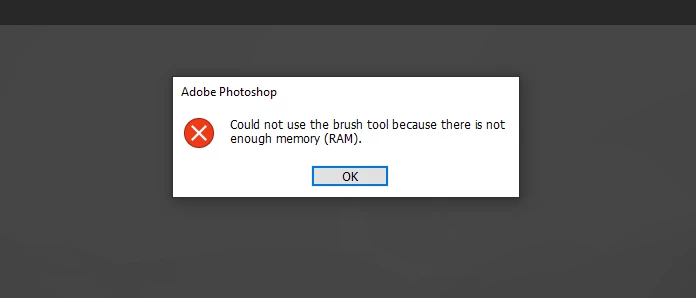
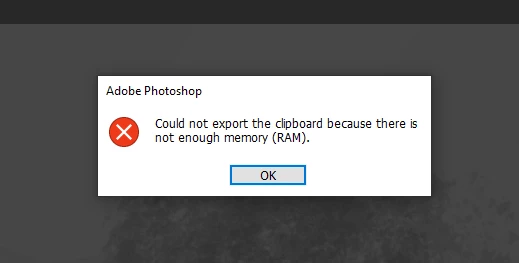
Before: I used to be able to work with large files with no real problems. Brushes worked at large sizes, copy-merge worked, and all the rest. After: If I use brushes at a large size, I experience a memory spike and I get error messages like "Could not use the brush tool because there is not enough memory (RAM)." The same thing happens when I attempt to copy-merge and paste.
The only variables that have changed are a new secondary monitor, and I updated my Nvidia drivers. I have already reset my preferences, turned off GPU processing, and did a workaround using the OverridePhysicalMemoryMB. None of them work.
Is anyone else experiencing this issue? How can I fix this?
Photoshop Version: v 23.31
Intel(R) Core(TM) i7-6700HQ CPU @ 2.60GHz 2.60 GHz
16.0 GB
64-bit operating system, x64-based processor
NVIDIA GeForce GTX 1070, Driver Version 512.59, DCH
Windows 10, Home Edition
 AdChoices