

Inspiring
May 18, 2020
Answered

Photoshop UI button toggle (scripting)

  • May 18, 2020
  • 1 reply
  • 6974 views

When using a Photoshop dialog the application functionality is suspended until the dialog revolves.

At the same time, while the dialog is open, can a UI button toggle a script function on/off?

This topic has been closed for replies.
Correct answer jazz-y

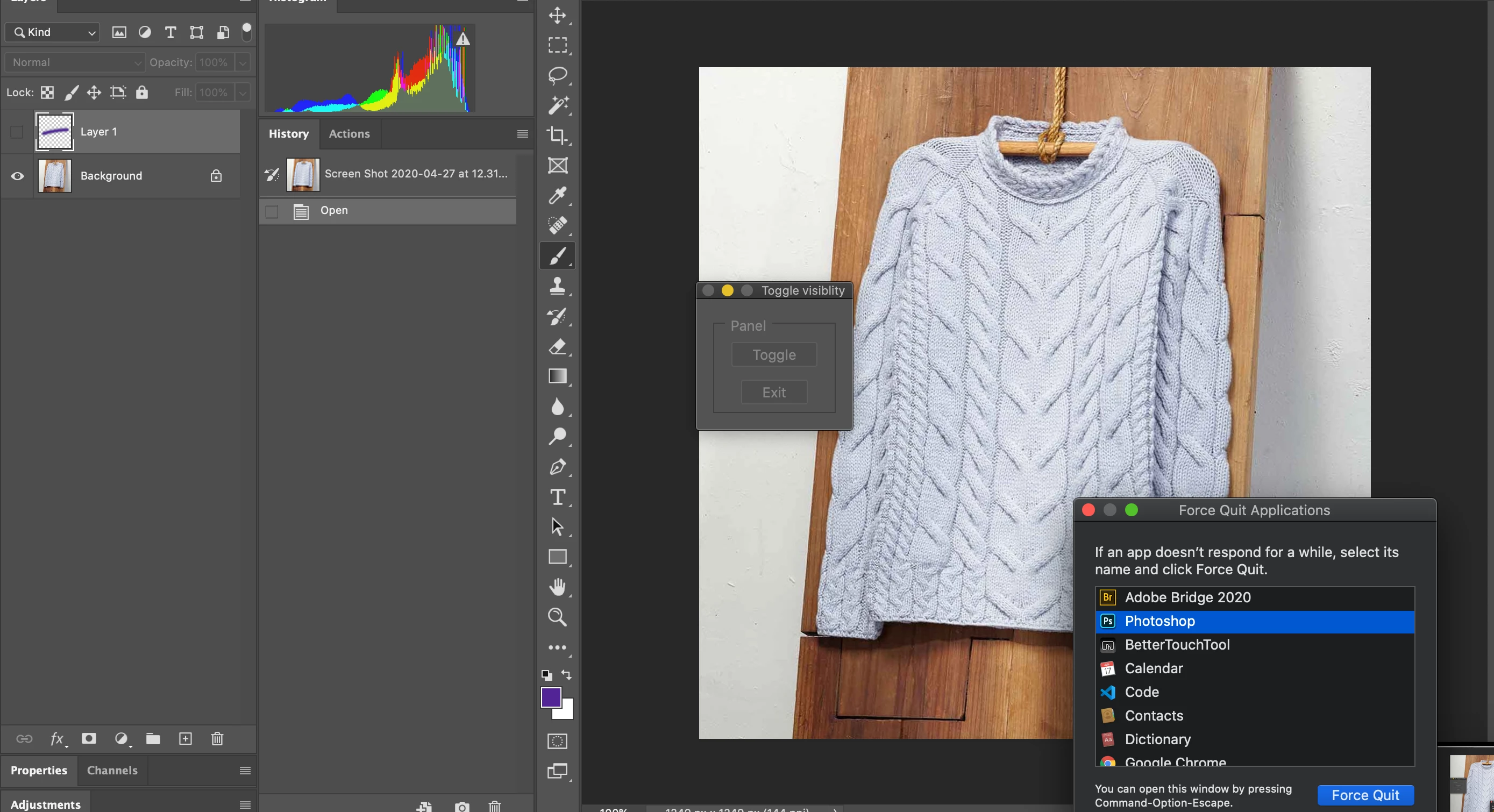
Here is a sequence of screenshots that illustrate the process with the palette UI. 

Wondering if it is possible to achieve a toggle effect with a Photoshop HTML panel?

1-Run script
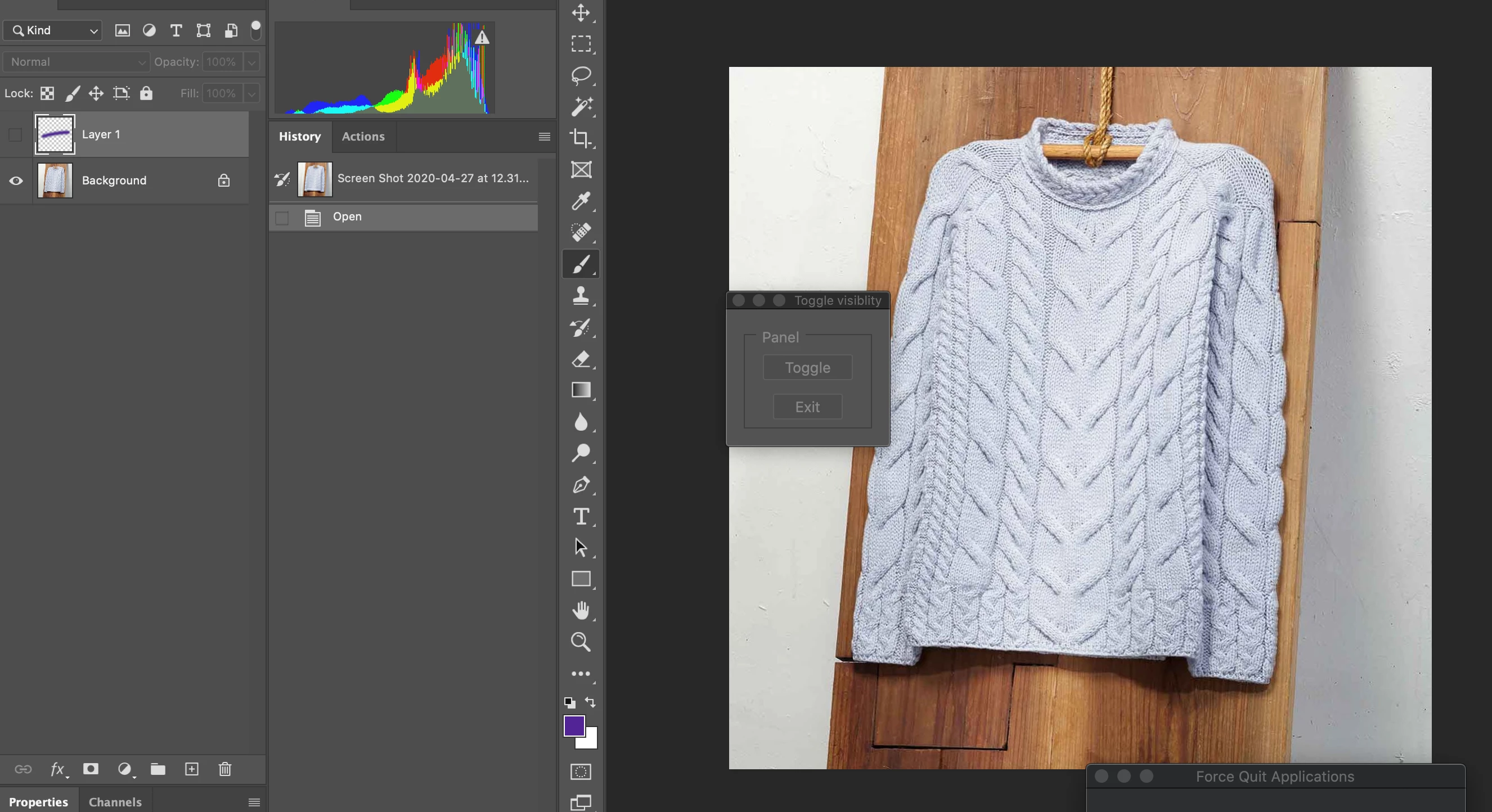
2- Toggle button
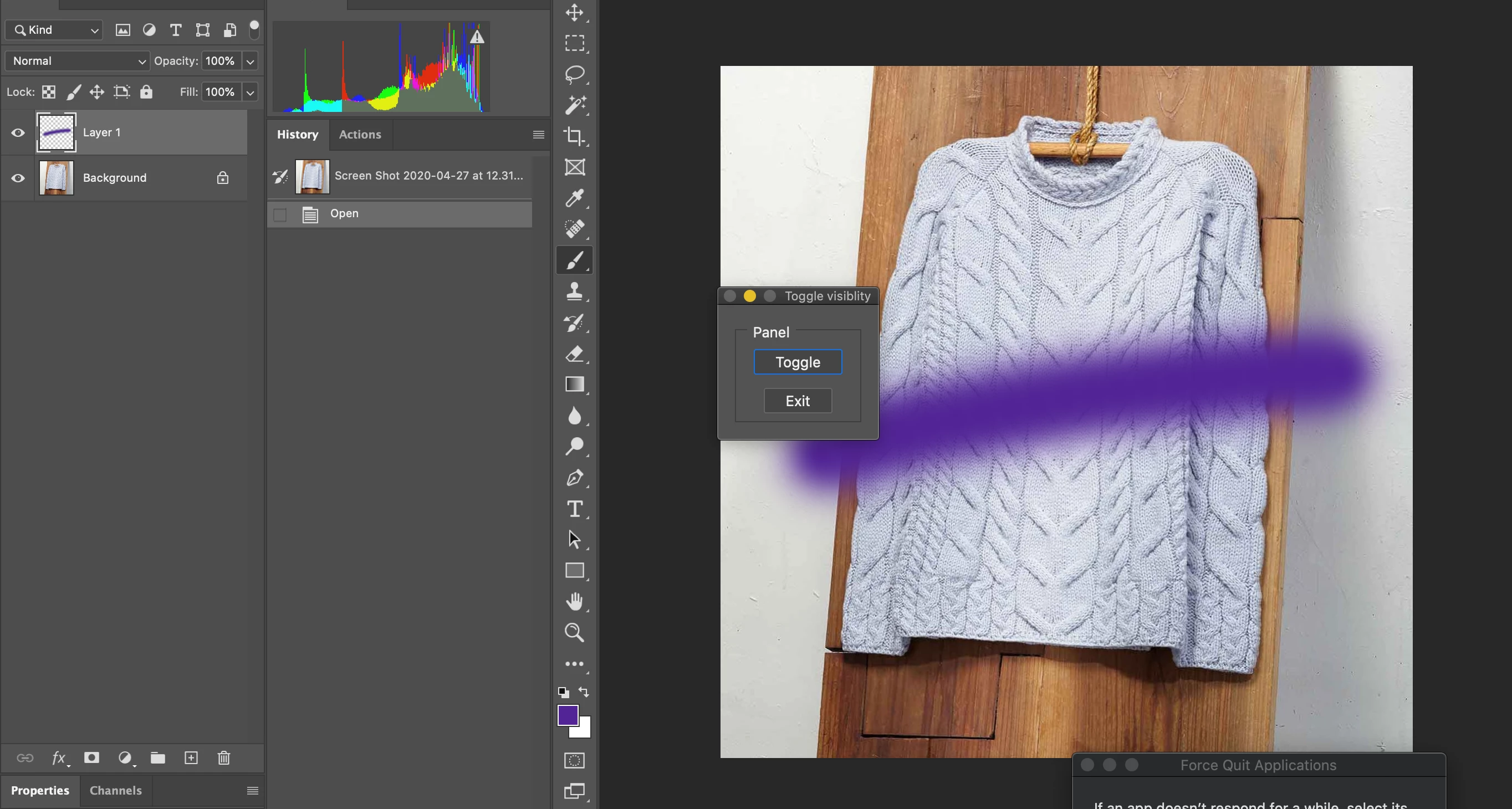
3- Close palette button
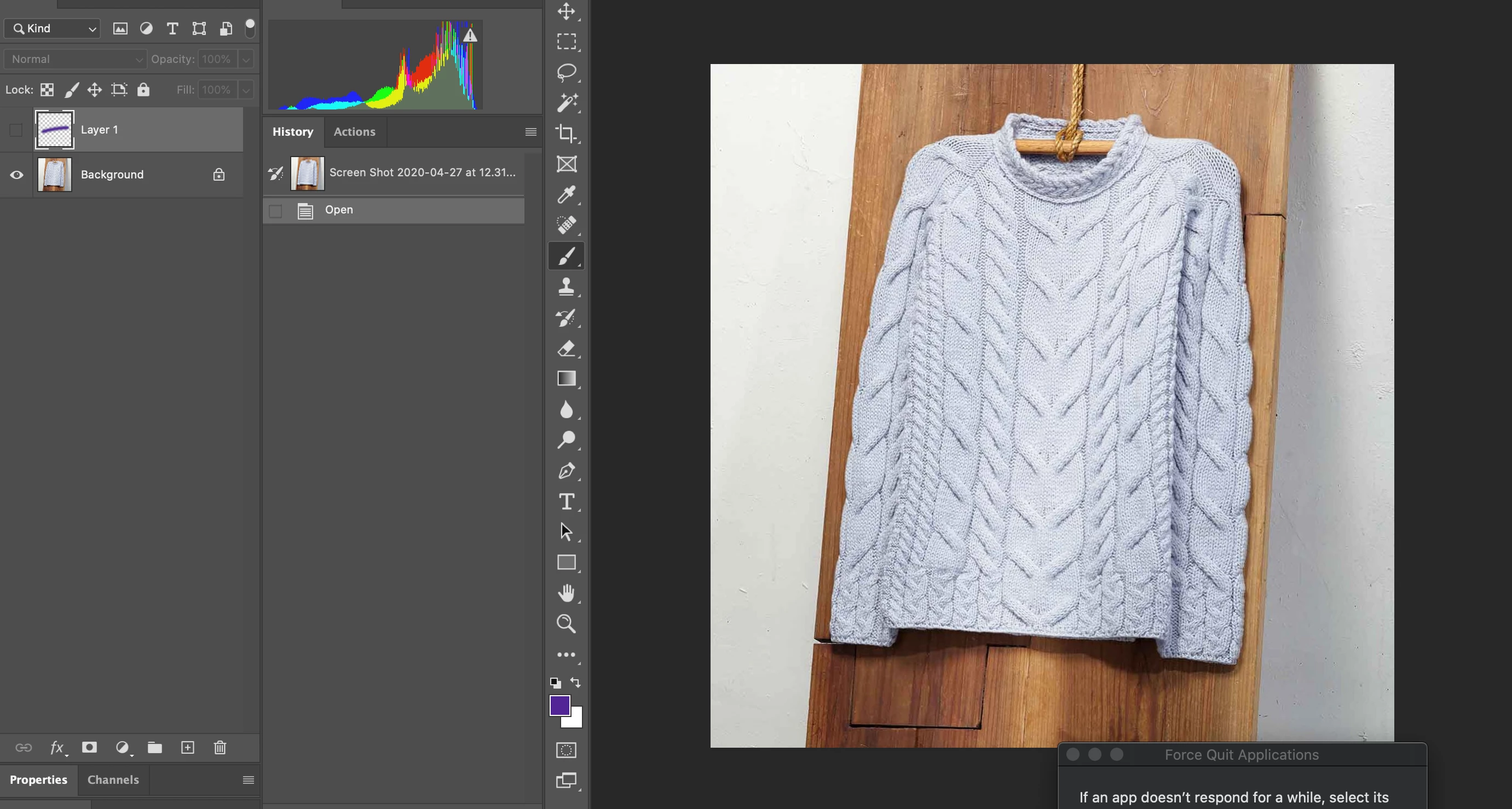
4-Change application focus
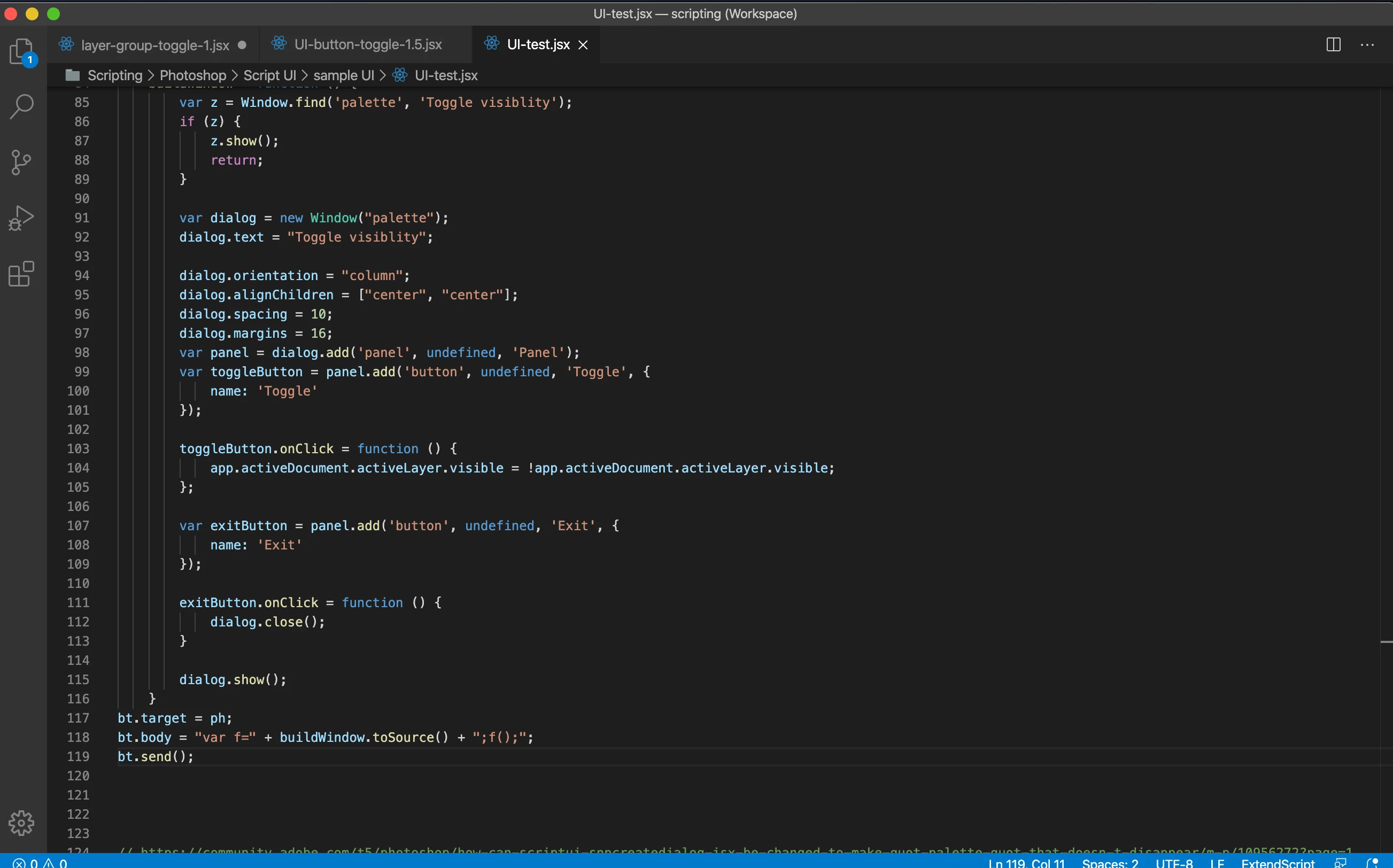
4- Return application focus to Photoshop.

Palette UI persists.

Close button does not work.
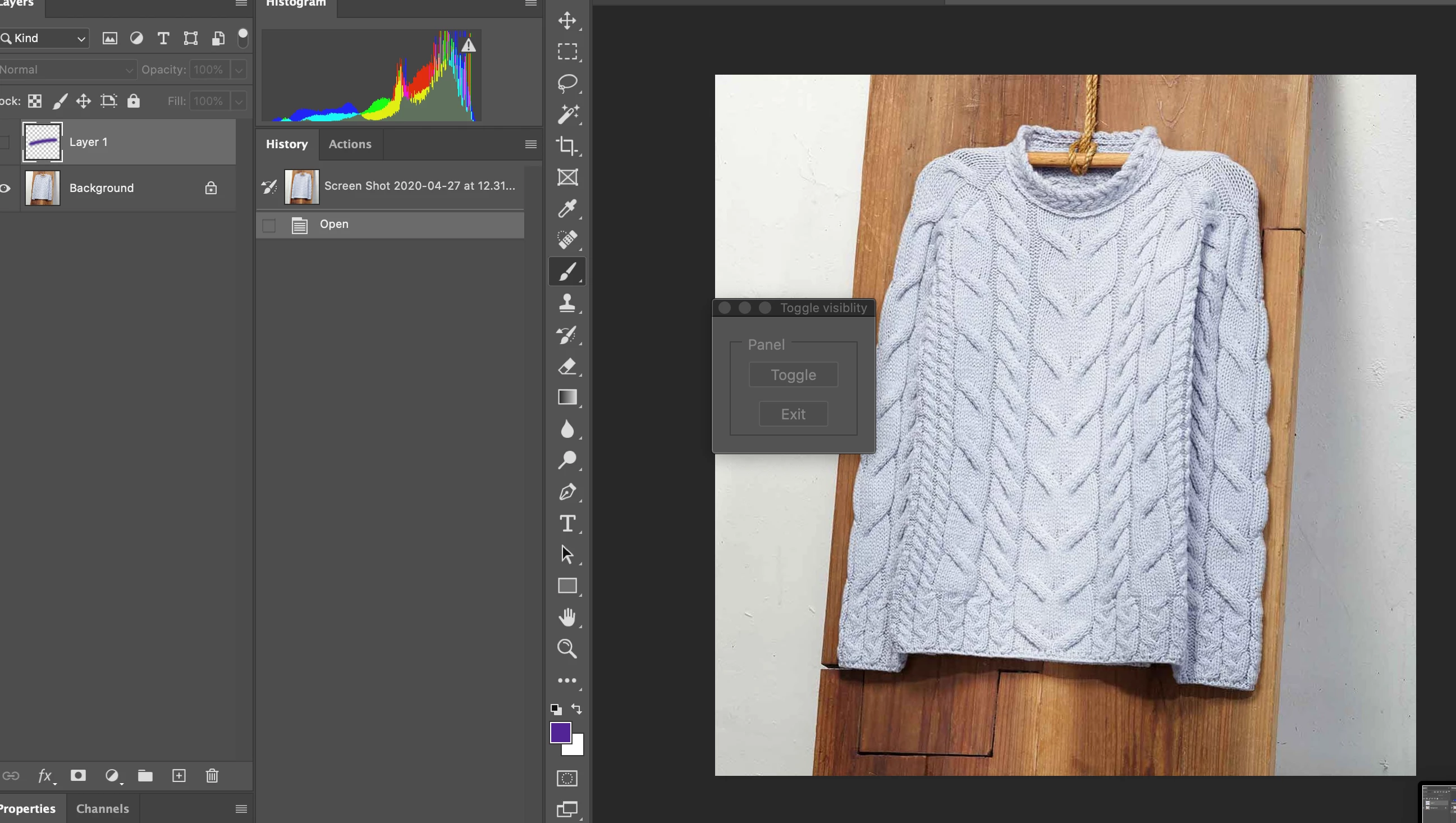
5- Force quit Photoshop to close palette.

@Polycontrast use


 exitButton.onClick = function () {
            dialog.hide();
        }


instead


 exitButton.onClick = function () {
            dialog.close();
        }​


1 reply

Akash Sharma
Brainiac
May 19, 2020

Hi there,


Not sure if I understand correctly, could you please elaborate and provide some more details about the issue?


Also, which version of Photoshop and the operating system you're working with? In Photoshop, you can check that by going to Help > System Info


A screenshot illustrating the issue would help us better to diagnose the issue.


Thanks,

Akash

Inspiring
May 19, 2020

Trying to find out if it is possible to create a toggle button in a script UI dialog.  The idea is to have the dialog open and use the toggle button to switch on/off the visibility of a specific layer in a layer group.  In the example below the toggle button turns on the visibility of the adjustment layer Hue/Sat and closes the UI.


Environment

Photoshop 2020

OSX Catalina


Brainiac
May 21, 2020

It makes sense but still lost with Bridge scripting. How would you wrap the functions and variables in the bt.body? The following codes creat an undefined alert.


////////////////////////////////////////////

var toggleButton1 = panel.add('button', undefined, undefined, { name: 'toggleButton1' });
toggleButton1.text = "Layer 1";
toggleButton1.onClick = function () {
var theLayer = toggleButton1.text;
lyrToggle(theLayer);
};
 
bt.target = ph;
bt.body = lyrToggle(theLayer);
bt.body = "var f=" + buildWindow.toSource() + ";f();";
bt.send();

function lyrToggle(theLayer) {
alert(theLayer);
}


Unfortunately, I do not have now much time to help you in detail. Try to output the text bt.body to file:


 f = File(Folder.desktop + "/independentlyExecutableFunction.jsx");
    f.open('w');
    f.encoding = 'text';
    f.write(bt.body);
    f.close();


This will help you understand exactly what code is using BridgeTalk and what needs to be added to it so that it can do whatever you want.