



bartonlew
Legend
July 18, 2022
Question

photoshop unresponsive to cursor commands

  • July 18, 2022
  • 2 replies
  • 327 views

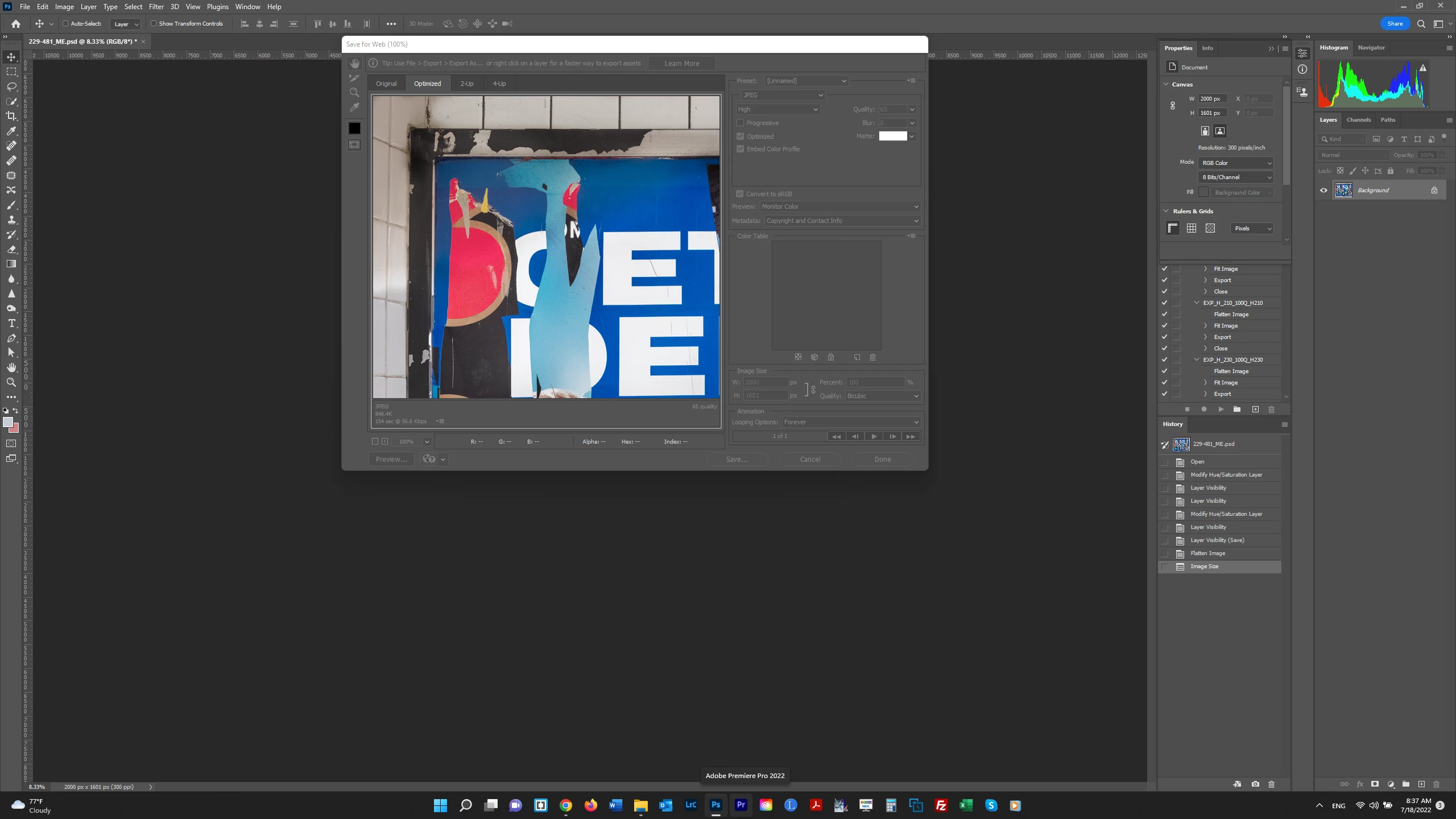
Lately, Photoshop will be unresponsive to cursor commands when initially launched sometimes.  Usually if I close it and reopen, it's okay.  That happened just now, and I was able to flatten an image and then resize it for export.  However, as soon as I did this, Photoshop froze.  Now, I am afraid if I force Photoshop to close (using Task Manager>End Task) my image will be ovewritten.  Is there any way to *unfreeze* Photoshop so I don't do that?  Thanks.  


This topic has been closed for replies.

2 replies

Participant
July 18, 2022

I too am having this issue, I will do the object selection command and it will freeze, sometimes I will receive a error message saying something along the lines of "command unable to be executed due to program error." I have to resort to end task manager to close the program because, it is unresponsive to anything else, even then it will still stay frozen on my screen. The other programs work flawlessly but non of them have the features I need to complete my project. I have been having these glitches for a while, but it has become worse within the last day or so. I have even purchased a new computer to dedicate to this program thinking it would help. I am so frustrated. I have 2 days left to get this done and have had to start from scratch every single time a glitch happens. It's not like I am doing anything extensive, I am seriously cropping and pasting and adjusting a very important family photo. I am about to ditch my subsription and try google's version of photoshop GIMP. 


josephlavine
Community Expert
Community Expert
July 18, 2022

In this type of scenario, my first step is to reset Profoto's Preferences.

Photoshop > Preferences > General > Reset Preferences On Quit

warmly/j

bartonlew
bartonlewAuthor
Legend
July 18, 2022

Thanks.  But Photoshop was frozen, so I couldn't take any action within the program.  Since my files are stored on external drives, I unpluggd the drive and then ended Photoshop using Task Manager, so it could not overwrite my file with the export changes I had made.  Under normal circumstances, I would have exited the file without saving.  I would appreciate hearing from someone if freezing after the initial launch is a known issue.  This has only recently started happening.  Thank you.