




Photoshop v26.10 | Create the perfect star shape for your designs and multiple enhancements
We’re excited to announce the release of Photoshop v26.10, with new enhancements and bug fixes to elevate your creative workflow!

To update Photoshop 26.10, click "Update" in the Creative Cloud desktop app next to Photoshop. More detailed instructions for updating.
Here’s what’s new in Photoshop 26.10:
|
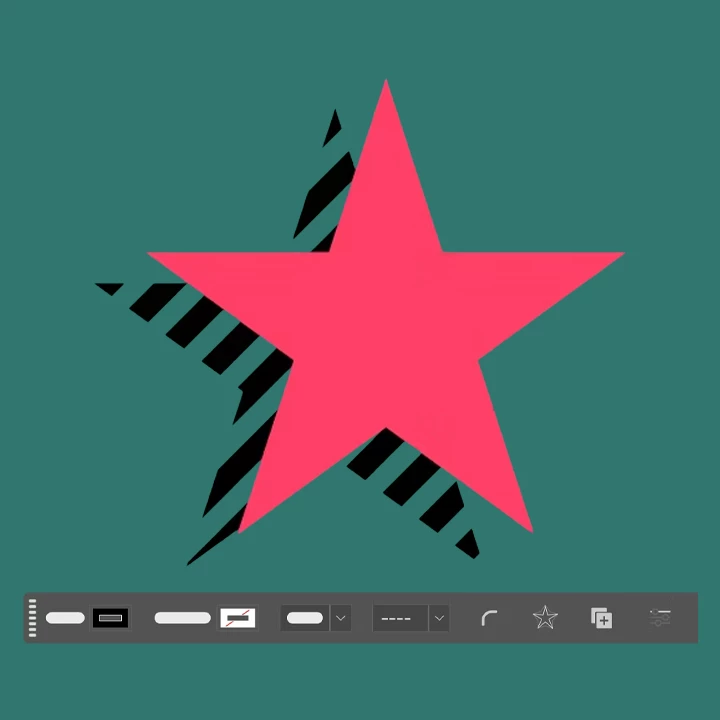
Enhancements to the Star Tool You can now create customizable star polygons directly on the canvas using the Star tool, located within the Shapes tool group in the Tools panel. This tool provides flexible controls for drawing and editing star shapes. Use the Contextual Task Bar to fine-tune styling options such as:
Click here for more details. |
 |
Bug Fixes in Photoshop 26.10:
|
This release also includes several important fixes: |

Update now via the Creative Cloud desktop app to take advantage of these new tools and elevate your Photoshop experience!
We’d love to hear from you!

We’d love to see what you’ve created and hear about your experience or feedback! Click 'Reply' below.
Click 'Follow' below to bookmark this post for easy reference.
For other questions, feel free to start a new post in the community.
 AdChoices