


Pictures print darker than they appear on screen
Hi
I have looked around at this and I'm getting rather confused. I suspect I don't fully understand the technology.
I am using a MacBook Pro (2012) running 10.14.6 Mojave, running the latest version of Creative Cloud and printing using a Canon TS600.
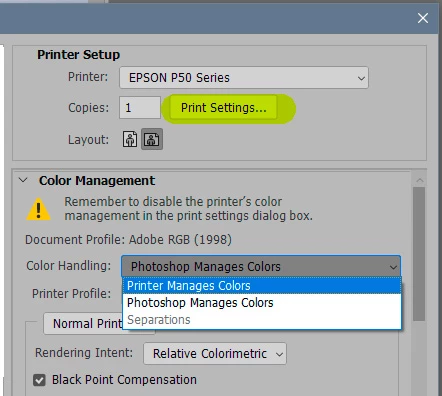
When I print out of Photoshop, the printed version is much drarker than the on screen image with a red colour shift (also true, to an extent, if I print out of the Mac Preview program). I know I have to calibrate the printer in some way, but I'm not sure how. I've seen references to ICC profiles, but I don't think they are available for the pronter I use.
I have tried editing in LR to compensate for the darkness and colour shift, with the hope of saving it as a Preset for the jpeg files. But I'm struggling to get the printed version to look anything like what I see on screen (perhaps not surprisingly if what I see on screen bears little resemblance to what will print.
Is there a way of fixing this that doesn't cost a fortune?
Thanks.
 AdChoices