


Participant
August 29, 2018
Answered

Pixel Art exported as .png from Illustrator is blurry when opened in Photoshop

  • August 29, 2018
  • 1 reply
  • 7436 views

I recently made this pixel art image of a rather dashing Alex Turner in Illustrator, and exported it as a .png.

If I now open it in Photoshop, it looks blurry if I zoom in...

Here's a side by side screenshot of Illustrator on the left and Photoshop on the right.
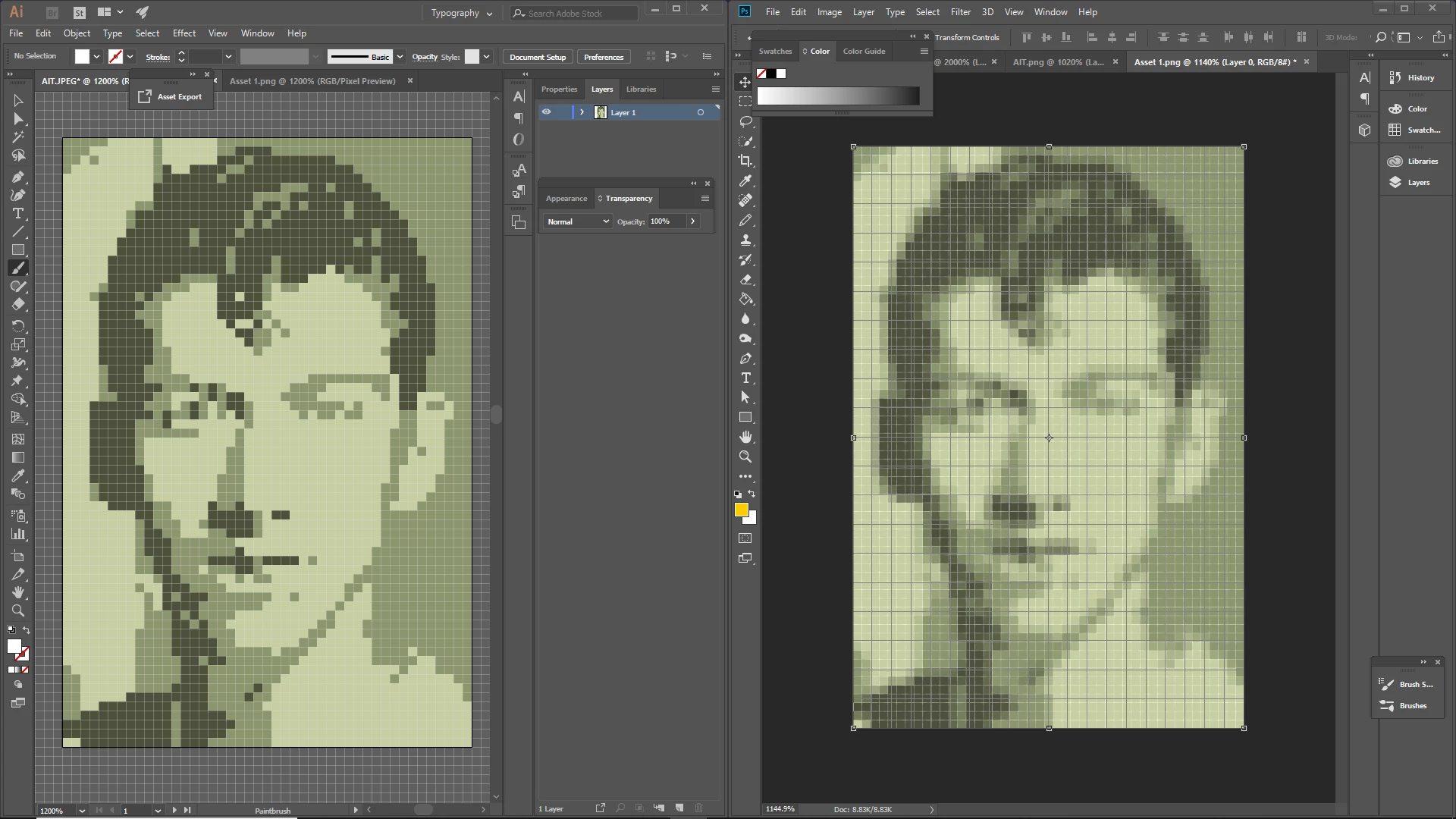
I read it might be anti aliasing or something, but I haven't found a way to turn that off...

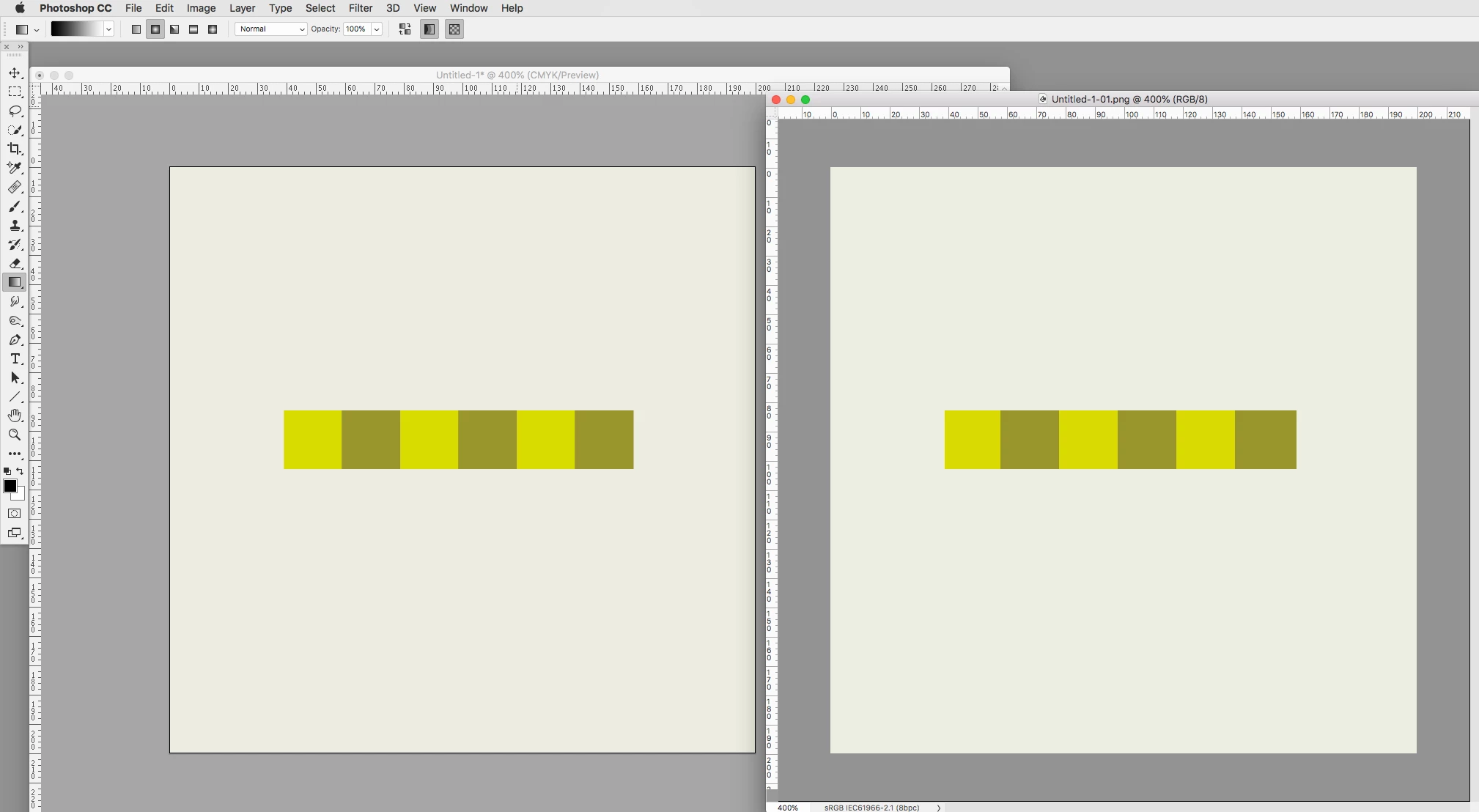
This topic has been closed for replies.
Correct answer rob day

I'm using this as a digital image only, and it needs to be less than 200 x 200px... will changing the resolution affect this or not?

If you set your rulers to Pixels what are the document dimensions?

If you want to export a PNG with the same pixel dimensions, set the export resolution to 72ppi, and set Anti-Aliasing to None so the edges don't blur. Here my artboard is 200 x 200 pixels:

The 72ppi resolution exports a matching 200x200 PNG:

1 reply

Mike_Gondek10189183
Community Expert
Community Expert
August 29, 2018

Export at  a higher resolution. Rather than  scaling this 1200% in Illustrator.

You can change here instead.

Depending on if you want to use this image for print or as a digital image, we can further guide you on what resolution you need.

Participant
August 29, 2018

I'm using this as a digital image only, and it needs to be less than 200 x 200px... will changing the resolution affect this or not?

I don't really know much about that side of things computer-wise, so sorry if this seems like an obvious question.

Mike_Gondek10189183
Community Expert
Community Expert
August 29, 2018
  1. turn on align to pixel grid
  2. scale  image in illustrator to be  exactly 200 px tall, and round the width to an even number in transform pallette
  3. export to the bitmapped format you need

Your result will be an image exactly 200px tall and however wide.