farshadsadri
Inspiring
January 9, 2021
Answered

PNG export from Photoshop removes transparent background

  • January 9, 2021
  • 19 replies
  • 107603 views

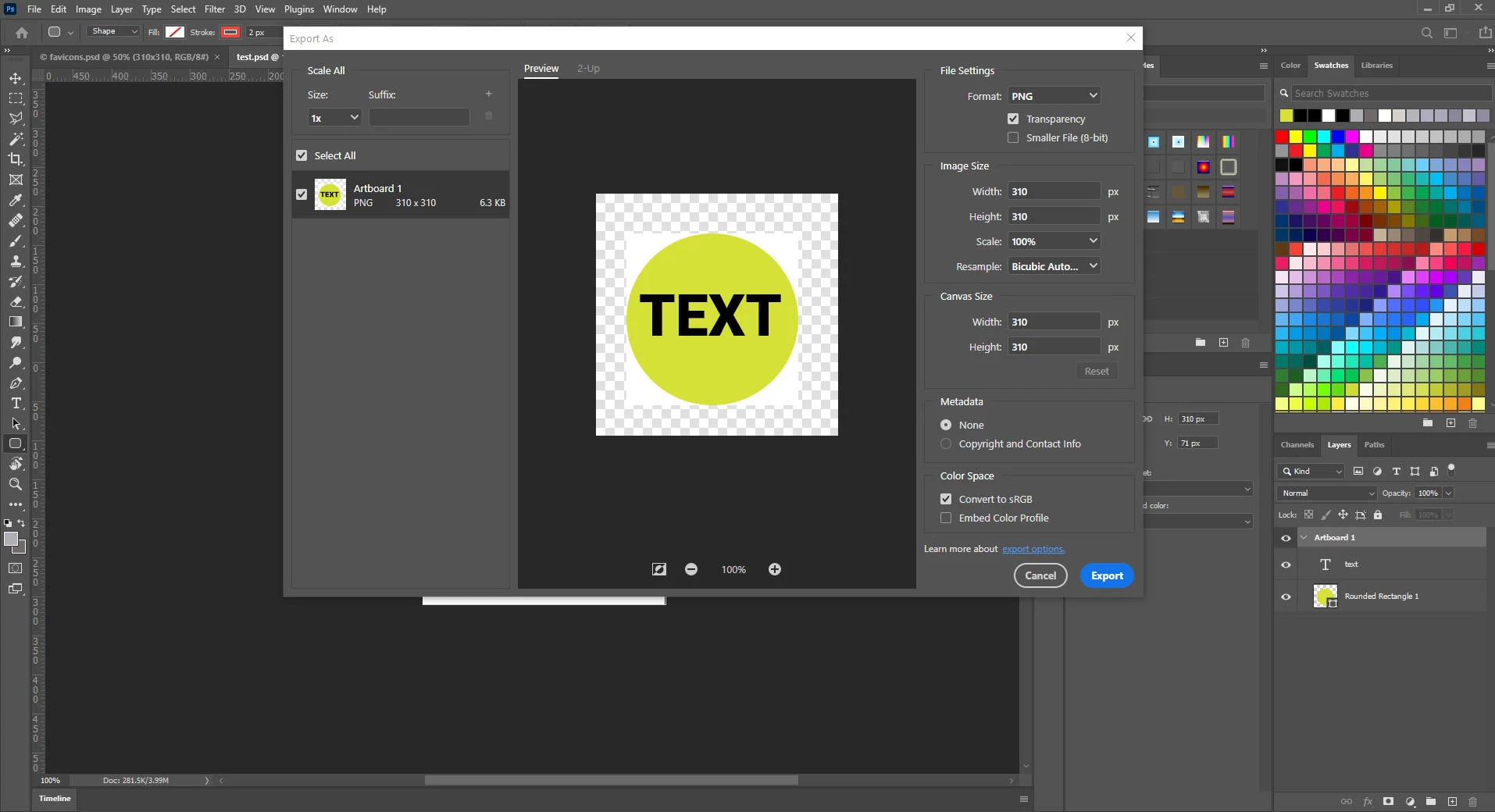
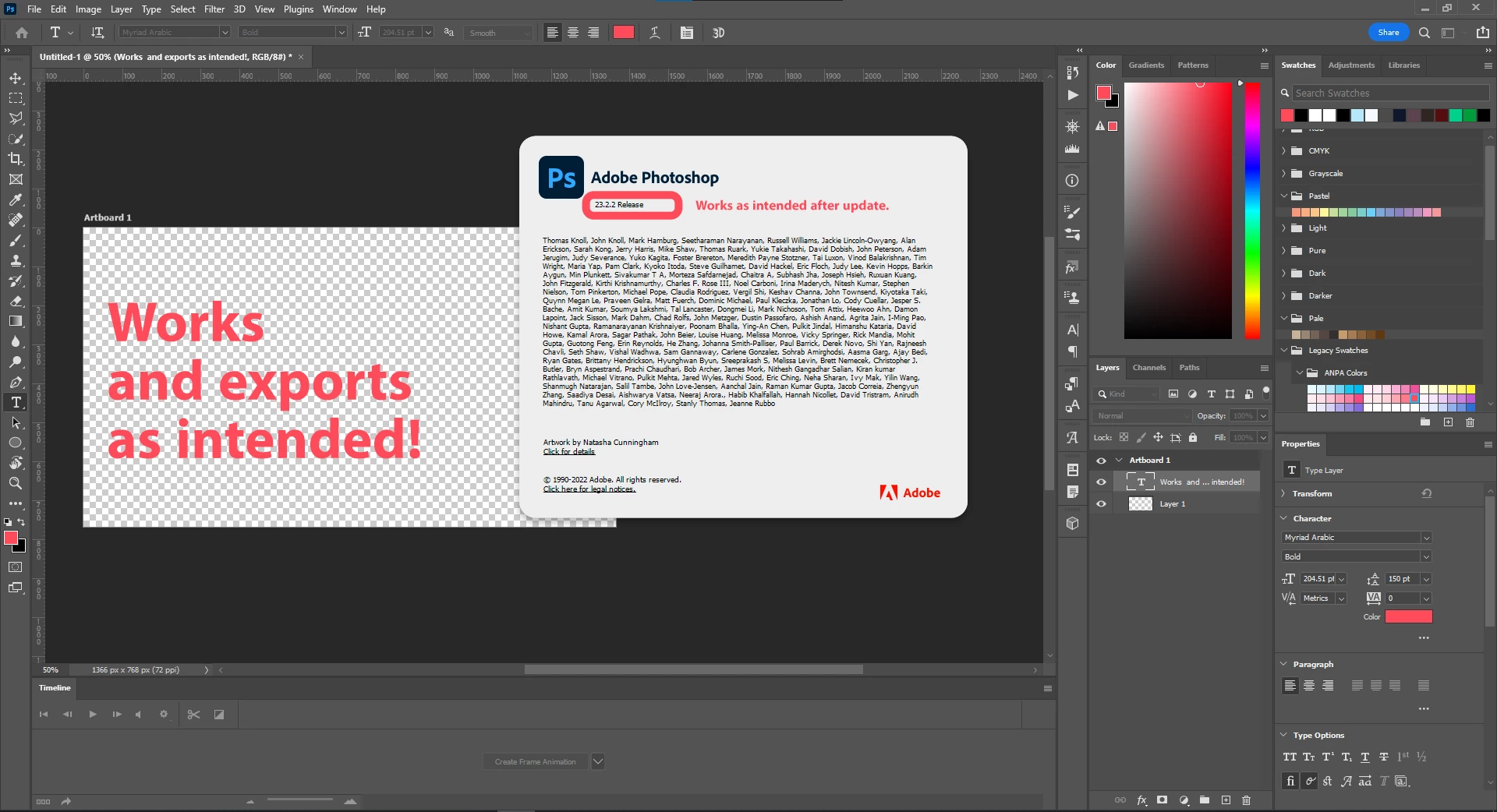
The same happens to me, and it drives me mad! Without any logical reason the transparent export draws a white rectangel around my transparent objects!


Please note the added white rectangle around the transparent objects! This issue just happened as I updated to Photoshop 22.0.1. I experience the same problem even with files I exported correctly with previous versions. This issue just happens when I export from artboards, when I don't use artboards everything is fine and it only happens when I set the artboard background to transparent, i.e. when I choose a color for background transparent objects just work fine.


This problem has frustrated me so much I installed the previous photoshop version to be able to deliver my work!!


PLEASE HELP!
 

Correct answer farshadsadri

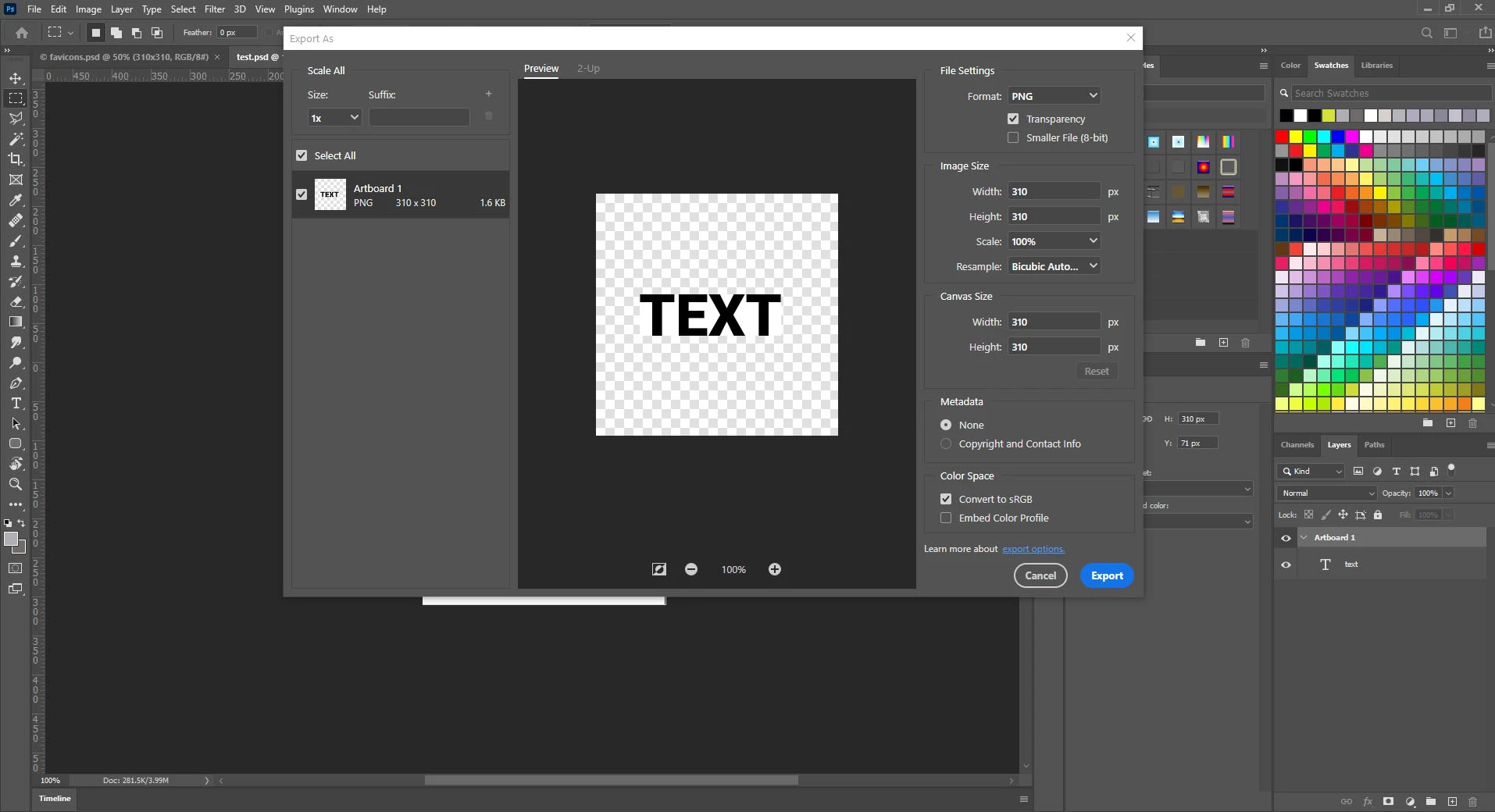
I recently updated to Adobe Photoshop 23.2.2 and the problem has been solved. I no further experience the issue. I recommend to do so for others experiencing the same issue.


I'd like to add that I use the same machine and OS that I used since I initially experienced the issue.


19 replies

Participant
April 24, 2025

select artboard background color -> Transparent


Inspiring
October 12, 2024

The issue has returned in Version 2024 - 25.12.0 20240903.r.806 055f5e9 x64


PLEASE FIX ASAP!

Known Participant
October 12, 2024

Ugggh. I must not be on that version yet. Thanks for the heads up! Yes, Adobe, please fix.
tmsr

Participant
August 13, 2024

I dont think the problem is with the software itself; I think you need to choose transparent mode from the top.


Douglas Stefani
Participating Frequently
July 16, 2023

It worked for me! I put all the layers inside a group and export this group to PNG (right click on the group > Quick export as PNG)

Participant
January 31, 2023

For those experiencing this issue still in current versions, ungrouping the artboards did the trick for me and then it exported as normal. 

Participant
September 28, 2022

Might be a bit late for this, but i encountered the same problem, and here is the solution in 2 steps.

The solution: 1- Select Artboard Tool, 2- Change bg color to transparent

Despite all the other options in preferences might be configured right, if this one isnt, then it will always export the BG.

Hope it helps, Cheers 😉

chuckm50660037
Participant
June 21, 2023

I could not find the Artboard tool, thanks!!!

c.pfaffenbichler
Community Expert
Community Expert
June 22, 2023

Where haveyou actually looked? 

If it is not in its default position check Edit > Toolbar

Melise5E8B
Participating Frequently
July 11, 2022

1. Photoshop 23.4.1 (began having this issue with the previous version of Photoshop)

2. Windows 10 machine

3. I create an image with a transparent background, and then export to PNG with transparency option selected.

4. I anticipate that the final PNG will have a transparent background, but instead it has a white background as if it was a JPG. The image itself does not have a background.


I have attached a screenshot and the document itself.

Jeff Arola
Community Expert
Community Expert
July 12, 2022

What method are you using to save the png out of photoshop?

farshadsadri
farshadsadriAuthorCorrect answer
Inspiring
May 1, 2022

I recently updated to Adobe Photoshop 23.2.2 and the problem has been solved. I no further experience the issue. I recommend to do so for others experiencing the same issue.


I'd like to add that I use the same machine and OS that I used since I initially experienced the issue.


Inspiring
October 12, 2024

I am using Version 25.12 and the issue HAS NOT BEÈN RESOLVED!

Participant
April 28, 2022

It's bugged color profile. Go to Edit > Assign Profile and pick any other profile, or even "don't color manage" option and click "Ok". After that, you can come back to your original profile


Participant
October 31, 2023

Didn't work. The file still comes out with a white background when exported as a PNG. Lol. 

Participant
April 22, 2022

I had the same problem. Finally found the problem today. The reason your transparent layers are not exporting transparent is that it's under an artboard. All you need to do is go under your layers and right-click on the artboards group (it will be at the top of your list of layers) and select "Ungroup Artboards".

Participant
July 23, 2023

Sorry, I didnt get it at all. Under my layers there is nothing like that. The artboard group is on top of my layers

c.pfaffenbichler
Community Expert
Community Expert
July 23, 2023

Could you please post screenshots with the pertinent Panels (Toolbar, Layers, Options Bar, …) visible?