



Answered
PNG export from Photoshop removes transparent background
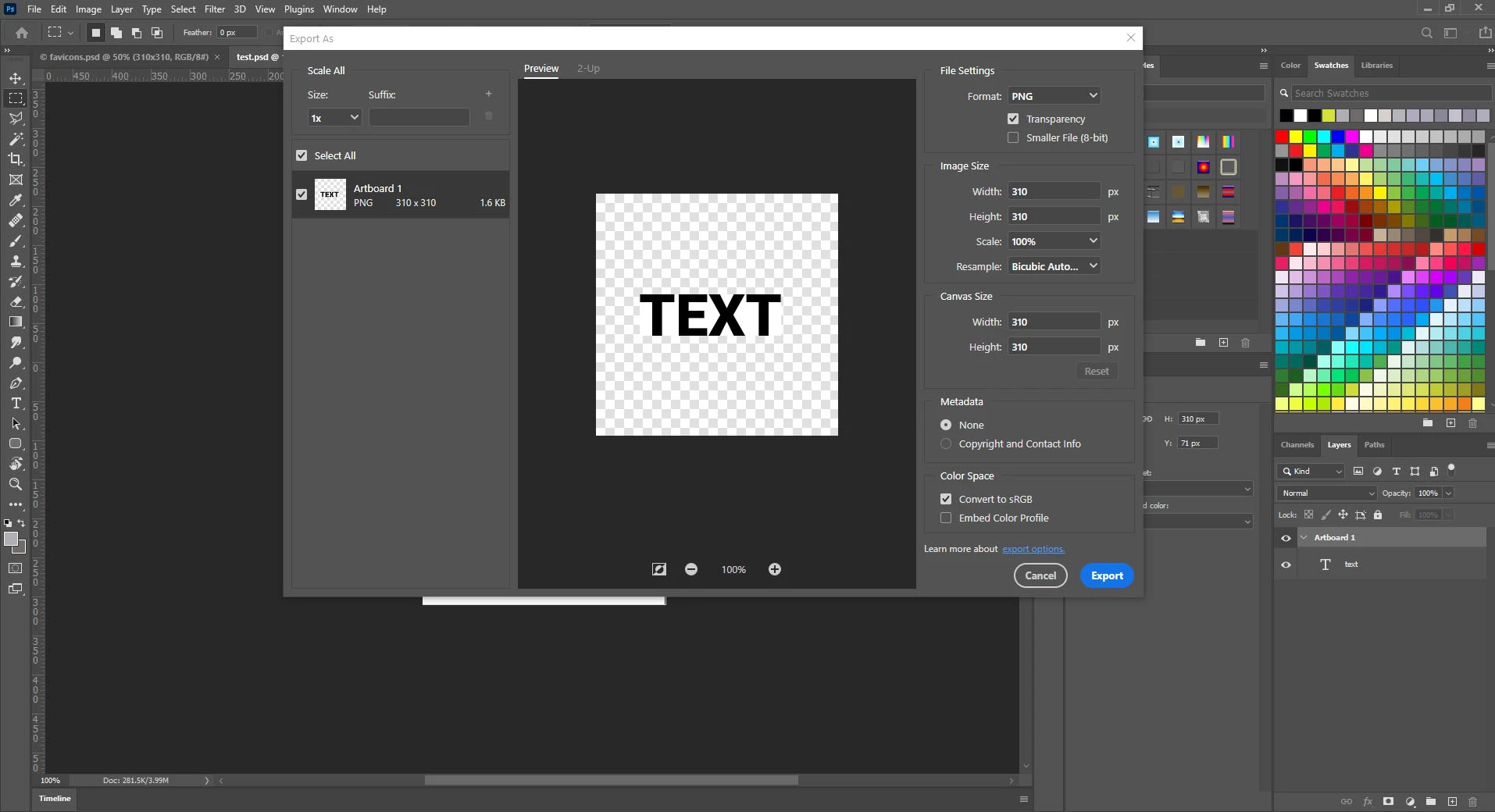
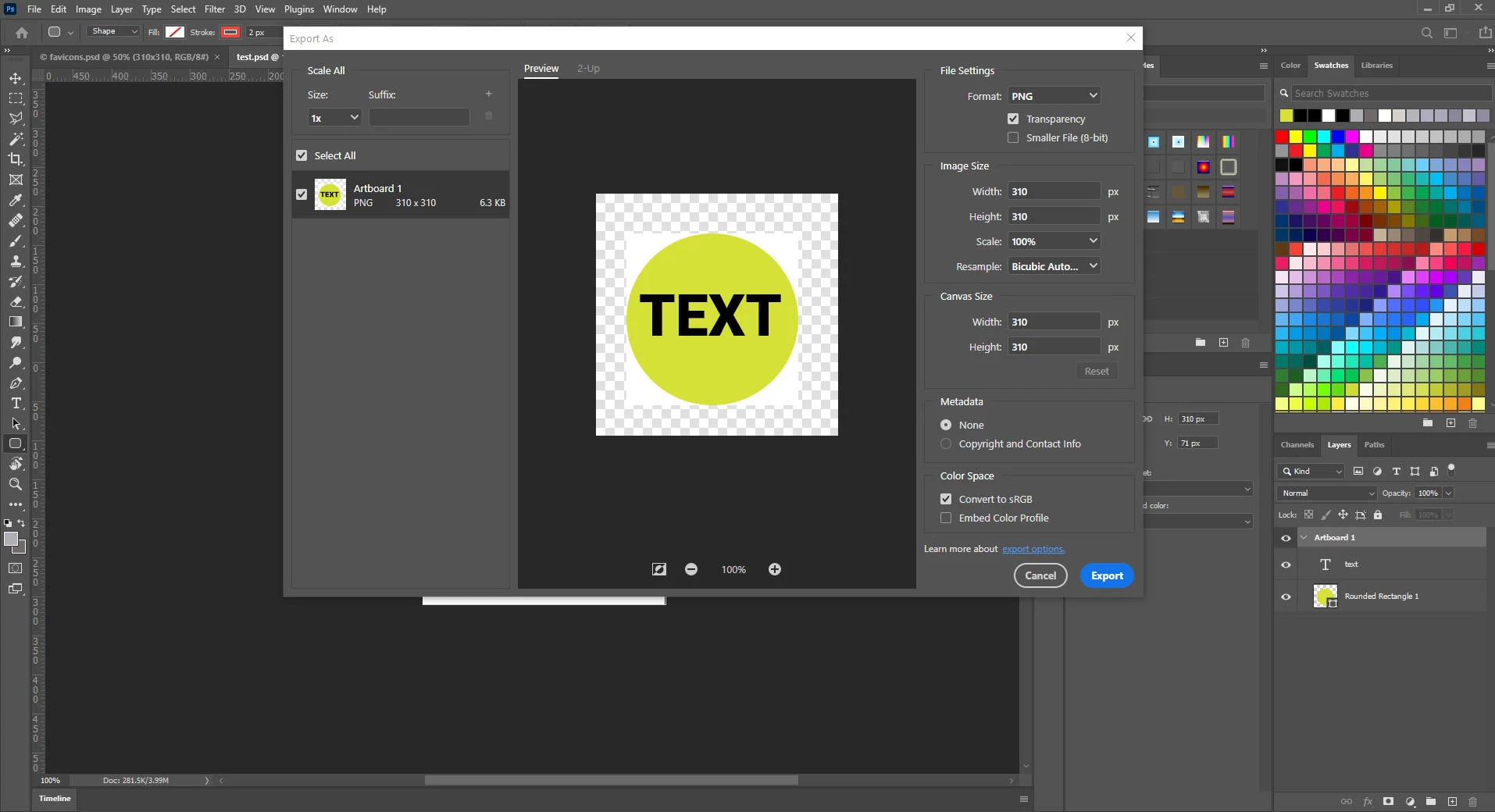
The same happens to me, and it drives me mad! Without any logical reason the transparent export draws a white rectangel around my transparent objects!
Please note the added white rectangle around the transparent objects! This issue just happened as I updated to Photoshop 22.0.1. I experience the same problem even with files I exported correctly with previous versions. This issue just happens when I export from artboards, when I don't use artboards everything is fine and it only happens when I set the artboard background to transparent, i.e. when I choose a color for background transparent objects just work fine.
This problem has frustrated me so much I installed the previous photoshop version to be able to deliver my work!!
PLEASE HELP!

 AdChoices