


Participant
February 9, 2024
Question

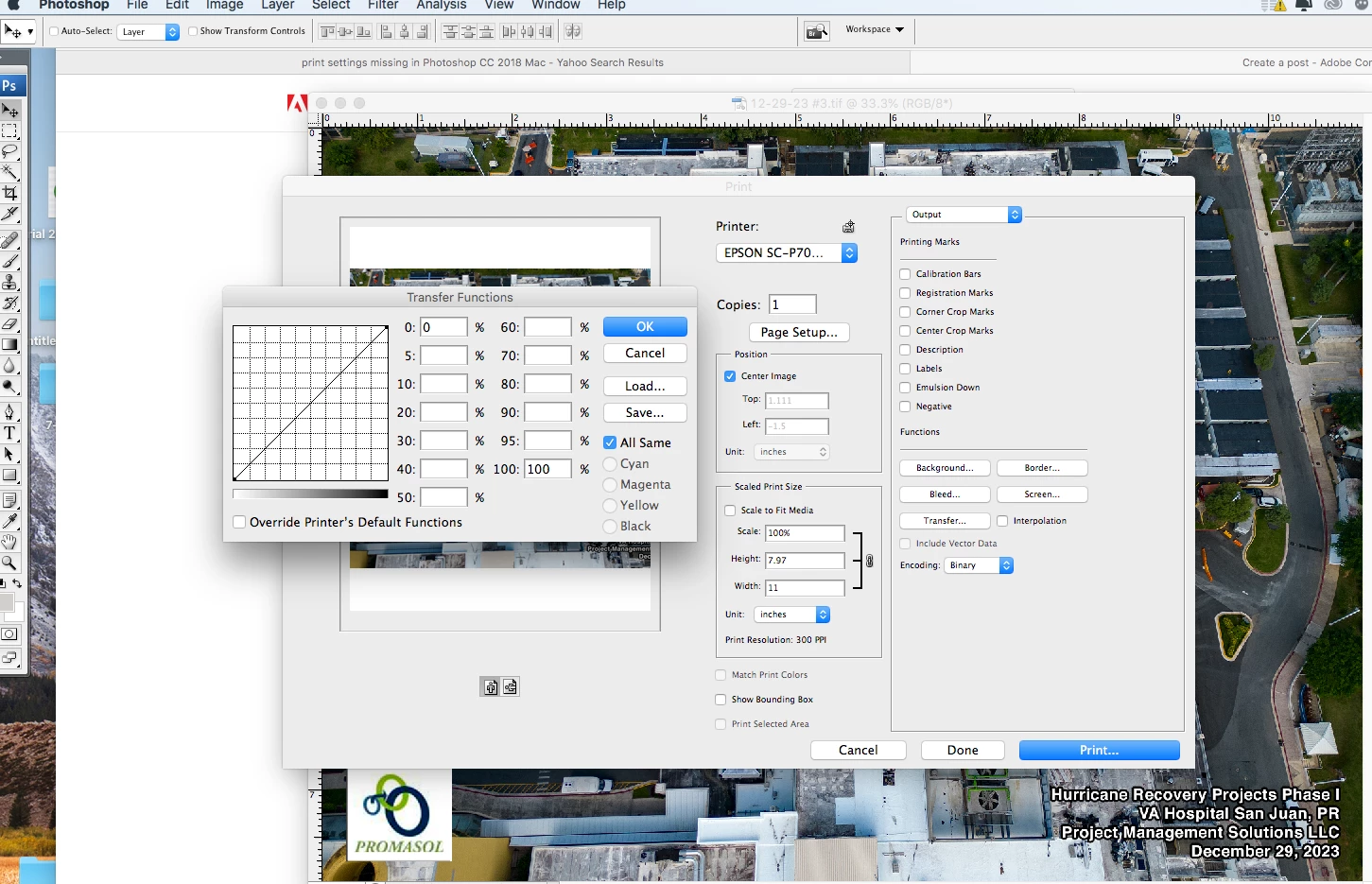
Print dialog older Photoshop version CS3

  • February 9, 2024
  • 1 reply
  • 228 views

Is there a way to apply changes to the output/transfer print settings that Photoshop CS3 offers in newer Photoshop version 19.2 ? or this feature is no longer available?

MacOS catalina 10.15.7

Epson Surecolor P700

Thanks


This topic has been closed for replies.

1 reply

Conrad_C
Community Expert
Community Expert
February 9, 2024

I think those features were removed many years ago. They were from a time when it was more common to print directly to PostScript printers, but now that printing RIPs use screening that’s more advanced than basic halftone dots, it’s typical to set screening options at the RIP. Transfer functions were largely moved into printer profiles. Also, my understanding is that screening and transfer functions don’t even work on non-PostScript printers, unless a specialized PostScript-based software RIP is used to drive the printer. But that is now very rare, if it still happens at all.


What is the goal of using a transfer function in your work today, with a non-PostScript inkjet printer such as an Epson P700? There might be a more effective way to do that now.


Adobe does have a help article about it, but it does not provide a way to make those functions available in the Print dialog box:

Issue: No Transfer Functions or Halftone Screen options