



Problem With Adjustment Tools in 23.2.0 Photoshop version
Hi all,
(Photoshop 23.2.0 / Macbook Pro 16gigs Ram with ssd. MacOS Big Sur)
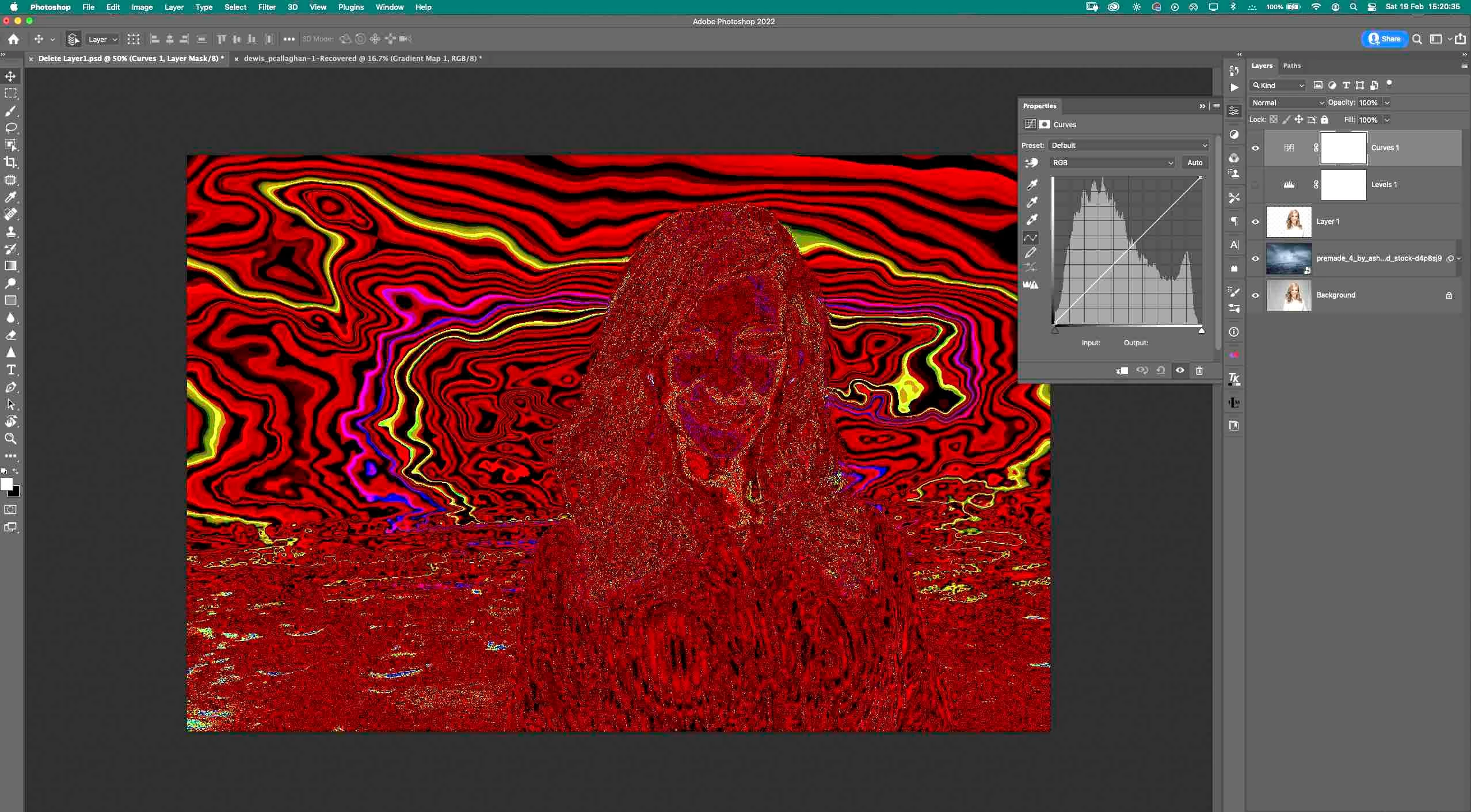
Ive updated to latest version of Photoshop couple of days ago. Since then I started gettingb regular prtoblems with adjustment tools. The problem in question looks very strange.
1: When I add any of the adjustment tools to the open doc the whole image turns into itself with colors. It looks like an inverted picture but with different colors.
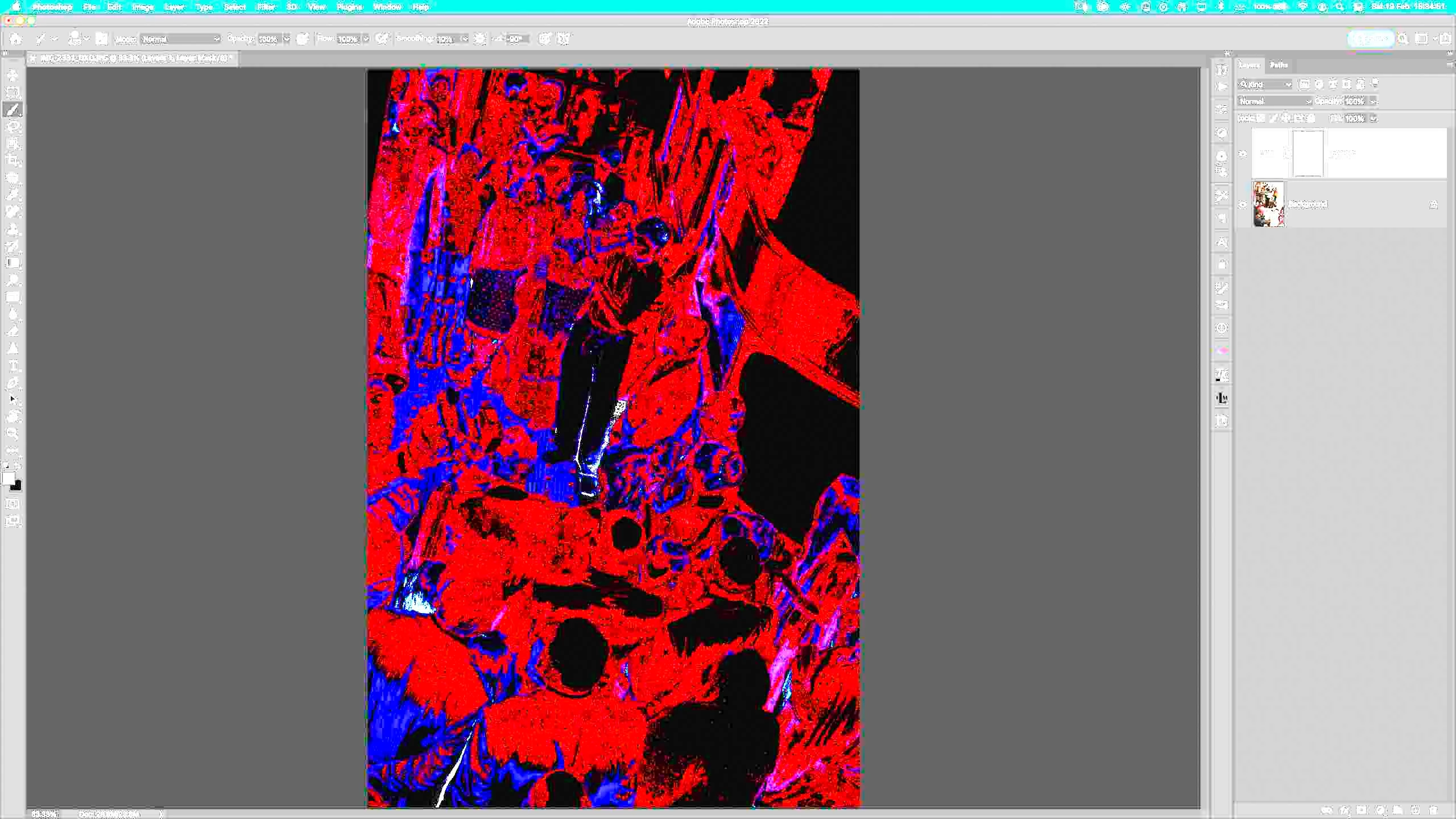
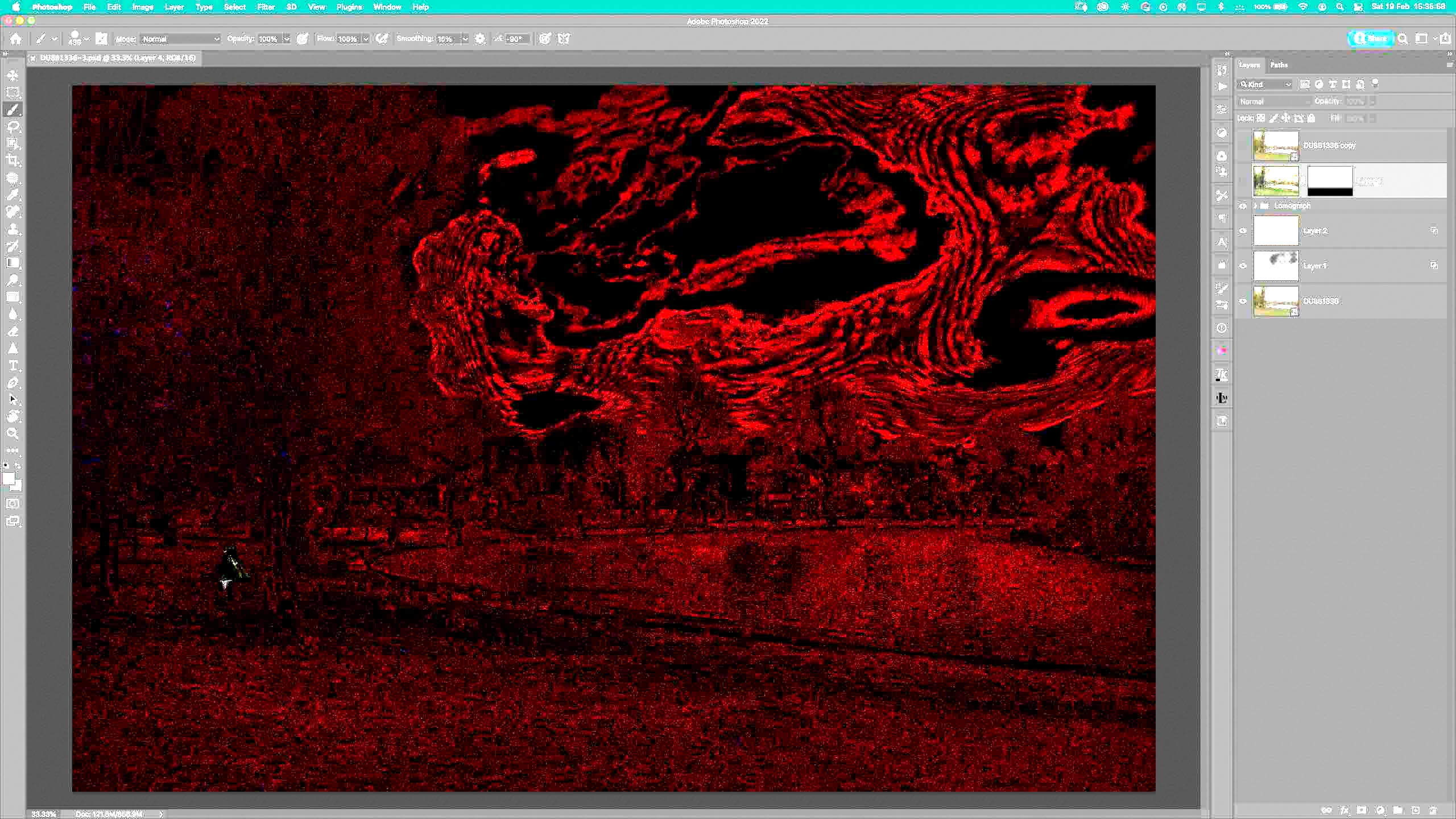
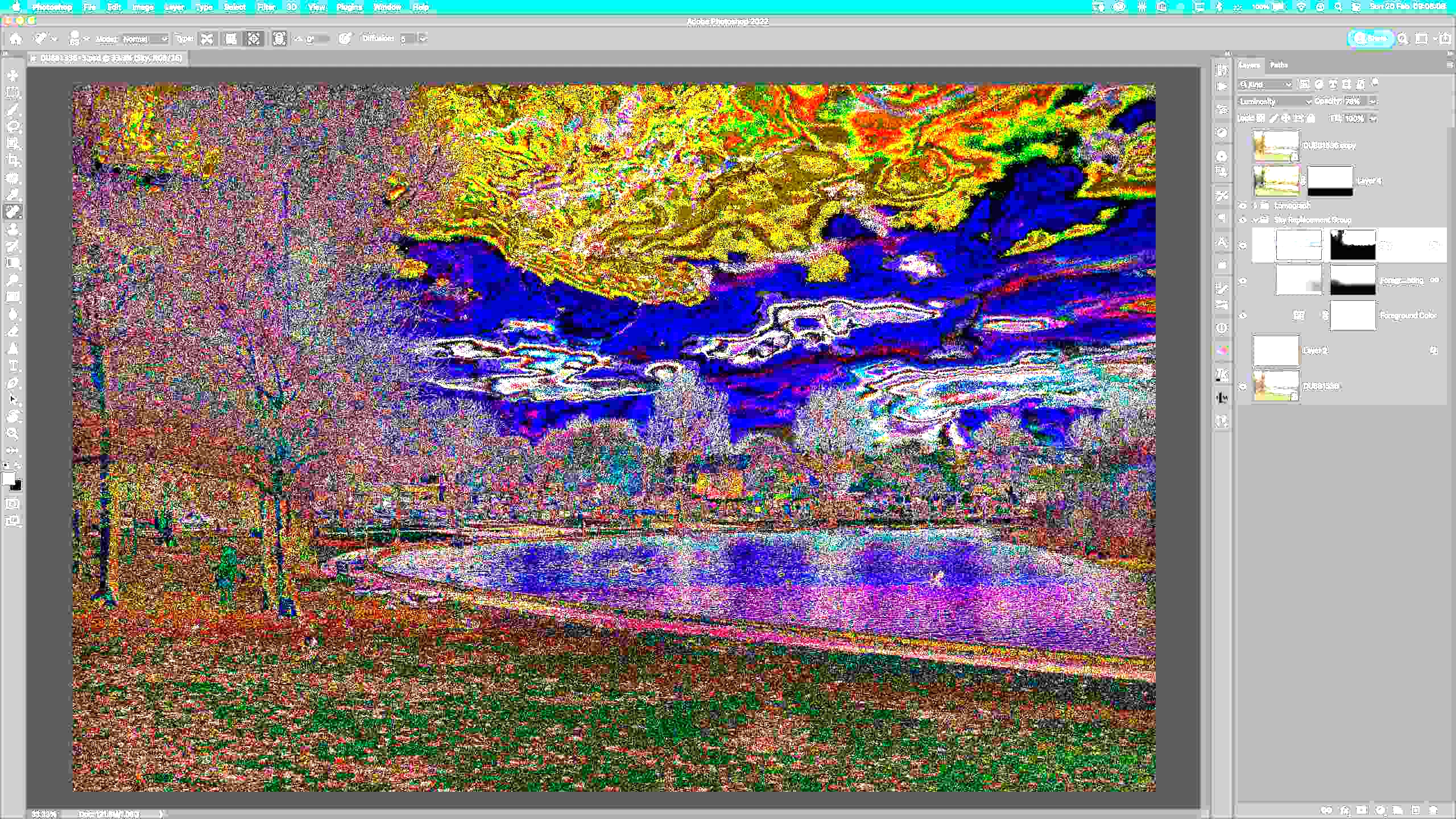
2: When I upload any multilayered Psd that had adjustment tool as a part of it, it appears automatically in a way I described in Nr 1 (also see pictures)
3: Problems goes away if I disable&enable (or move sliders) an adjustment tool. Also, (as described in nr 2) when I open an image that exhibits this problem, I need to disable&enable any Adjst tool added to that particular image in order to get the image look normal again.
Here are some images in order for you to see whats happening:
Anyone knows how to fix this problem?
 AdChoices