Participant
August 13, 2021
Question

problem

  • August 13, 2021
  • 2 replies
  • 200 views

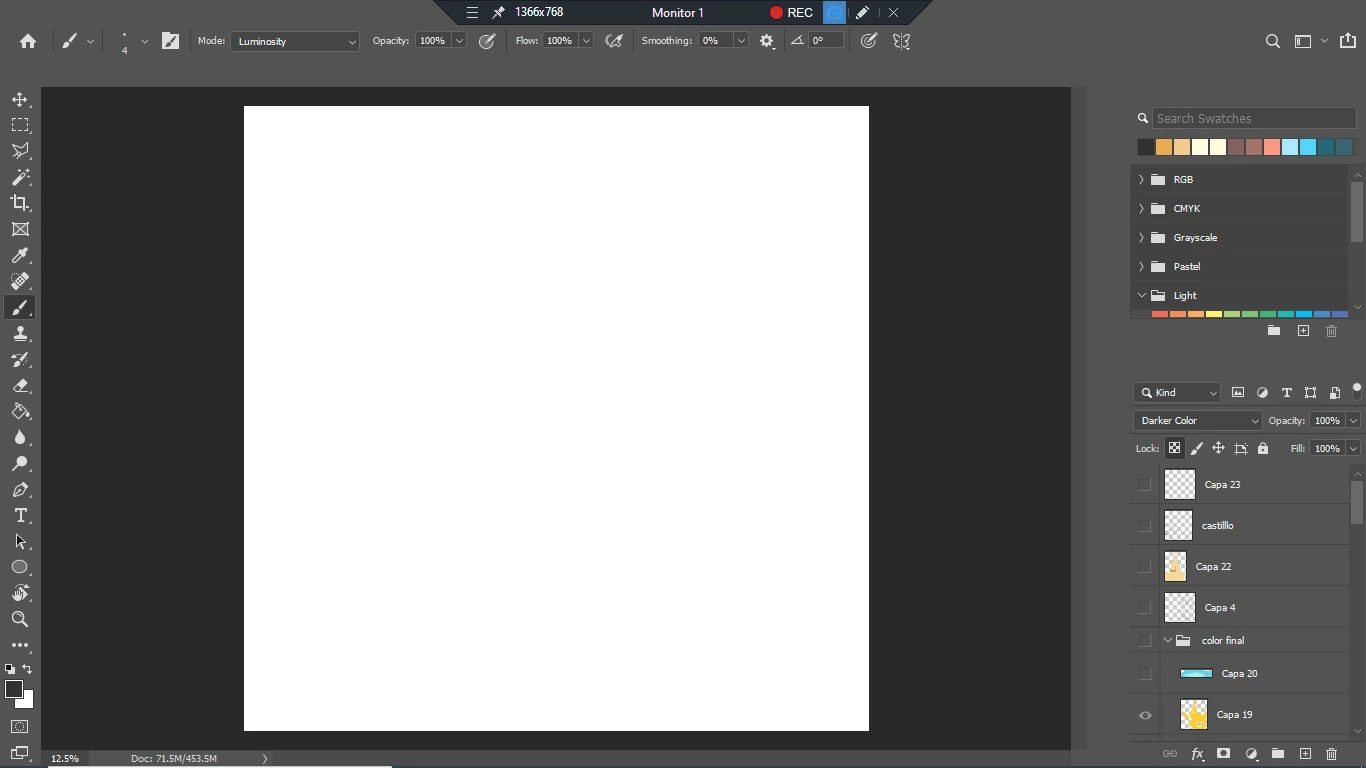
hello anyone know how to fix this problem

This topic has been closed for replies.

2 replies

davescm
Community Expert
Community Expert
August 13, 2021

What version of Photoshop are you using?


You show two GPUs, neither of which meets the minimum specs for the current version of Photoshop.
https://helpx.adobe.com/photoshop/system-requirements.html


If using the latest version 22.4.3 You may be able to get it working by :

a. Install the latest drivers for both GPUs

b. Forcing Photoshop to use the AMD GPU only (see section 7 here)

https://helpx.adobe.com/photoshop/kb/troubleshoot-gpu-graphics-card.html#Troubleshoot

c. Going to Preferences > Technology Previews and checking "Deactivate Native Canvas" then closing and restarting Photoshop


Dave

Participant
August 14, 2021

Thanks for answering, I have already done almost everything in the link but I still have not been able to solve it, if I remove the amd radeon card then it works

Kevin Stohlmeyer
Community Expert
Community Expert
August 16, 2021

What version of Photoshop is this?

You can't run Photoshop with two active drivers.

This link will go over how to resolve without removing the physical cards:

https://helpx.adobe.com/photoshop/kb/troubleshoot-gpu-graphics-card.html#multiple-gpus 

Kevin Stohlmeyer
Community Expert
Community Expert
August 13, 2021

Check your graphics card under Preferences/Performance.

Is it detecting your Graphics card?

You can try turning off the GPU settings in that window if it is detecting a card. If not, that is your issue.

What graphics card(s) do you have installed?

Participant
August 13, 2021

Thank you very much for answering, I have these. I already downloaded the drivers